Skip to content
TechBone
Oppo

Oppo: Turn Autospace After Punctuation On or Off

Typing fast on your Oppo phone and ending up with double spaces or missing spaces after periods and commas? Gboard's autospace feature inserts a space automatically after punctuation, which can clash with your own typing habits or with pasted text that already has spacing.

5 min6 steps
Version

Step by step

1 / 6

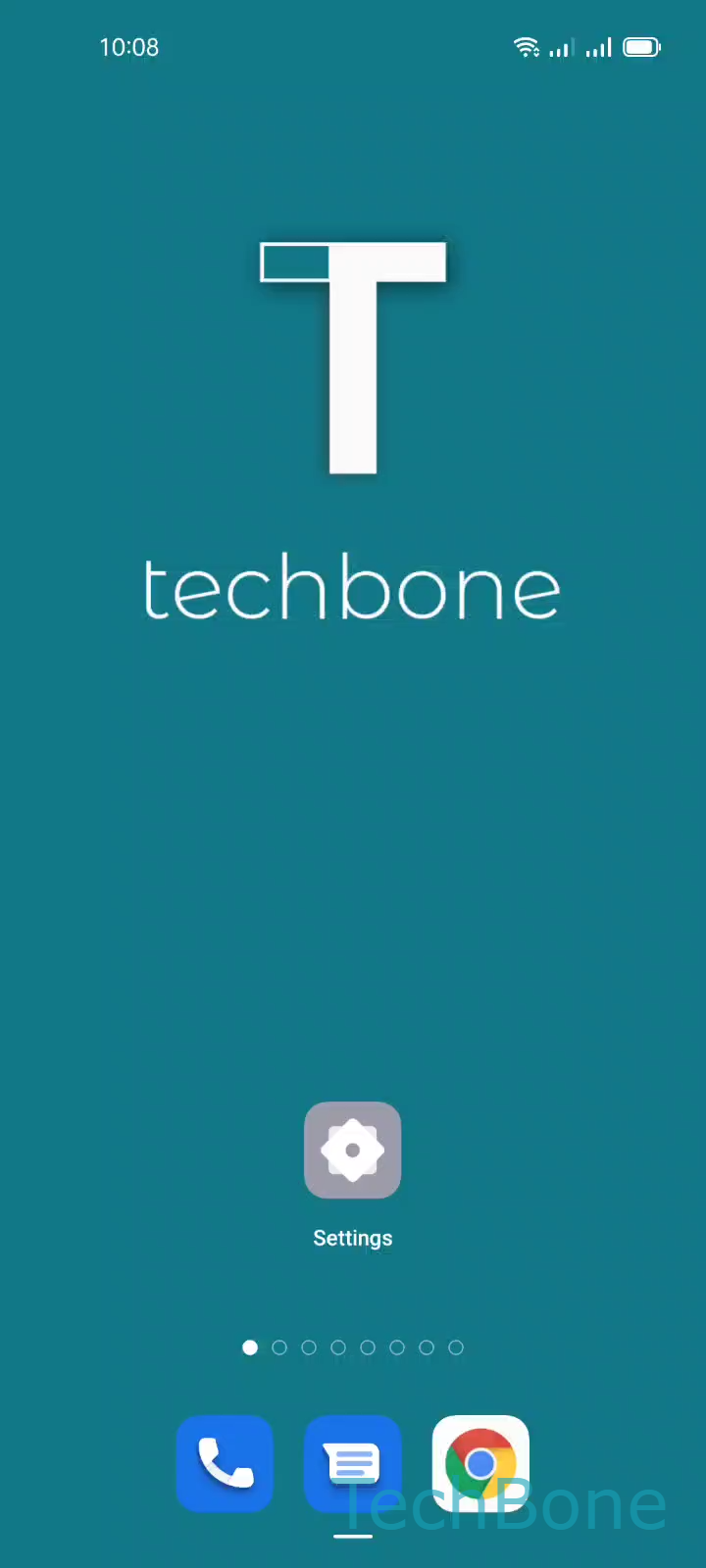
Step 1 of 6: Tap on **Settings**

1

Tap on Settings

Live simulator

Android 11 · Coloros 11
Autospace After Punctuation Toggle – Coloros 11: step 1 – Tap on Settings
Tap on Settings
1 / 6

Scroll or use the buttons for the next step

Feedback

Was the guide correct?

Help others: confirm the path or report a problem.

89

Confirmations

Forum verified this path

Oppo

Autospace After Punctuation Toggle auf Oppo

Gboard on your Oppo phone can automatically add a space after you type a period, comma, or question mark. This speeds up typing, but it can cause problems if you already add spaces manually or if you paste text that has its own punctuation spacing.

The setting lives inside the keyboard app itself, not in the general Oppo settings, because Gboard manages its own text correction rules separately from Coloros. Turning the option off gives you full control over spacing and stops unexpected extra spaces in messages, URLs, or code snippets.

Menu path

Go to Tap on SettingsTap on Additional settingsTap on Keyboard & input methodTap on GboardTap on Text correctionEnable or disable Autospace after punctuation.

Switch the toggle on to let Gboard insert spaces automatically, or switch it off if you prefer typing spaces yourself. The change applies right away in every app that uses Gboard as the keyboard.

Frequently asked questions

If Enable or disable Autospace after punctuation is on and you also tap the spacebar out of habit, Gboard inserts two spaces. Turn the option off inside Tap on Text correction to stop this.