Skip to content
TechBone
Oppo

Oppo: Change the Security Question for Your Privacy Password

If you cannot remember the answer to your privacy password security question, you lose the only way to reset a forgotten privacy password on your Oppo phone. ColorOS ties the entire recovery process to that single question and answer, so a weak or forgotten one leaves protected apps and files out of reach. Swapping in a question you will actually remember closes that gap before it becomes a problem.

3 min4 steps
VersionAndroid 11 · Coloros 11

Step by step

1 / 4

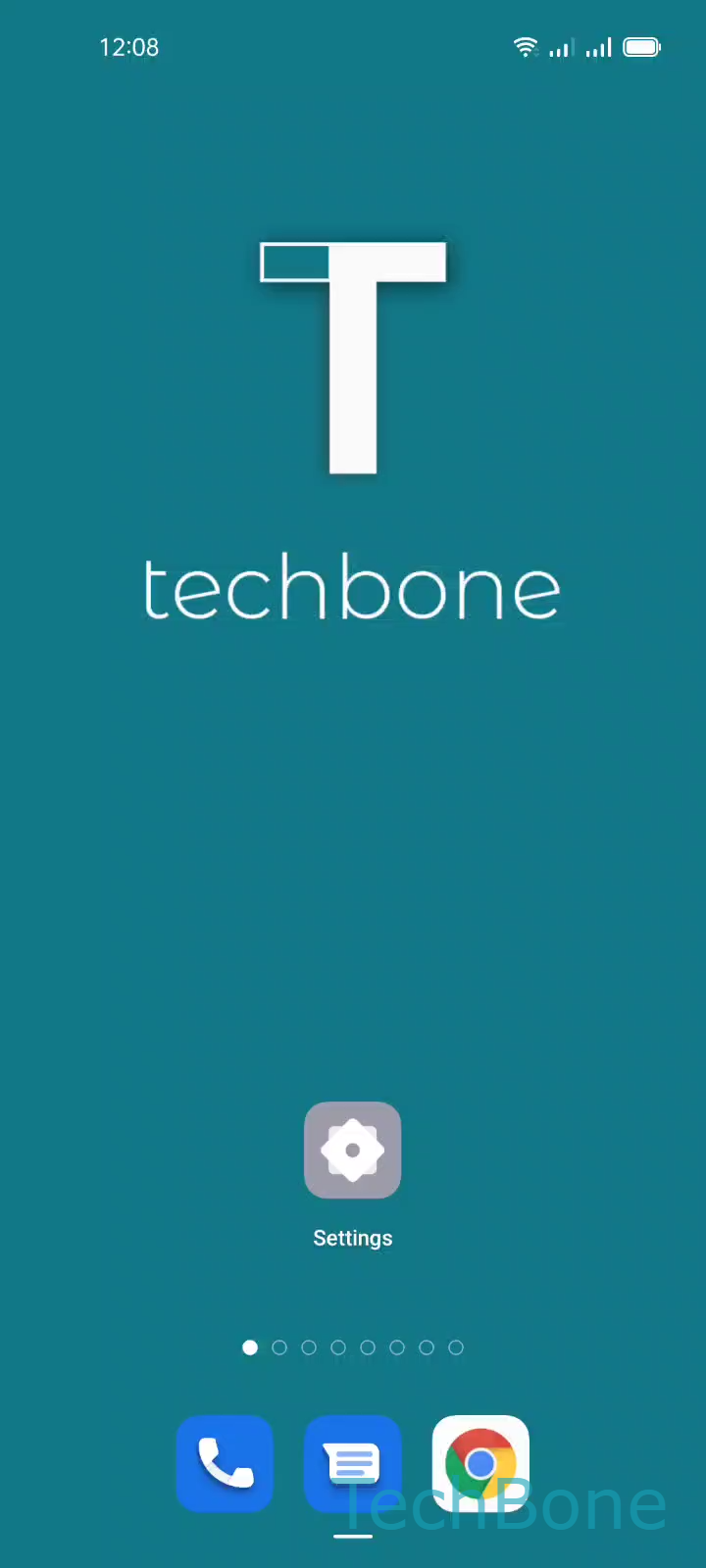
Step 1 of 4: Tap on **Settings**

1

Tap on Settings

Live simulator

Android 11 · Coloros 11
Change Security Question for Privacy Password – Coloros 11: step 1 – Tap on Settings
Tap on Settings
1 / 4

Scroll or use the buttons for the next step

Feedback

Was the guide correct?

Help others: confirm the path or report a problem.

60

Confirmations

Forum verified this path

Oppo

Change Security Question for Privacy Password auf Oppo

The privacy password on Oppo phones protects locked apps, hidden files and other private content. During setup, ColorOS forces you to pick a security question and answer, since this is the only built-in way to recover the privacy password if you ever forget it.

If that question is easy to guess or the answer is easy to forget, the recovery mechanism becomes useless or, worse, a security risk. Changing it later keeps the recovery path working without resetting the privacy password itself.

To update it, open Tap on SettingsTap on Password & biometricsTap on Privacy passwordTap on Security question and follow the instructions on screen. You will need to confirm your current privacy password before ColorOS lets you pick a new question and answer.

This only changes the recovery question, not the privacy password itself. If you have already forgotten the current privacy password and cannot pass that confirmation step, you need the recovery flow tied to your existing security question instead of this menu.

Frequently asked questions

Yes. ColorOS asks you to confirm the current privacy password before it lets you set a new security question, since this step in Privacy passwordSecurity question is treated as a sensitive change.