
Oppo
Change Monthly Data Limit auf Oppo
ColorOS tracks how much mobile data you use each billing cycle and can shut off mobile data completely once you reach a limit you define yourself. This protects against surprise overage charges but also means data stops working without warning if the number is set too low or left over from a previous plan.
Where the limit lives
The setting sits inside the mobile data usage tracker, separate from any limit enforced by your carrier. Changing it on the phone only affects what Android reports and controls locally, not your actual contract.
How to adjust it
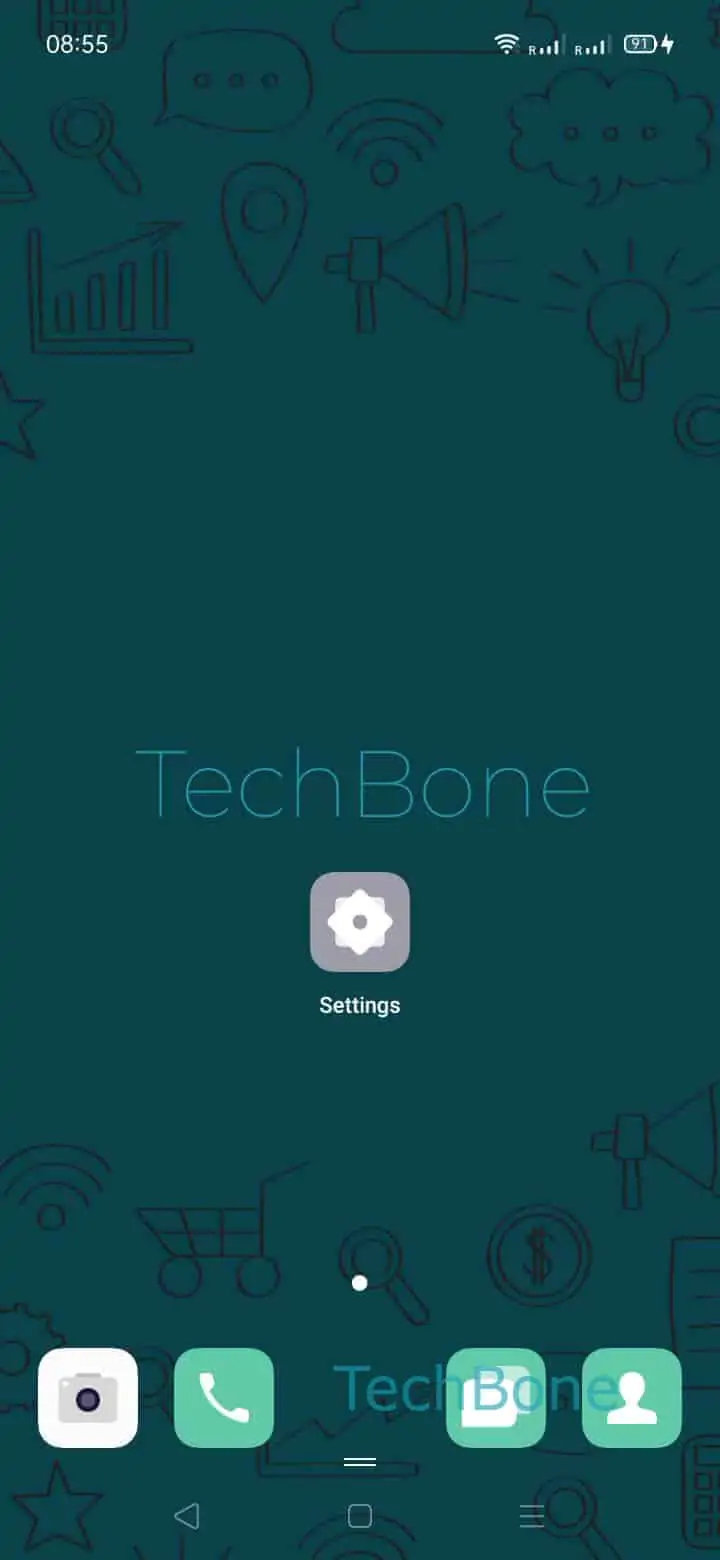
Go to Open the Settings ➔ Tap on SIM card & mobile data ➔ Tap on Data usage ➔ Tap on Mobile Data Limit ➔ Tap on Data limit ➔ Adjust the settings and tap on Save.
Set the value to match your actual plan, or raise it if you keep hitting a wall before the month ends.
When this is not the fix
If mobile data stops working before you even approach a reasonable limit, check whether a data saver or app-specific background restriction is active instead. The limit only matters if it was configured with a number too small for your real usage.
Menu wording can differ slightly across Oppo models, but the tracker itself works the same way everywhere ColorOS is installed.