Skip to content
TechBone
Oppo

Oppo: Change the Default Messaging App

If Messenger or another chat app keeps hijacking your text messages, Coloros still only lets one app act as the default SMS handler at a time. Several installed apps can request that role, which is why replies to notifications sometimes open the wrong client. Oppo controls this behavior through a single setting in the app management area, separate from the messaging apps themselves.

4 min5 steps
Version

Step by step

1 / 5

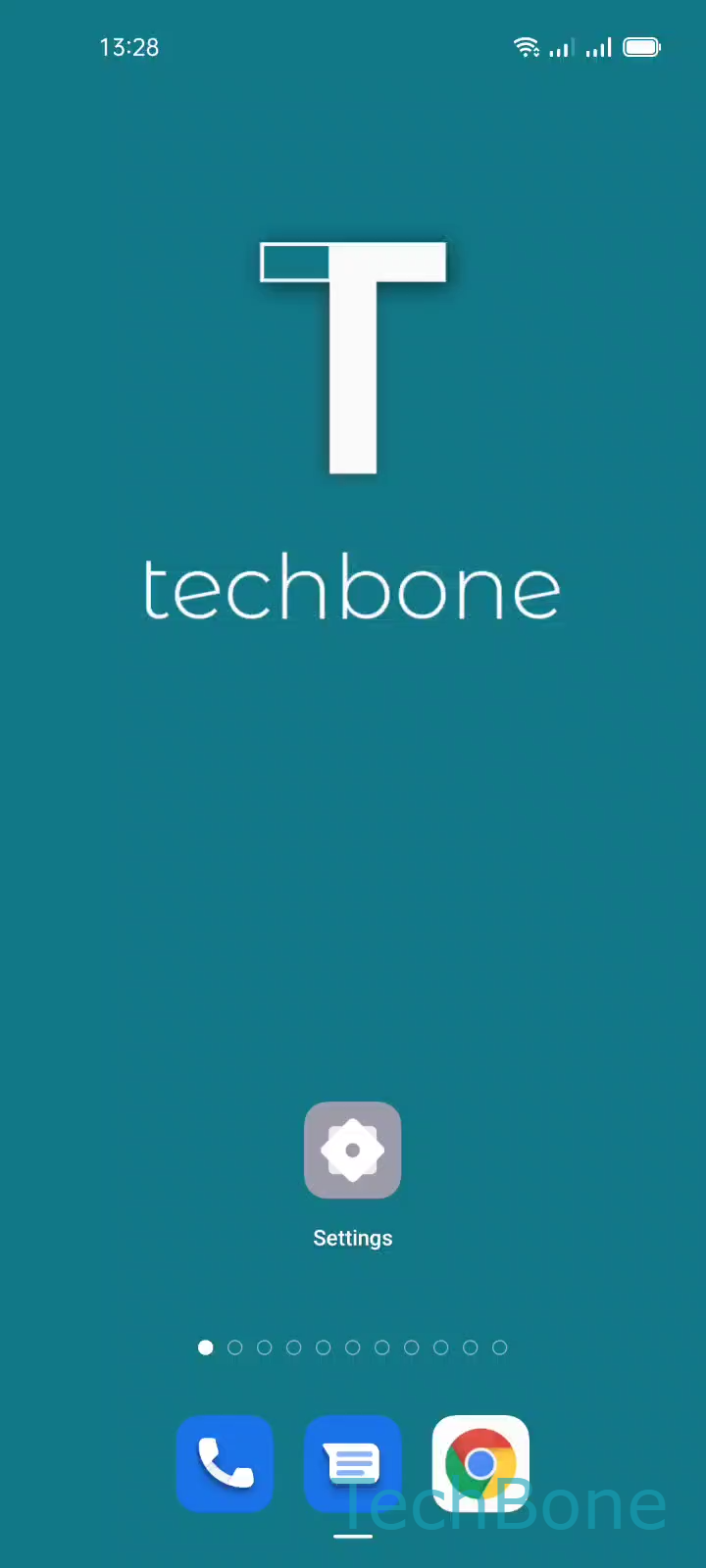
Step 1 of 5: Tap on **Settings**

1

Tap on Settings

Live simulator

Android 11 · Coloros 11
Change Default Messaging App – Coloros 11: step 1 – Tap on Settings
Tap on Settings
1 / 5

Scroll or use the buttons for the next step

Feedback

Was the guide correct?

Help others: confirm the path or report a problem.

56

Confirmations

Forum verified this path

Oppo

Change Default Messaging App auf Oppo

On Coloros, incoming texts land in whichever app Android has marked as the default SMS handler. Facebook's Messenger, Google Messages, and several other chat apps can all register as an SMS handler, but only one of them controls the inbox at a time. When more than one app requests that role, replies to text notifications can pop open the wrong client instead of the one you actually use.

The setting that decides this lives inside Oppo's app management area, not inside the messaging apps themselves. Go to Tap on SettingsTap on App managementTap on Default appsTap on SMS appSet the Default SMS app. Pick the app you want to handle every incoming and outgoing text message.

Switching the default does not delete existing conversations. Older messages stay stored in whichever app previously handled them, so you may need to open that app once to check history. If a third app keeps reasserting itself as default after every reboot, uninstall it or revoke its SMS permission instead of repeating the switch.

Frequently asked questions

Messenger requests SMS permission on install and keeps prompting until you either grant it or change the default in Tap on SettingsTap on App managementTap on Default appsTap on SMS app.