
Skip to content
TechBone
Oppo

Oppo: Show Short Calendar Entries as 30-Minute Blocks

When a day view is packed with quick appointments, entries lasting just a few minutes can shrink into thin slivers that are hard to read or tap. The Google Calendar app on Oppo phones has a display option that stretches these short entries so they take up the same visual space as a standard half-hour slot. Without it enabled, brief tasks and reminders often get buried between longer events.

4 min5 steps
VersionAndroid 11 · Coloros 11

Step by step

1 / 5

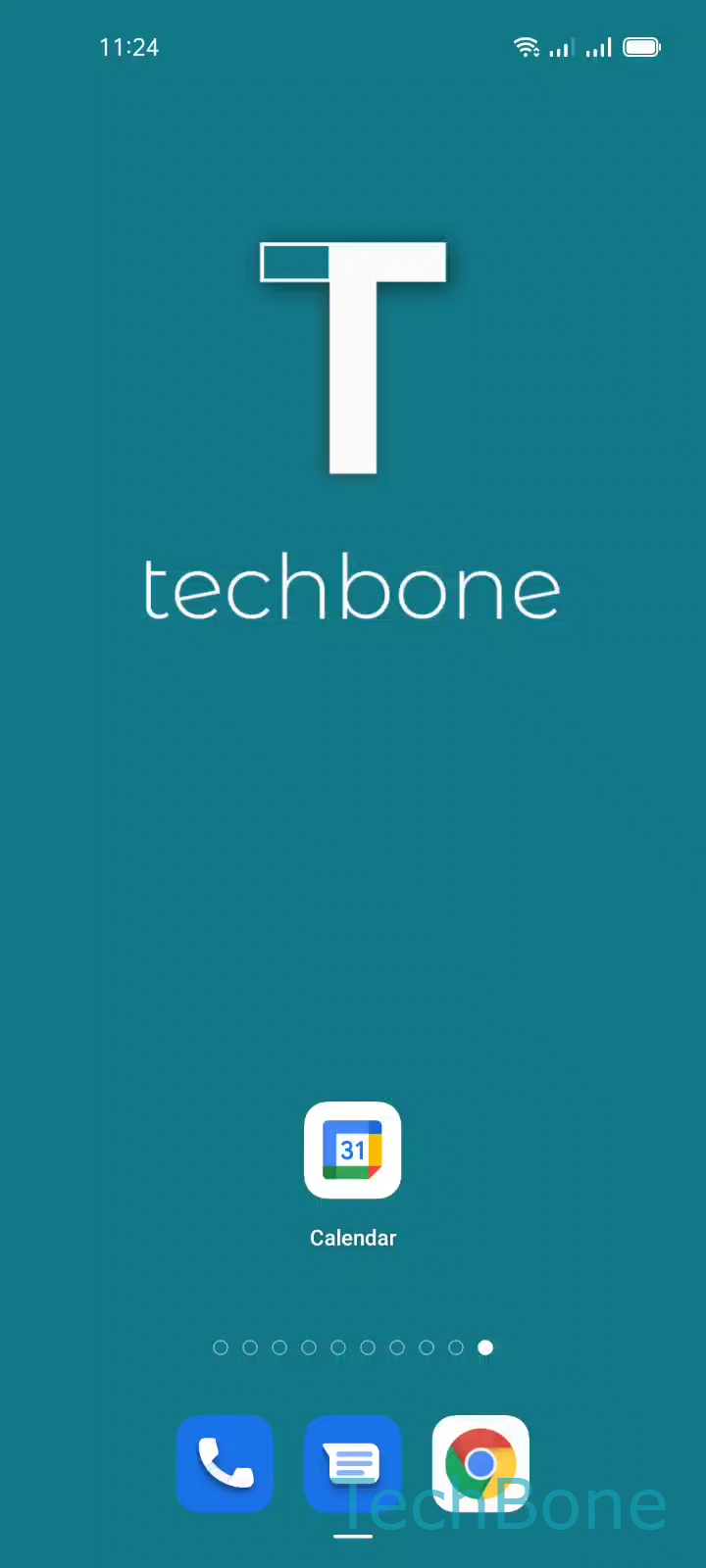
Step 1 of 5: Tap on **Calendar**

1

Tap on Calendar

Live simulator

Android 11 · Coloros 11
Display Short Calendar Entries as 30-Minute Blocks – Coloros 11: step 1 – Tap on Calendar
Tap on Calendar
1 / 5

Scroll or use the buttons for the next step

Feedback

Was the guide correct?

Help others: confirm the path or report a problem.

69

Confirmations

Forum verified this path

Oppo

Display Short Calendar Entries as 30-Minute Blocks auf Oppo

Short appointments, like a 15-minute call or a quick reminder, often render as thin slivers in the Calendar app day and week views. This makes them hard to tap accurately or read at a glance.

Google Calendar on Oppo phones includes a setting that normalizes the visual height of any entry shorter than 30 minutes, so it takes up the same vertical space as a standard half-hour block. This does not change the actual duration stored for the event; it only adjusts how the entry appears on screen.

To turn this behavior on or off, open the Calendar app and follow this path:

Tap on CalendarOpen the MenuTap on SettingsTap on GeneralEnable or disable Display shorter entries the same size as 30-minute entries

Enable the option if your day is filled with brief tasks and you need every entry to stay tappable. Disable it if you prefer a compact view where entry height reflects the real duration of each event, which helps when you rely on visual gaps to judge free time between meetings.

Frequently asked questions

No. It only affects the visual height of the entry in day and week view; the start and end time saved for the event stay the same.