Skip to content
TechBone
Oppo

Oppo: Enable Developer Options in ColorOS

If a sync feature, app debugging tool, or advanced network setting is missing from your Oppo phone, it is often hidden behind a menu that is not visible by default. This menu, meant for app testing, stays off unless you specifically trigger it in the phone's build information. Without it enabled, options like USB debugging or forced GPU rendering simply do not appear in Settings.

3 min4 steps
Version

Step by step

1 / 4

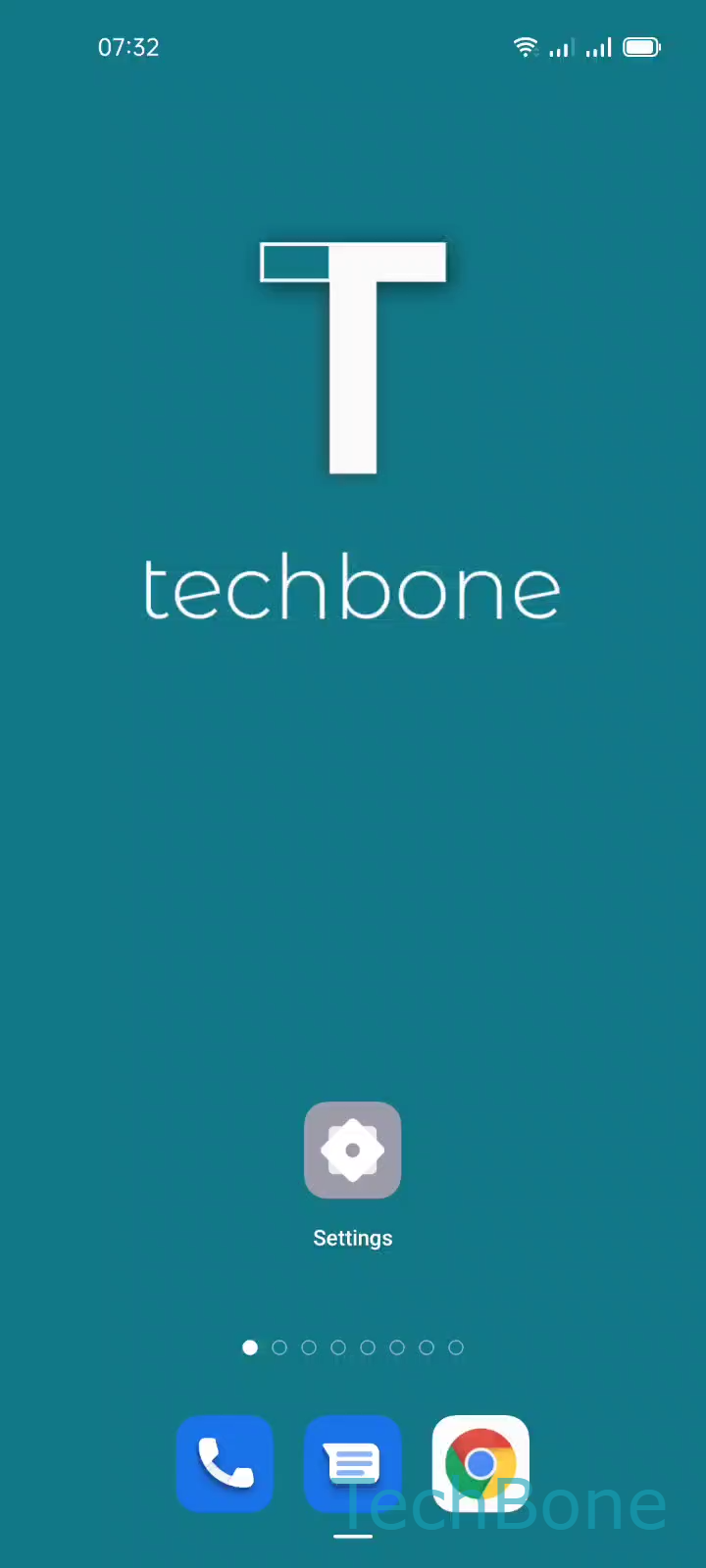
Step 1 of 4: Tap on **Settings**

1

Tap on Settings

Live simulator

Android 11 · Coloros 11
Enable Developer Options – Coloros 11: step 1 – Tap on Settings
Tap on Settings
1 / 4

Scroll or use the buttons for the next step

Feedback

Was the guide correct?

Help others: confirm the path or report a problem.

21

Confirmations

Forum verified this path

Oppo

Enable Developer Options auf Oppo

Developer options stay hidden on Oppo phones running ColorOS by default. This is intentional, since the menu exposes settings meant for app testing, USB debugging, and low-level system behavior that most people never need.

Some features outside app development also live in this menu. Forcing background app limits, adjusting animation speed, or enabling certain sync behaviors all require it turned on first.

How to unlock it

Go to Tap on SettingsTap on About phoneTap on VersionTap seven times on Build number. After the seventh tap, a confirmation message appears and a new Developer options entry shows up in Settings.

Once active, be careful with toggles inside this menu. Options like USB debugging or forced hardware acceleration can affect battery life, app stability, or device security if changed without a clear reason.

If you only need a single sync or notification fix, check the regular Settings app first. Developer options should stay a last resort, not a routine stop.

Frequently asked questions

Make sure you are tapping directly on the number itself under Version, not on the label text next to it. On some Oppo units a PIN or fingerprint prompt appears after a few taps and must be confirmed before the counter continues.