Skip to content
TechBone
Oppo

Oppo: Turn Flash Alert for Incoming Calls On or Off

If you often miss calls because your Oppo phone is face-down or the screen is off, the ringtone alone might not be enough in a noisy room. Coloros can blink the camera flash for every incoming call, but the option sits buried in the calling settings and stays off by default. Turning it on, or switching it off again if it bothers you, only takes a few taps once you know where to look.

4 min5 steps
Version

Step by step

1 / 5

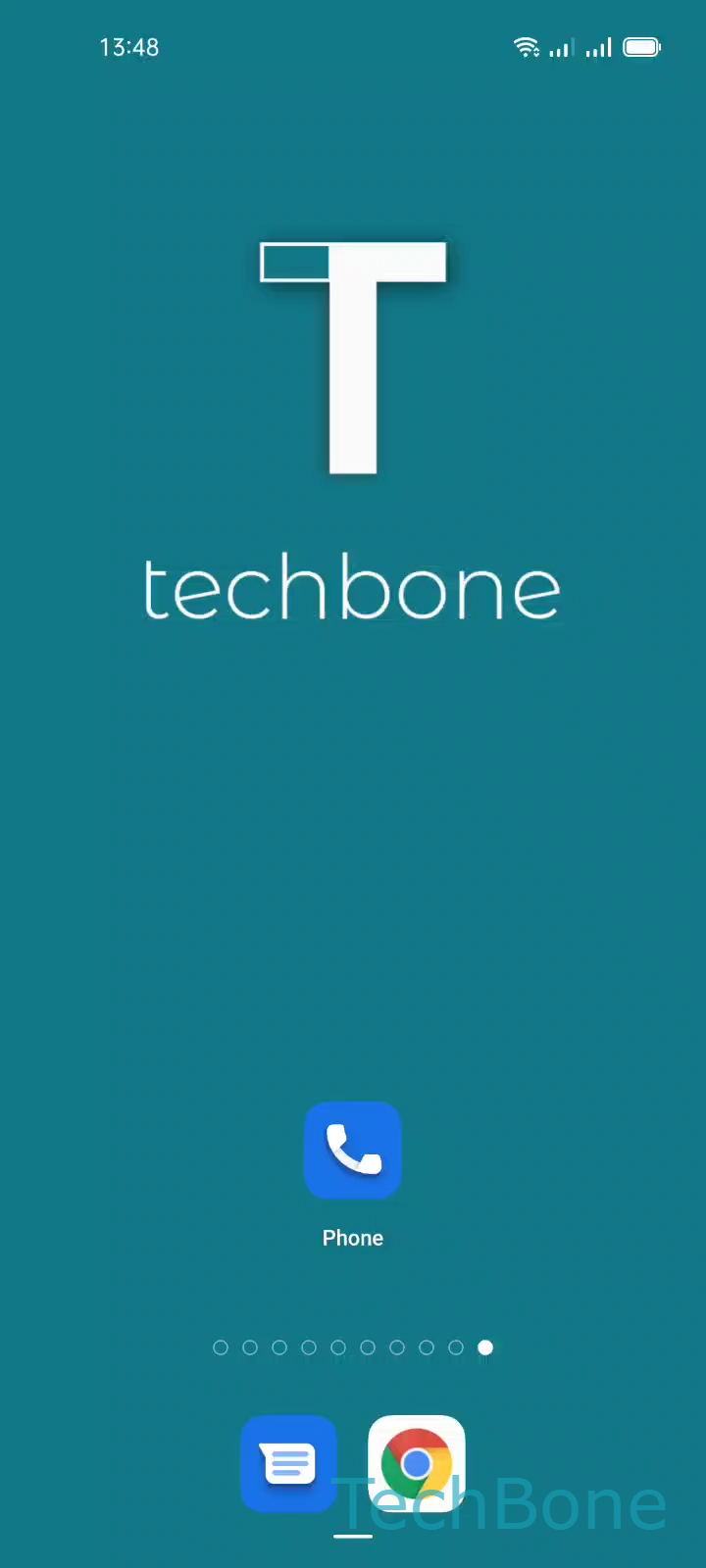
Step 1 of 5: Tap on **Phone**

1

Tap on Phone

Live simulator

Android 11 · Coloros 11
Flash Alert for Incoming Calls – Coloros 11: step 1 – Tap on Phone
Tap on Phone
1 / 5

Scroll or use the buttons for the next step

Feedback

Was the guide correct?

Help others: confirm the path or report a problem.

31

Confirmations

Forum verified this path

Oppo

Flash Alert for Incoming Calls auf Oppo

On Oppo phones, an incoming call normally relies on ringtone and vibration alone. If your phone lies face-down, sits in another room, or you work in a loud environment, both can go unnoticed.

Coloros solves this with a visual alert: the camera flash blinks in sync with the ringtone whenever a call comes in, even while the screen is off or the device is locked. This works independent of ringtone volume, so it also helps in silent mode.

The toggle lives inside the calling accounts area, not the general notification settings, which is why many users never find it:

PhoneOpen the MenuTap on SettingsTap on Calling accountsEnable or disable Flash on call

Switch it on if you regularly miss calls in noisy or dark settings. Switch it off again if the flashing feels distracting at night or if you notice it shortens battery life on standby, since the flash module briefly activates with every ring.

If your priority is silent notifications rather than visual ones, a vibration pattern is usually the better fix instead of the flash.

Frequently asked questions

If Do Not Disturb blocks the call itself, the flash will not trigger either, since it depends on the ringtone event. Check your Do Not Disturb exceptions if you want both silence and the flash to work together for selected contacts.