
Oppo
Turn On/Off Game Space auf Oppo
Game Space is the built-in game launcher on Oppo phones running Android with Coloros. It groups your installed games, blocks incoming notifications during play, and can auto-reject calls so a match does not get interrupted.
Whether Game Space actually does any of that depends on a separate switch inside its settings: Game Assistant. If Game Assistant is off, the launcher may still open, but the call-blocking and notification-hiding features stay inactive.
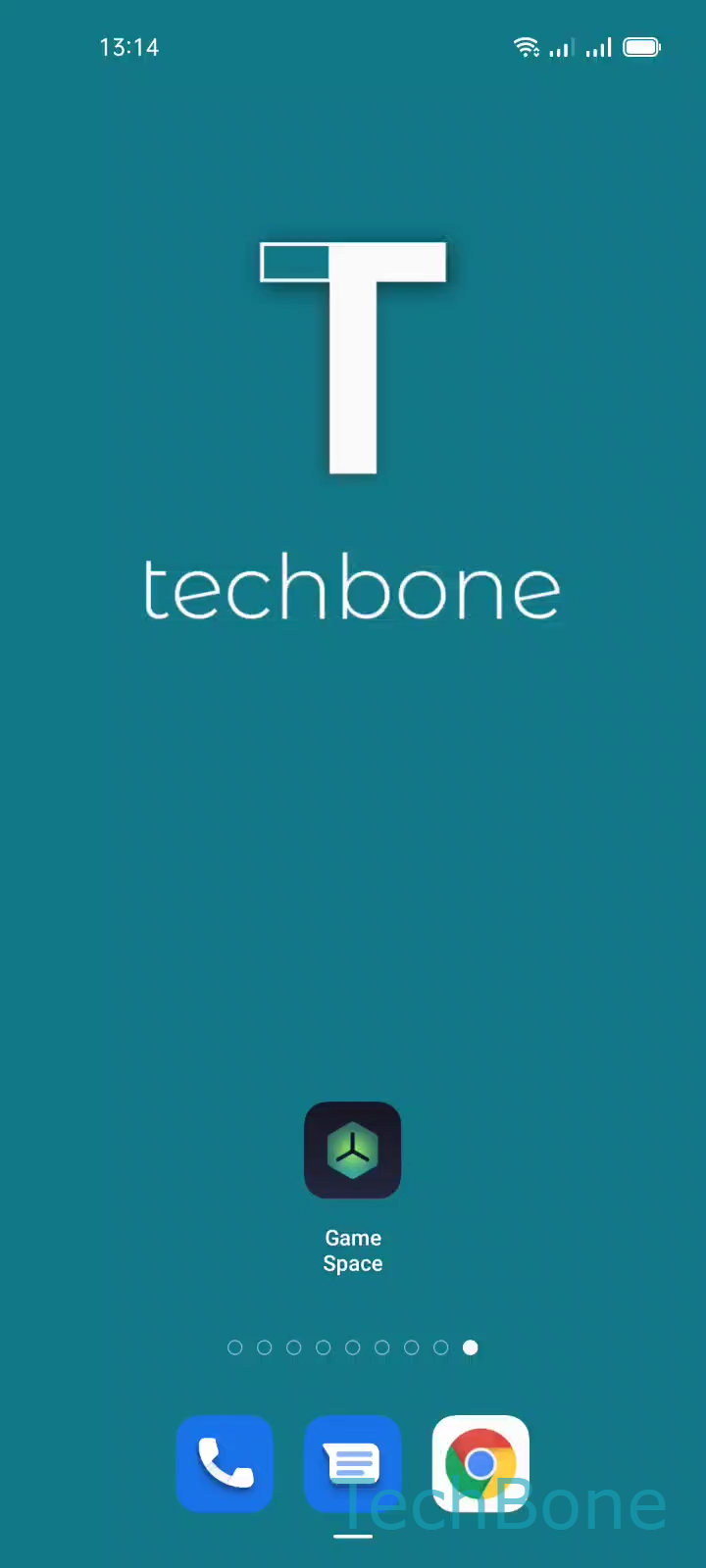
To check or change this, open the launcher and go to Tap on Game Space ➔ Open the Menu ➔ Tap on Settings ➔ Enable or disable Game Assistant.
Turning Game Assistant on gives you the full feature set: hidden notifications, rejected calls, and quick access to performance tools while gaming. Turning it off is useful if you need calls to come through normally, for example when you are on call while gaming with friends, or if the overlay panel gets in the way during certain apps.
If Game Space itself is missing from your app list rather than just inactive, that points to a different issue, usually a system update or a region restriction, not the Game Assistant toggle described here.