
Skip to content
TechBone
Oppo

Oppo: Change the Home Screen Grid Size

If your Oppo home screen feels cramped with too many icons squeezed into each row, or the tiles look oversized with too few apps per screen, the grid layout is set to a fixed size. Coloros offers several grid options, usually starting with 4x6 and 5x6, and some models add extra layouts. Picking the wrong size can cut off app names or leave large empty gaps between icons.

4 min5 steps
Version

Step by step

1 / 5

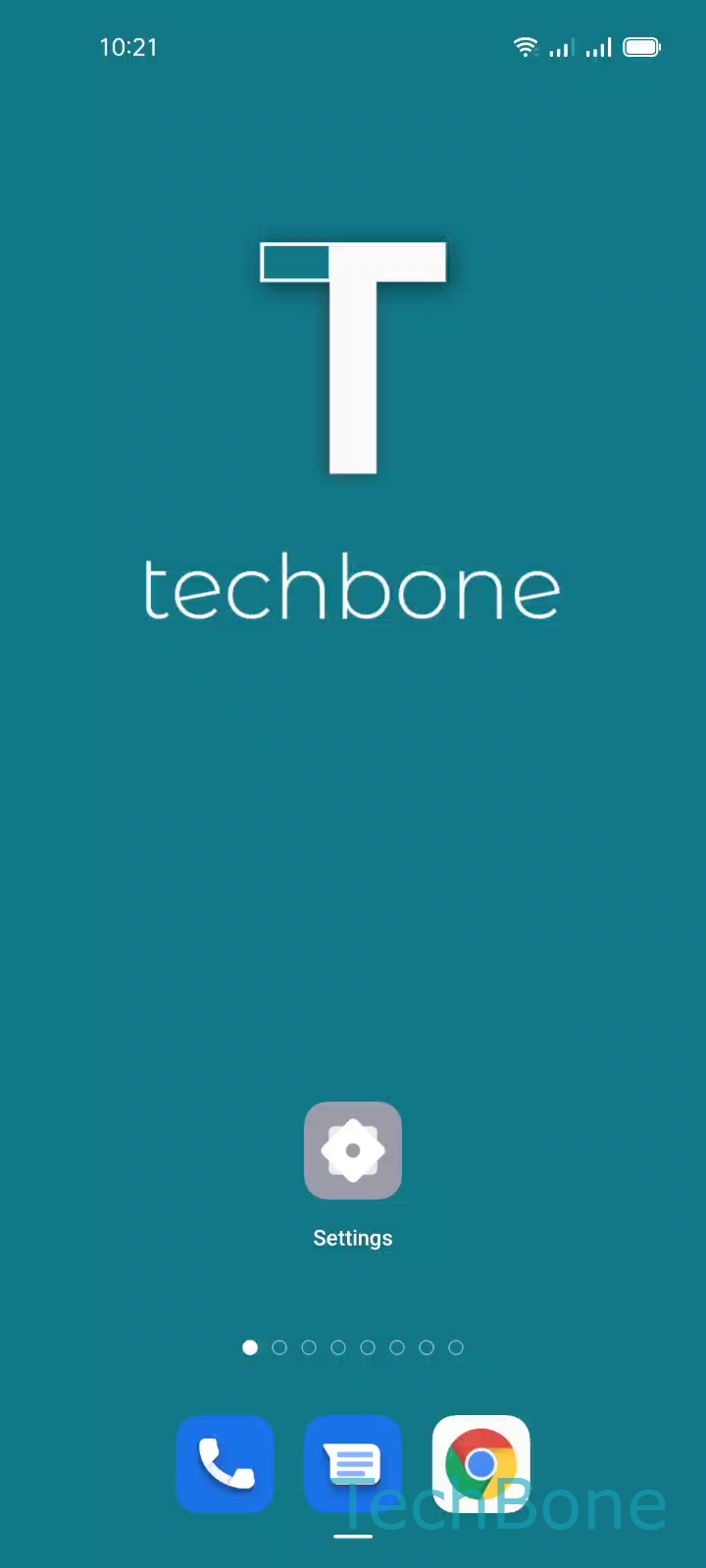
Step 1 of 5: Tap on **Settings**

1

Tap on Settings

Live simulator

Android 11 · Coloros 11
Change Home Screen Grid Size – Coloros 11: step 1 – Tap on Settings
Tap on Settings
1 / 5

Scroll or use the buttons for the next step

Feedback

Was the guide correct?

Help others: confirm the path or report a problem.

84

Confirmations

Forum verified this path

Oppo

Change Home Screen Grid Size auf Oppo

On Oppo devices running Coloros, the home screen grid controls how many app icons fit into each row and column. A smaller grid like 4x6 shows fewer, larger icons per screen, while a larger grid such as 5x6 fits more apps but shrinks the tiles and spacing between them.

Depending on the model, additional grid sizes may show up alongside the default 4x6 and 5x6 options. The setting applies to the whole home screen, so switching it rearranges every page at once and can shift icons between screens.

To change it, open SettingsHome screen, Lock screen & Always-On-DisplayHome screen layout. Set the Grid size to the option you want, then tap a Free area on the screen to exit and apply the change.

If widgets look misaligned or overlap after switching, resize or re-place them manually since widgets keep their pixel dimensions regardless of the grid. Sticking with the default grid is usually the better option if you rely on folders with many apps, since a denser grid leaves less room per folder icon.

Frequently asked questions

Yes. Switching the grid size rearranges icons to fit the new layout, and apps can shift to different home screen pages. Check each screen after adjusting the setting in Home screen layout.