Skip to content
TechBone
Oppo

Oppo: Show or Hide Holidays in Calendar

If your Oppo calendar is suddenly full of public holidays you never asked for, or they vanished and you want them back, the built-in Google calendar sync is the reason. The holiday data comes straight from the region set in your Google account, not from a manual list you control. A single toggle in the calendar menu decides whether these entries show up at all.

3 min3 steps
VersionAndroid 11 · Coloros 11

Step by step

1 / 3

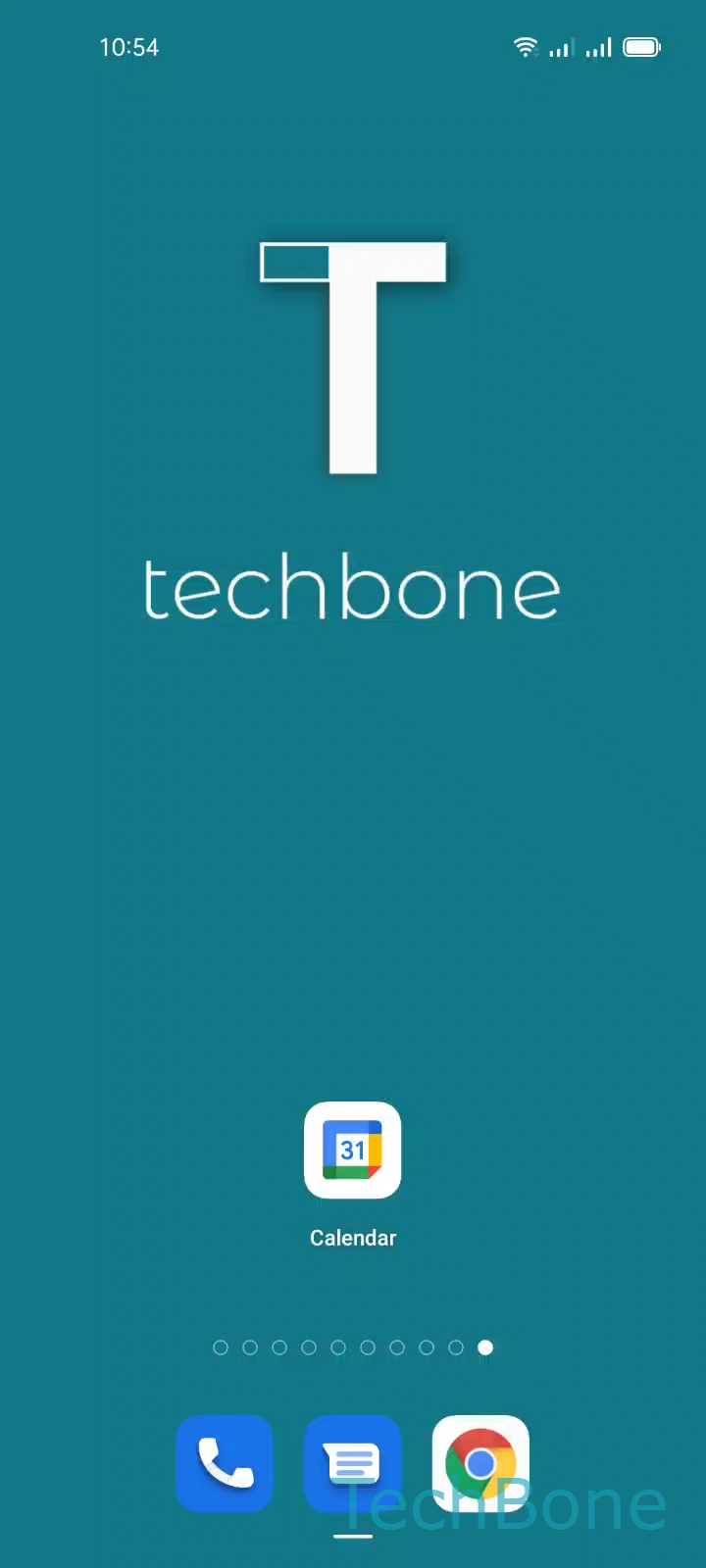
Step 1 of 3: Tap on **Calendar**

1

Tap on Calendar

Live simulator

Android 11 · Coloros 11
Show or Hide Holidays in Calendar – Coloros 11: step 1 – Tap on Calendar
Tap on Calendar
1 / 3

Scroll or use the buttons for the next step

Feedback

Was the guide correct?

Help others: confirm the path or report a problem.

103

Confirmations

Forum verified this path

Oppo

Show or Hide Holidays in Calendar auf Oppo

The Calendar app on Oppo phones running ColorOS pulls holiday entries from your connected Google account. The region stored in that account acts as the data source, so the same phone can show different holidays depending on which account is signed in.

This is why holidays sometimes appear that do not match your actual country, or why they disappear after switching accounts. The setting itself does not filter by country, it simply switches the whole holiday layer on or off.

To change it, open the Calendar app and tap on Tap on Calendar. From there, go to Open the Menu and use Enable or disable Holidays to turn the display on or off.

Turning holidays off removes them only from the calendar view. It does not delete any of your own events, reminders, or appointments.

If holidays still show the wrong country after toggling, the issue usually sits in the Google account region setting rather than in the Calendar app itself. In that case, checking the account region is the better fix than repeating the toggle.

Frequently asked questions

The Calendar app uses the region saved in your Google account as the source for holidays, not your phone location. Check the account region if the listed holidays do not match your country.