Skip to content
TechBone
Oppo

Oppo: Turn Mobile Data On or Off

If apps stop loading anything once you leave Wi-Fi range on your Oppo phone, mobile data is probably switched off, or the wrong SIM is set for internet use on a dual-SIM device. ColorOS routes all cellular internet traffic through one single toggle, so a wrong access point can block traffic even when that toggle looks enabled. Checking the actual mobile data status first saves you from chasing the wrong problem.

3 min3 steps
Version

Step by step

1 / 3

Step 1 of 3: Tap on **Settings**

1

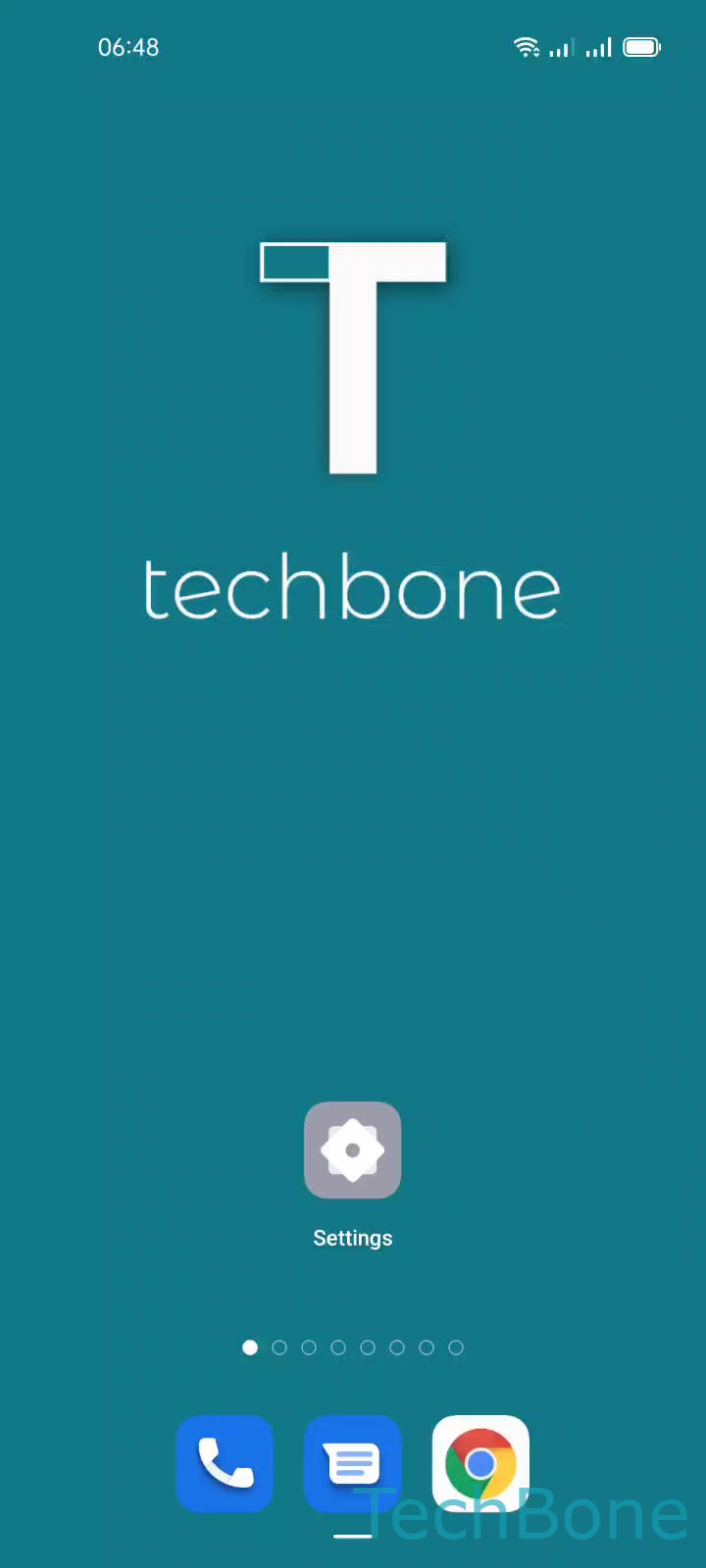
Tap on Settings

Live simulator

Android 11 · Coloros 11
Turn Mobile Data On or Off – Coloros 11: step 1 – Tap on Settings
Tap on Settings
1 / 3

Scroll or use the buttons for the next step

Feedback

Was the guide correct?

Help others: confirm the path or report a problem.

85

Confirmations

Forum verified this path

Oppo

Turn Mobile Data On or Off auf Oppo

On an Oppo phone, mobile data is the single switch that decides whether your device uses the cellular network for internet access once you leave a Wi-Fi network. ColorOS keeps this setting separate from flight mode and from individual app permissions, so a working SIM and a valid tariff plan are not enough on their own.

To check or change the setting, go to Tap on SettingsTap on SIM card & mobile dataEnable or disable Mobile data. On dual-SIM devices, confirm that the SIM assigned to mobile data is the one with an active data plan.

A valid access point (APN) must be configured for the mobile network to actually deliver data, even after the toggle is switched on. If mobile data stays on but nothing loads, the APN entry for your carrier is the more likely cause than the toggle itself.

Turning mobile data off is useful when you want to force all traffic through Wi-Fi, avoid unexpected charges while traveling, or troubleshoot whether an app problem comes from the network or from the app itself.

Frequently asked questions

This usually points to a missing or incorrect access point (APN) rather than the toggle itself. Check the network settings for your carrier's APN entry, since Enable or disable Mobile data only starts the connection, it does not configure it.