
Skip to content
TechBone
Oppo

Oppo: Change Preferred Network Type

If your Oppo phone keeps dropping back to a slower connection or refuses to lock onto 5G, the Preferred network type setting is usually the reason. This option tells the modem which network generation to search for first, and a wrong choice leads to dropped calls, sluggish data, or a missing 5G icon. The available options depend on your device model and what your carrier actually supports.

4 min5 steps
Version

Step by step

1 / 5

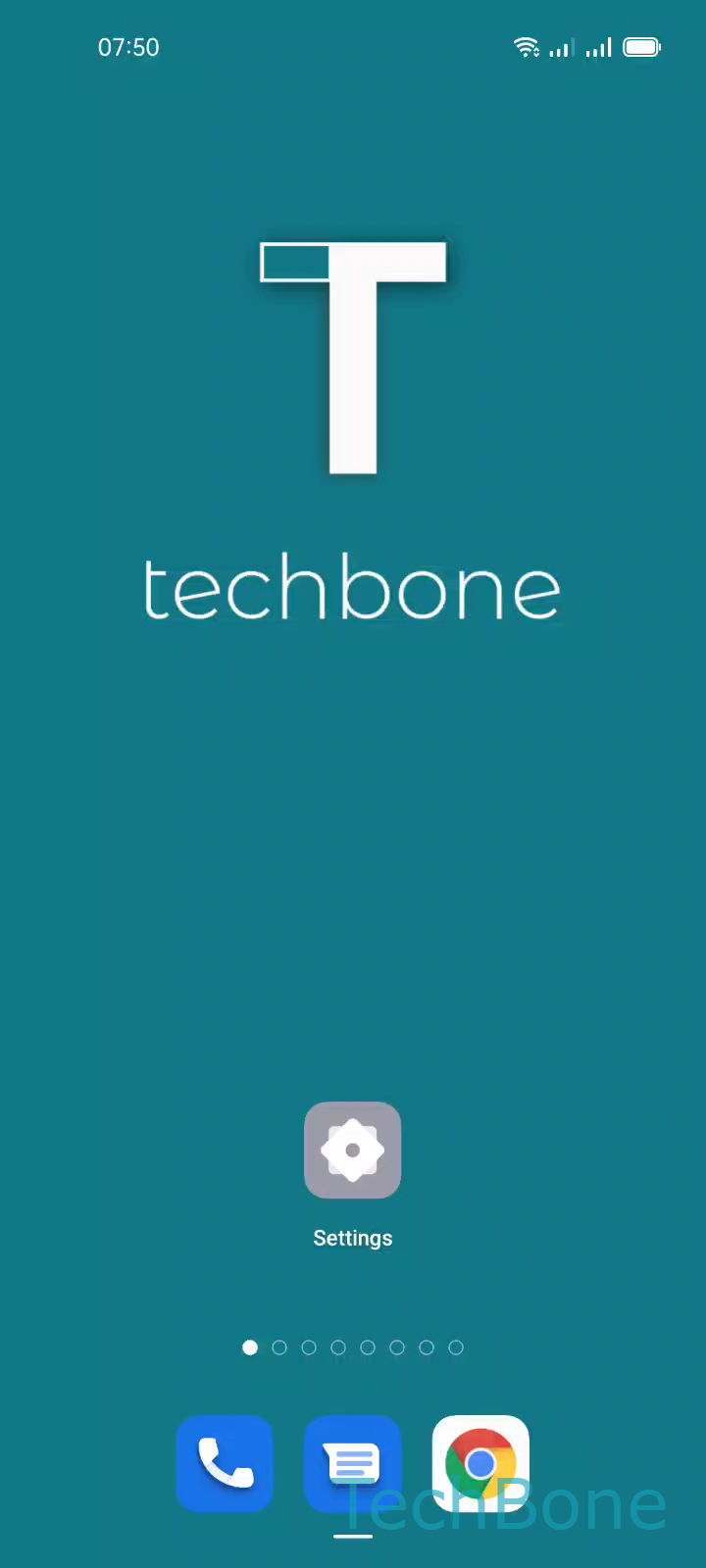
Step 1 of 5: Tap on **Settings**

1

Tap on Settings

Live simulator

Android 11 · Coloros 11
Change Preferred Network Type – Coloros 11: step 1 – Tap on Settings
Tap on Settings
1 / 5

Scroll or use the buttons for the next step

Feedback

Was the guide correct?

Help others: confirm the path or report a problem.

33

Confirmations

Forum verified this path

Oppo

Change Preferred Network Type auf Oppo

The Preferred network type setting controls which mobile network generation your Oppo phone tries to connect to first: 2G, 3G, 4G, or 5G. Android and ColorOS hand this decision to the modem, but the setting itself decides the search order and whether older networks are allowed as a fallback.

Forcing a phone to 5G-only in an area with weak 5G coverage often results in no signal at all, since the device won't fall back to 4G. Setting it to a lower mode like 4G can help stabilize the connection in rural areas or save battery, but it blocks faster speeds even when 5G is available nearby.

Where to find the setting

Open Tap on SettingsTap on SIM card & mobile dataChoose a SIM card (Dual SIM)Tap on Preferred network typeChoose an option.

On dual-SIM devices, the setting applies separately to each SIM, so check that you picked the right card before changing anything. If a network mode is missing from the list, your device hardware or your carrier's SIM does not support it.

Frequently asked questions

The phone will show no signal instead of falling back to 4G or 3G. Choose an option that includes automatic fallback, usually labeled as a combined mode, unless you specifically need to test 5G-only behavior.