Skip to content
TechBone
Oppo

Oppo: Set individual notification sounds per app

If every app on your Oppo phone plays the same generic notification tone, it gets hard to tell a chat message apart from a calendar reminder just by sound. Coloros lets you assign a separate ringtone to each app, but the option sits inside app management instead of the general sound settings. Many users only ever find the global tone switch and assume individual app sounds are not possible.

6 min8 steps
Version

Step by step

1 / 8

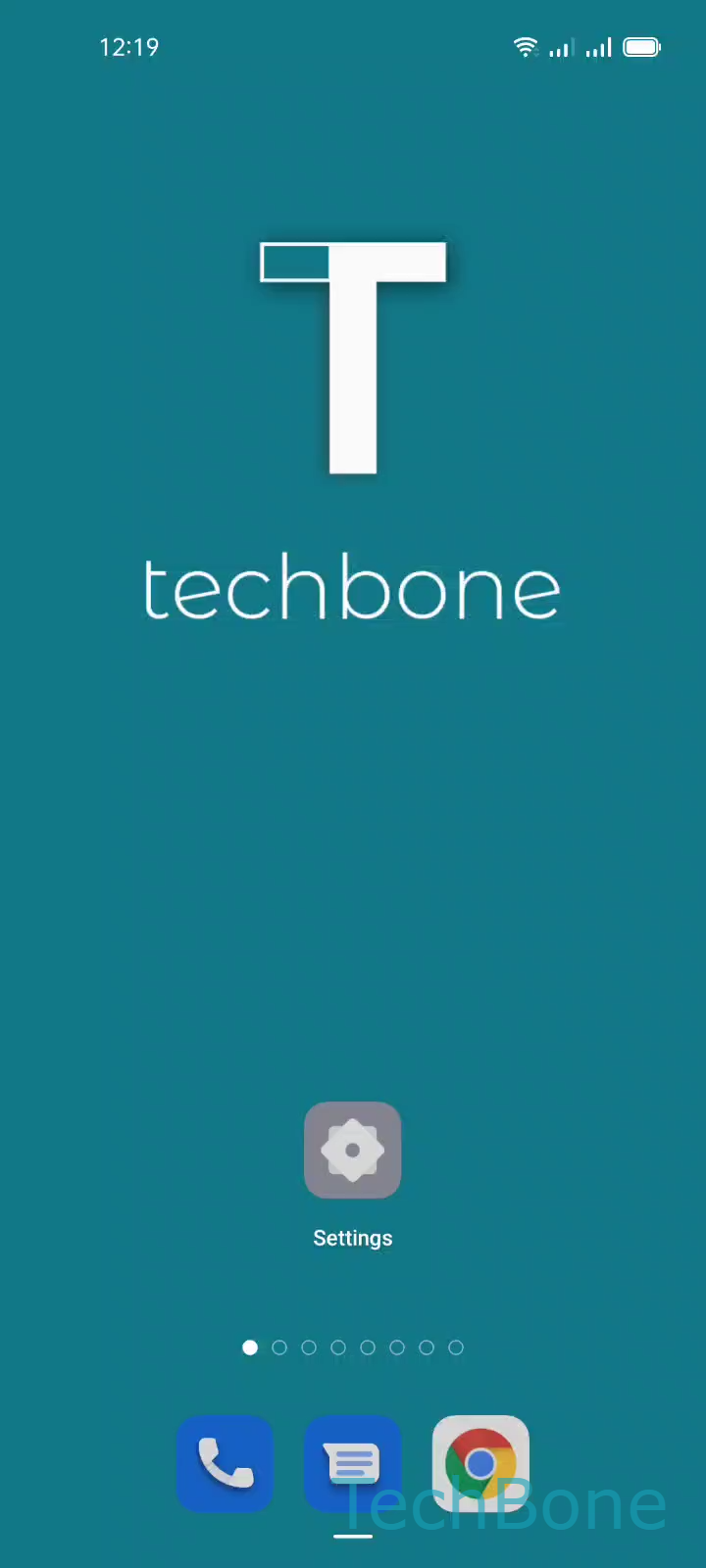
Step 1 of 8: Tap on **Settings**

1

Tap on Settings

Live simulator

Android 11 · Coloros 11
Custom Notification Sounds per App – Coloros 11: step 1 – Tap on Settings
Tap on Settings
1 / 8

Scroll or use the buttons for the next step

Feedback

Was the guide correct?

Help others: confirm the path or report a problem.

48

Confirmations

Forum verified this path

Oppo

Custom Notification Sounds per App auf Oppo

The main sound settings on Coloros only control the phone-wide default notification tone. That switch does not reach into individual apps, because each app manages its own notification channels once it has sent at least one notification.

To change the tone for a single app, go through app management instead of the sound menu: Tap on SettingsTap on App managementTap on App listChoose an AppTap on Manage notificationsChoose a CategoryTap on RingtoneChoose a Ringtone/Sound.

Most apps split their notifications into categories, such as messages, calls, or system alerts. Each category can carry its own sound, so a messaging app can ring differently for a direct message than for a group update.

If an app has not sent any notification yet, it may not show up with categories in that list. In that case, wait for the first notification or trigger one manually, then repeat the steps above.

This method changes only the sound. It does not affect vibration patterns or whether notifications appear on the lock screen, which are handled through separate switches in the same category screen.

Frequently asked questions

The general sound settings only set the phone-wide default. Individual apps store their own notification channels, so you need to go through Tap on SettingsTap on App managementTap on App listChoose an AppTap on Manage notifications to override the tone for that app.