Skip to content
TechBone
Oppo

Oppo: Turn the Keyboard Suggestion Strip On or Off

If a row of word suggestions keeps popping up above the keyboard while you type, that is the suggestion strip built into Gboard. Oppo phones ship with this bar switched on by default, and tapping a suggested word drops it straight into your text. If the constant suggestions distract you or make typing feel cluttered, you can turn the strip off in the keyboard settings.

5 min6 steps
Version

Step by step

1 / 6

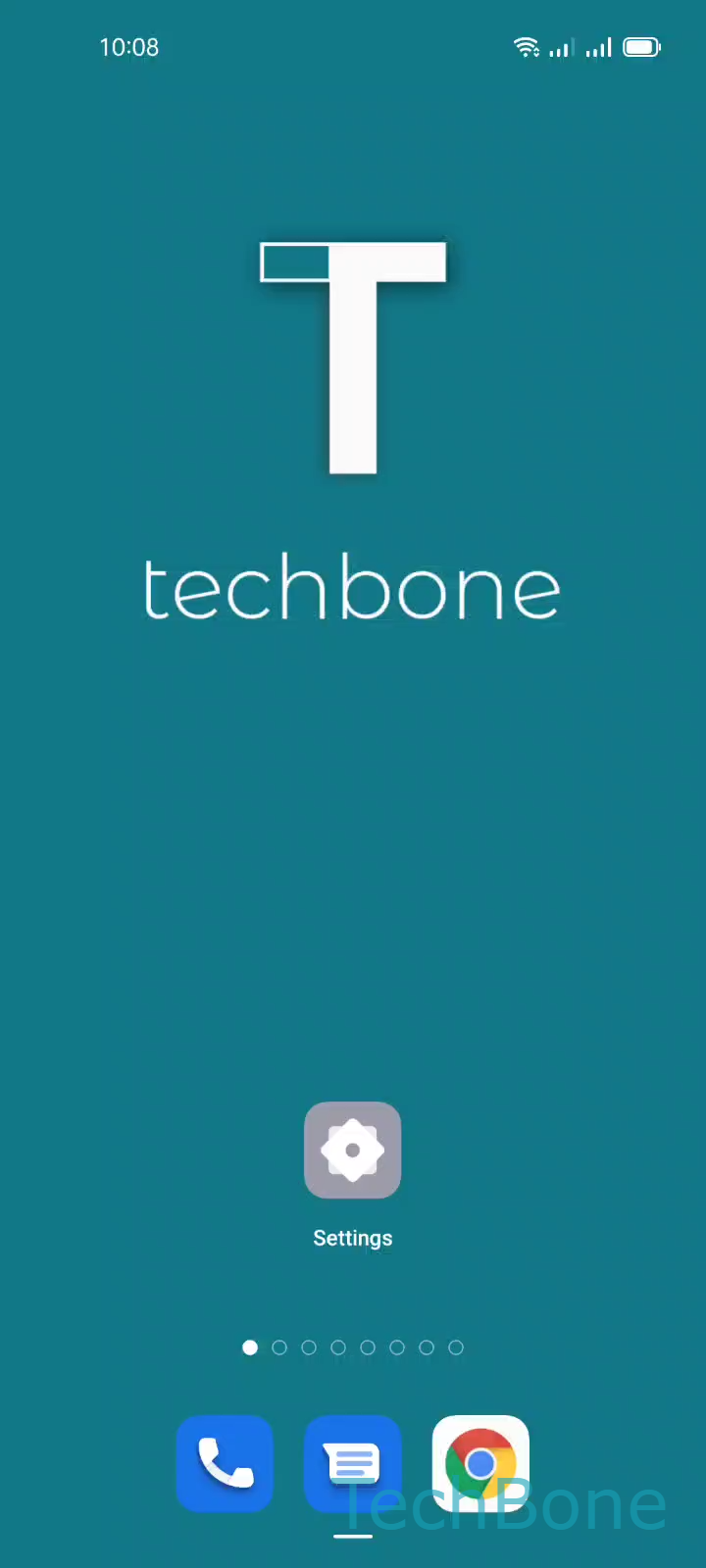
Step 1 of 6: Tap on **Settings**

1

Tap on Settings

Live simulator

Android 11 · Coloros 11
Turn On or Off the Keyboard Suggestion Strip – Coloros 11: step 1 – Tap on Settings
Tap on Settings
1 / 6

Scroll or use the buttons for the next step

Feedback

Was the guide correct?

Help others: confirm the path or report a problem.

15

Confirmations

Forum verified this path

Oppo

Turn On or Off the Keyboard Suggestion Strip auf Oppo

The suggestion strip is a row above the keyboard that shows word predictions as you type. Tapping one of the suggested words inserts it directly into your text, which speeds up typing for many people but feels distracting for others.

On Oppo phones running Coloros, this bar comes from the Gboard keyboard app and is enabled by default. It analyzes what you are typing and offers matching or next-word suggestions in real time.

If you prefer a clean keyboard without predictions, you can switch the strip off inside the keyboard settings. Go to SettingsAdditional settingsKeyboard & input methodGboardText correction and toggle Show suggestion strip off.

Turning the strip off does not affect autocorrect or spell-check, since those run separately from the suggestion bar. If you rely on quick word taps for faster typing, leaving the strip enabled is usually the better choice.

You can flip the setting back on anytime using the same menu path if you change your mind later.

Frequently asked questions

No. Autocorrect and spell-check run independently from the suggestion strip. Disabling Show suggestion strip only removes the row of word predictions above the keyboard; text corrections still happen while you type.