
Oppo
Reject a Call with a Quick Response Text auf Oppo
When an incoming call arrives at a bad moment, hanging up without explanation can feel abrupt. Coloros gives you a built-in way to decline a call while sending a short text message at the same time, so the caller knows why you did not pick up.
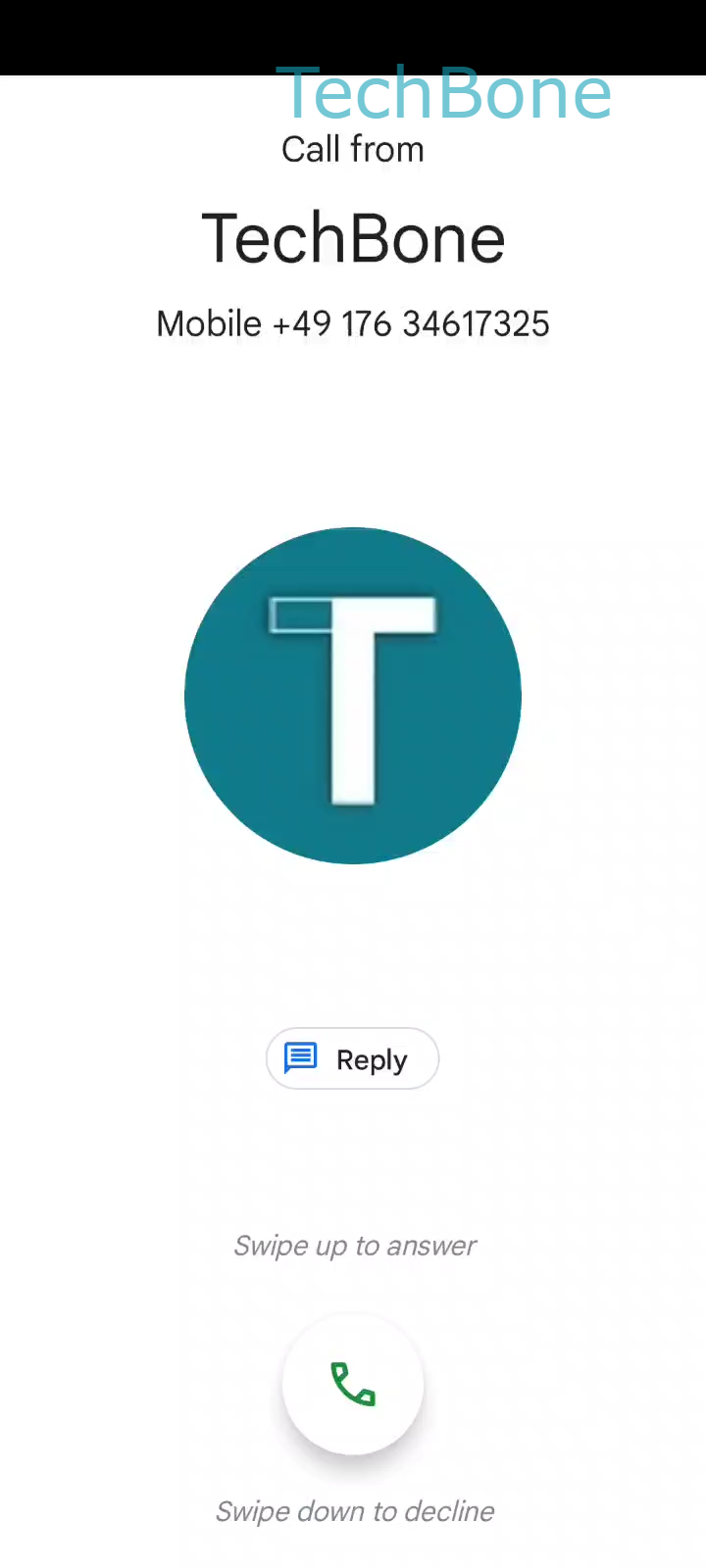
This works through the Reply option on the incoming call screen. Instead of swiping the call away, you tap the message icon and a popup with several quick responses appears.
The exact path is Tap on Reply ➔ Choose a Quick response to reject the call. Once you select one, Coloros sends it as a text to the caller and rejects the call in one motion.
The quick responses are editable, so you can adjust the wording to match how you usually communicate. If none of the saved options fit, you can also type an individual message on the spot before sending it.
This feature only works for regular phone calls arriving through your carrier or a calling app that supports the native call screen. It will not appear for calls already routed to voicemail or for numbers blocked at the system level, since those calls never reach the Reply screen in the first place.