Skip to content
TechBone
Oppo

Oppo: Set Ringtone Volume Separately from Notifications

If your Oppo phone rings too quietly or too loudly during calls, but notification sounds seem fine, you are likely looking at two separate volume sliders. Ringtone volume and notification volume run on independent controls, so adjusting one does not touch the other. This mix-up leads many users to think their phone volume is broken when it is just set on the wrong slider.

3 min3 steps
VersionAndroid 11 · Coloros 11

Step by step

1 / 3

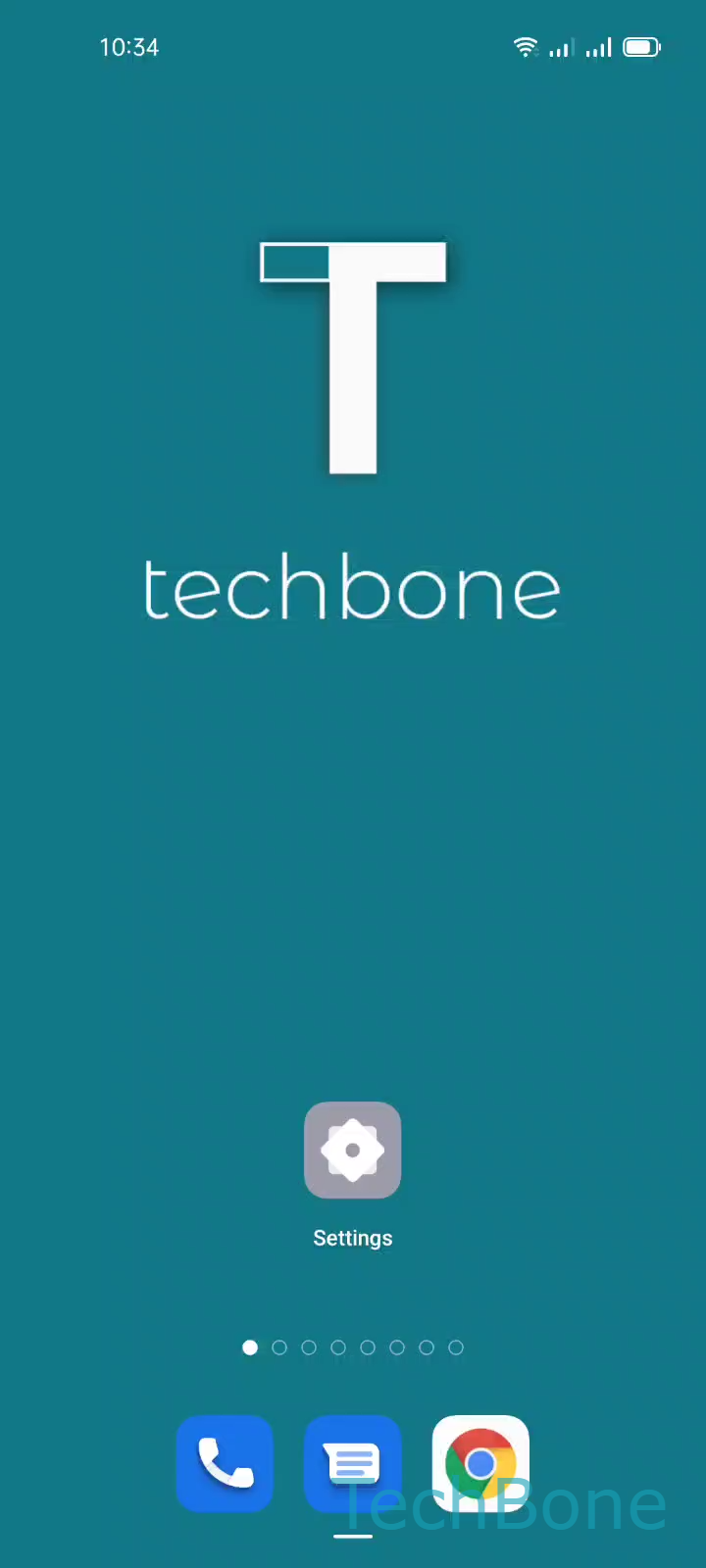
Step 1 of 3: Tap on **Settings**

1

Tap on Settings

Live simulator

Android 11 · Coloros 11
Ringtone Volume Settings – Coloros 11: step 1 – Tap on Settings
Tap on Settings
1 / 3

Scroll or use the buttons for the next step

Feedback

Was the guide correct?

Help others: confirm the path or report a problem.

81

Confirmations

Forum verified this path

Oppo

Ringtone Volume Settings auf Oppo

On Oppo phones running ColorOS, ringtone volume and notification volume are controlled by two different sliders. Turning up one does not affect the other, which is why a loud notification tone does not guarantee a loud incoming call ring.

To change how loud your phone rings for calls, go to Tap on SettingsTap on Sound & vibrationSet the Ringtone volume. Drag the slider to the level you want. The change applies immediately and stays in effect until you adjust it again or a Focus mode overrides it.

When this setting is not the fix

If calls stay silent even after raising the ringtone volume, check whether a Focus mode or Do Not Disturb schedule is active. These modes can mute calls regardless of the slider position, and they need to be turned off or adjusted separately.

Also note that ringtone volume only affects incoming calls. Alarms, media playback, and notification sounds each have their own volume control in the same Sound & vibration menu, so raising one will not fix a problem with another.

Frequently asked questions

Check if a Focus mode or Do Not Disturb schedule is active. These can silence incoming calls even when the ringtone volume slider is turned up. Go to SettingsSound & vibration and confirm no schedule is overriding your ringtone.