Skip to content
TechBone
Oppo

Oppo: Send a Group Message via SMS or MMS

Typing the same text to several contacts one by one wastes time, and Oppo's Messages app doesn't make it obvious how to start a real group thread instead of separate chats. Both the Messages app and the Contacts app can create a group conversation, but the steps differ from a normal one-to-one text. Whether the result becomes an SMS or an MMS depends on what you attach, not on which app you use to start it.

5 min6 steps
VersionAndroid 11 · Coloros 11

Step by step

1 / 6

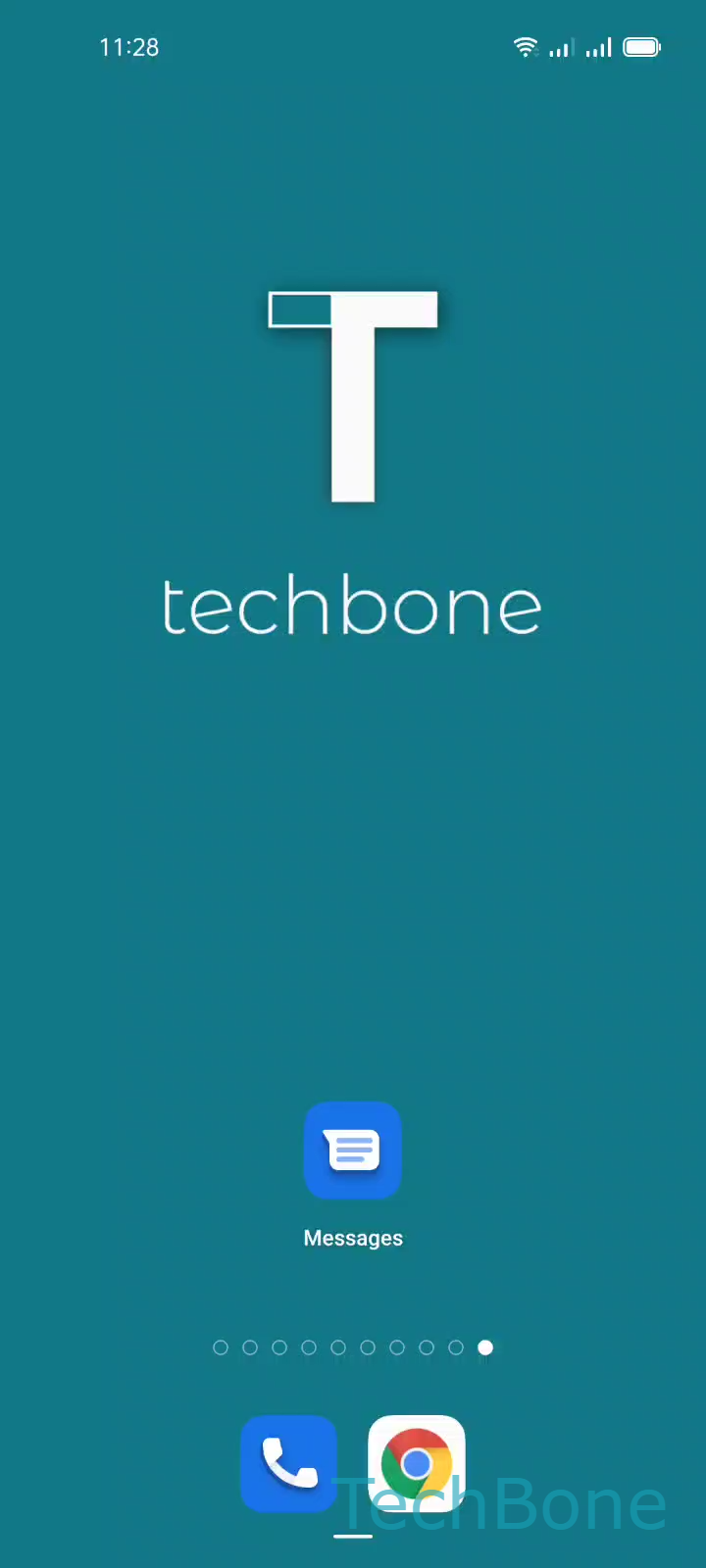
Step 1 of 6: Tap on **Messages**

1

Tap on Messages

Live simulator

Android 11 · Coloros 11
Send a Group Message (SMS/MMS) – Coloros 11: step 1 – Tap on Messages
Tap on Messages
1 / 6

Scroll or use the buttons for the next step

Feedback

Was the guide correct?

Help others: confirm the path or report a problem.

38

Confirmations

Forum verified this path

Oppo

Send a Group Message (SMS/MMS) auf Oppo

Oppo phones running Coloros do not group multiple recipients into one thread automatically. Unless you build the conversation the right way, each contact gets an individual message instead of a shared group chat.

The Messages app handles this through its own group-creation flow. Open Messages and tap Start chat, then select the contacts you want and confirm with Next. Give the conversation a name and confirm again with Next, then type your text and tap Send.

Coloros decides between SMS and MMS on its own. A plain text group message stays an SMS conversation between all members. As soon as you attach a photo, video, or audio file, the same thread switches to MMS automatically, without any extra setting to toggle.

This method works for casual group texts such as coordinating with family or a small team. If you need the same message sent as individual private replies instead of a shared thread, use single chats or an email distribution list, since a group SMS thread lets every member see everyone else's replies.

Frequently asked questions

Coloros converts a group thread to MMS automatically as soon as one member attaches a photo, video, voice note, or long text. Plain text between contacts stays a regular SMS conversation.