Skip to content
TechBone
Oppo

Oppo: Turn On Auto Switch to Mobile Data

If your Oppo phone keeps stalling on a weak Wi-Fi signal instead of jumping to mobile data, the Wi-Fi Assistant feature is either switched off or mobile data itself is disabled in the background. Videos buffer, messages send late, and apps time out even though the Wi-Fi icon still shows a connection. This setting decides whether your phone hands over to mobile data automatically once Wi-Fi quality drops.

4 min5 steps
Version

Step by step

1 / 5

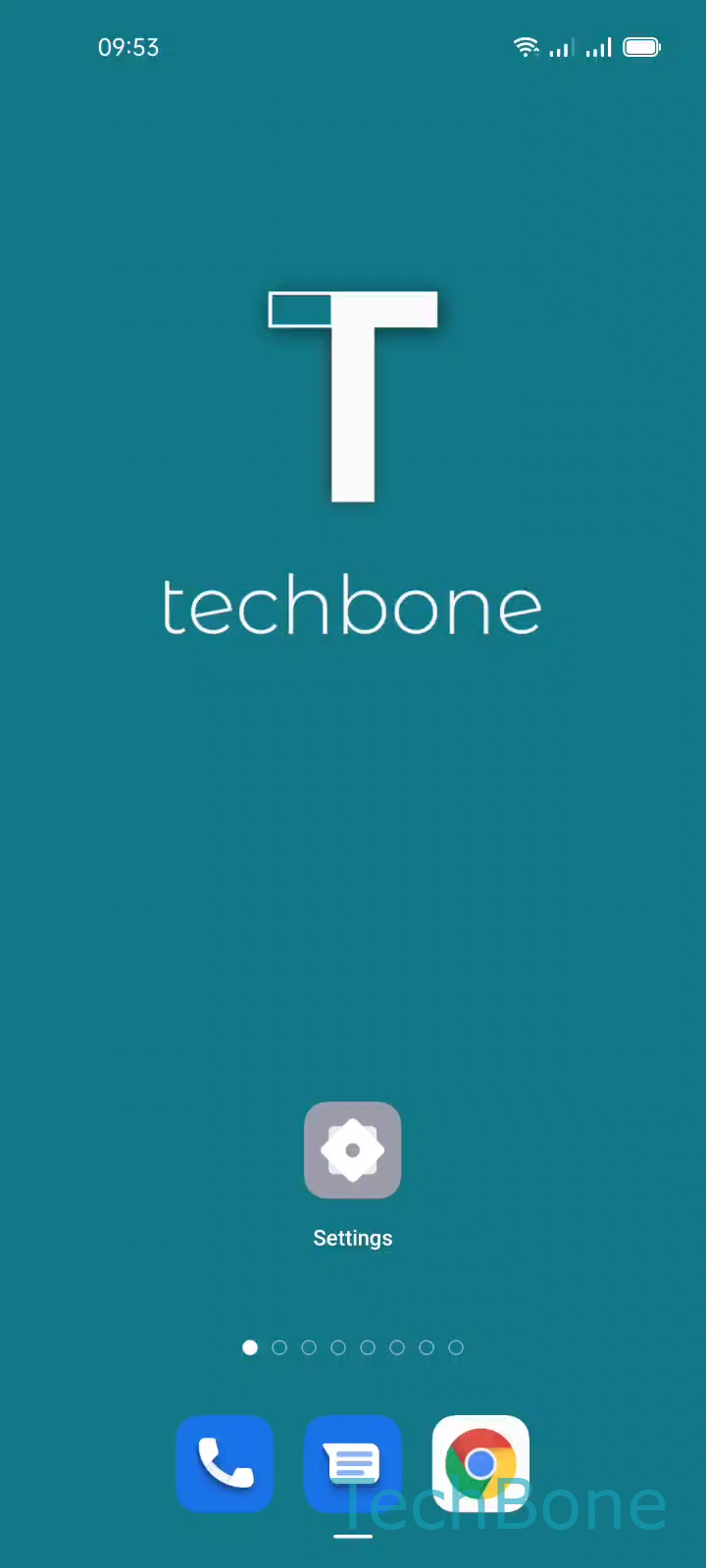
Step 1 of 5: Tap on **Settings**

1

Tap on Settings

Live simulator

Android 11 · Coloros 11
Auto Switch Between Wi-Fi and Mobile Data – Coloros 11: step 1 – Tap on Settings
Tap on Settings
1 / 5

Scroll or use the buttons for the next step

Feedback

Was the guide correct?

Help others: confirm the path or report a problem.

86

Confirmations

Forum verified this path

Oppo

Auto Switch Between Wi-Fi and Mobile Data auf Oppo

When Wi-Fi signal gets weak, apps can stall or time out even though the phone still shows a connection. Coloros includes a feature called Wi-Fi Assistant that hands the connection over to mobile data automatically once Wi-Fi quality drops below a usable level.

This only works if mobile data itself is switched on in the background. If mobile data is off, the phone stays on the weak Wi-Fi network and connections keep failing, even with the assistant enabled.

To turn the feature on or off: Tap on SettingsTap on Wi-FiTap on Advanced settingsTap on Wi-Fi AssistantEnable or disable Auto switch to mobile network.

A related option, Auto select the best Wi-Fi, works differently. It switches between known Wi-Fi networks, not between Wi-Fi and mobile data, so treat the two features separately when troubleshooting drops.

Disable Auto switch to mobile network if you want to stay on Wi-Fi no matter what, for example to avoid using your data allowance near the edge of your home network. Leave it enabled if uninterrupted access matters more than data usage.

Frequently asked questions

Check that mobile data is switched on in the background first. Auto switch to mobile network only takes over once mobile data is active, so open Tap on SettingsTap on Wi-FiTap on Advanced settingsTap on Wi-Fi Assistant and confirm the toggle is enabled.