Skip to content
TechBone
Oppo

Oppo: Change the Home Screen Transition Effect

Swiping between home screen pages on your Oppo phone always plays the same sliding animation, even though ColorOS ships with several other transition styles. If the default motion feels plain or you want something like a cube rotation, foil turn, card flip or tilt effect instead, the option is tucked into the home screen settings rather than the main display menu.

3 min4 steps
Version

Step by step

1 / 4

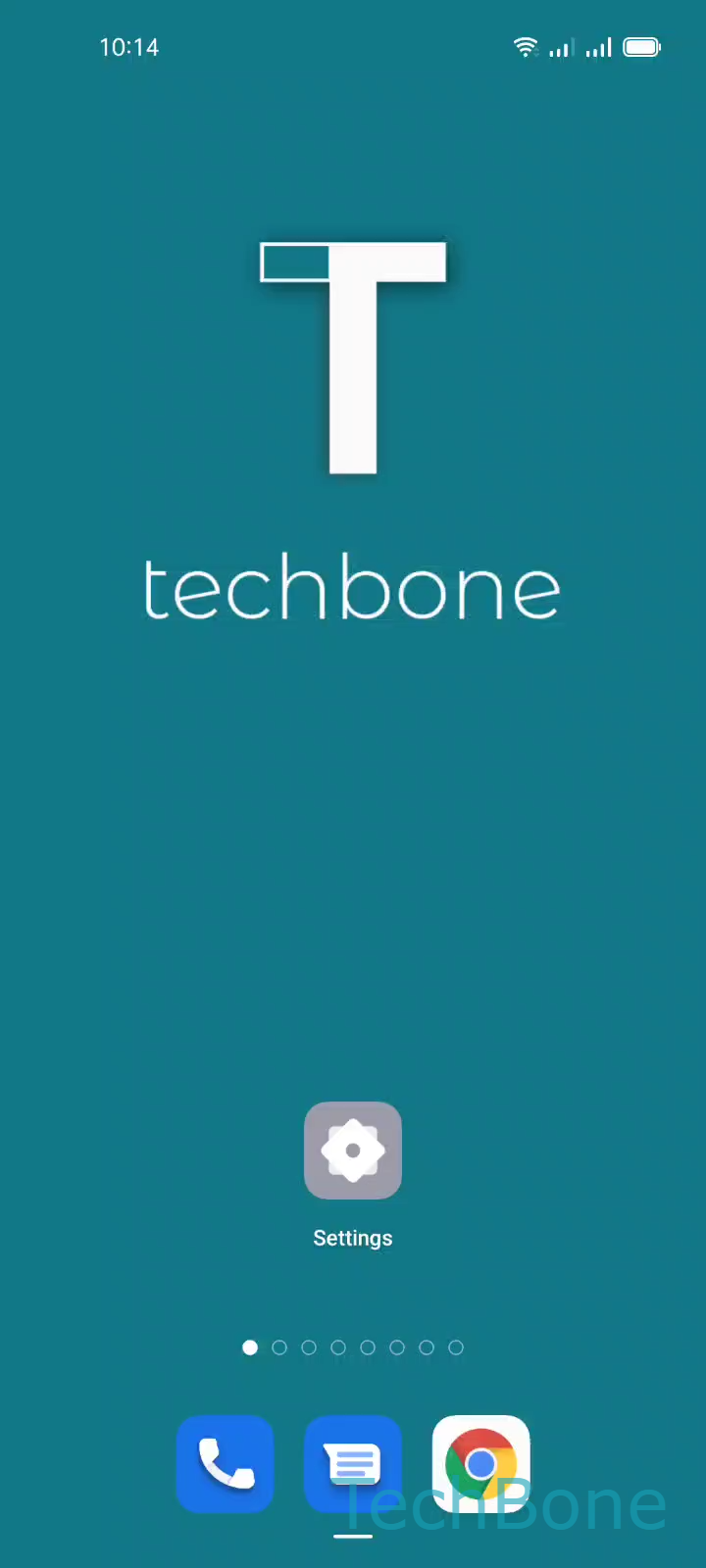
Step 1 of 4: Tap and hold a **Free area**on home screen

1

Tap and hold a Free areaon home screen

Live simulator

Android 11 · Coloros 11
Change Home Screen Transition Effect – Coloros 11: step 1 – Tap and hold a Free areaon home screen
Tap and hold a Free areaon home screen
1 / 4

Scroll or use the buttons for the next step

Feedback

Was the guide correct?

Help others: confirm the path or report a problem.

20

Confirmations

Forum verified this path

Oppo

Change Home Screen Transition Effect auf Oppo

The sliding animation you see when swiping between home screen pages comes from a single transition setting stored in the home screen configuration, not from a general display setting. ColorOS includes several alternative animations, but the phone keeps the classic slide active by default until you change it.

This setting only controls how pages move during a swipe. It does not affect app icons, widgets, the lock screen, or app opening speed, so switching it will not fix general lag elsewhere in the interface.

How to switch the effect

Tap and hold a free area on the home screenTap on TransitionsChoose a Transition effectTap on a free area to exit.

Pick from options such as Cube, Turn over foil, Card effect, or Tilt mode, then tap outside the menu to apply your choice immediately.

If page swipes still feel sluggish after changing the effect, the cause is usually background app load or overall device performance rather than the transition animation itself.

Frequently asked questions

No. This setting only changes the visual style of page swipes and has no effect on app loading speed or general system performance.