Skip to content
TechBone
Oppo

Oppo: Turn Deletion Sound On or Off

Deleting a message or notification on an Oppo phone sometimes triggers a short confirmation sound, and sometimes stays silent, depending on a single switch in the sound settings. If that click annoys you during meetings or at night, or if you suddenly stopped hearing it and want it back, the fix sits in one specific menu. The setting applies system-wide rather than per app, which is why toggling it once changes the behavior everywhere.

3 min4 steps
VersionAndroid 11 · Coloros 11

Step by step

1 / 4

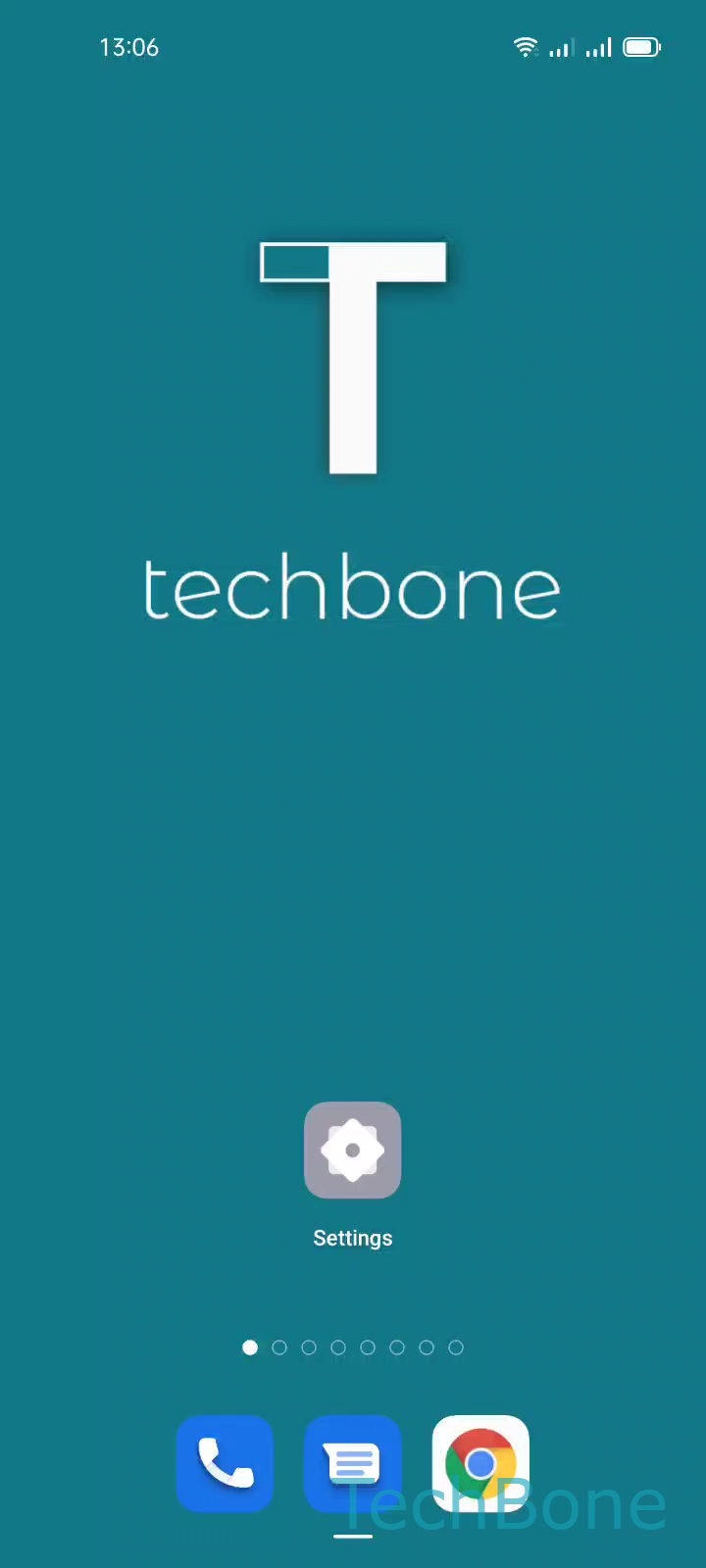
Step 1 of 4: Tap on **Settings**

1

Tap on Settings

Live simulator

Android 11 · Coloros 11
Turn Deletion Sound On or Off – Coloros 11: step 1 – Tap on Settings
Tap on Settings
1 / 4

Scroll or use the buttons for the next step

Feedback

Was the guide correct?

Help others: confirm the path or report a problem.

91

Confirmations

Forum verified this path

Oppo

Turn Deletion Sound On or Off auf Oppo

The deletion sound on Oppo phones is a short audio cue that plays when you delete a message, notification, or similar item. It works as an acoustic confirmation, comparable to the keyboard click or the screenshot sound, and it is controlled by a single system-wide switch rather than a setting inside each app.

Because the toggle sits under the general sound and haptics settings, it is easy to overlook, and a system update can occasionally reset it to its default state. If you notice the sound suddenly missing, checking this switch first is faster than assuming a bug.

Where to find the setting

Open Tap on SettingsTap on Sound & vibrationTap on More sounds & hapticsEnable or disable Deletion sound. Flipping this switch on plays the confirmation tone every time you delete something; flipping it off removes the sound completely.

The change takes effect immediately and does not require a restart. It also does not affect other notification sounds, ringtones, or media volume, since those are managed separately in the same sound menu.

Frequently asked questions

No. The switch only controls the confirmation tone for deletions. Ringtones, notification sounds, and keyboard sounds are separate options in the same Tap on Sound & vibration menu and stay unaffected.