Skip to content
TechBone
Oppo

Oppo: Turn Do Not Disturb On or Off

If your Oppo phone stays completely silent even for important calls, or if it keeps buzzing when you actually need quiet, Do Not Disturb is likely misconfigured. The mode mutes sound and vibration system-wide and can hide notifications or let selected exceptions through, so getting the toggle and its options right matters. Many users only find the switch by accident because it sits inside the general sound settings rather than its own menu.

3 min3 steps
Version

Step by step

1 / 3

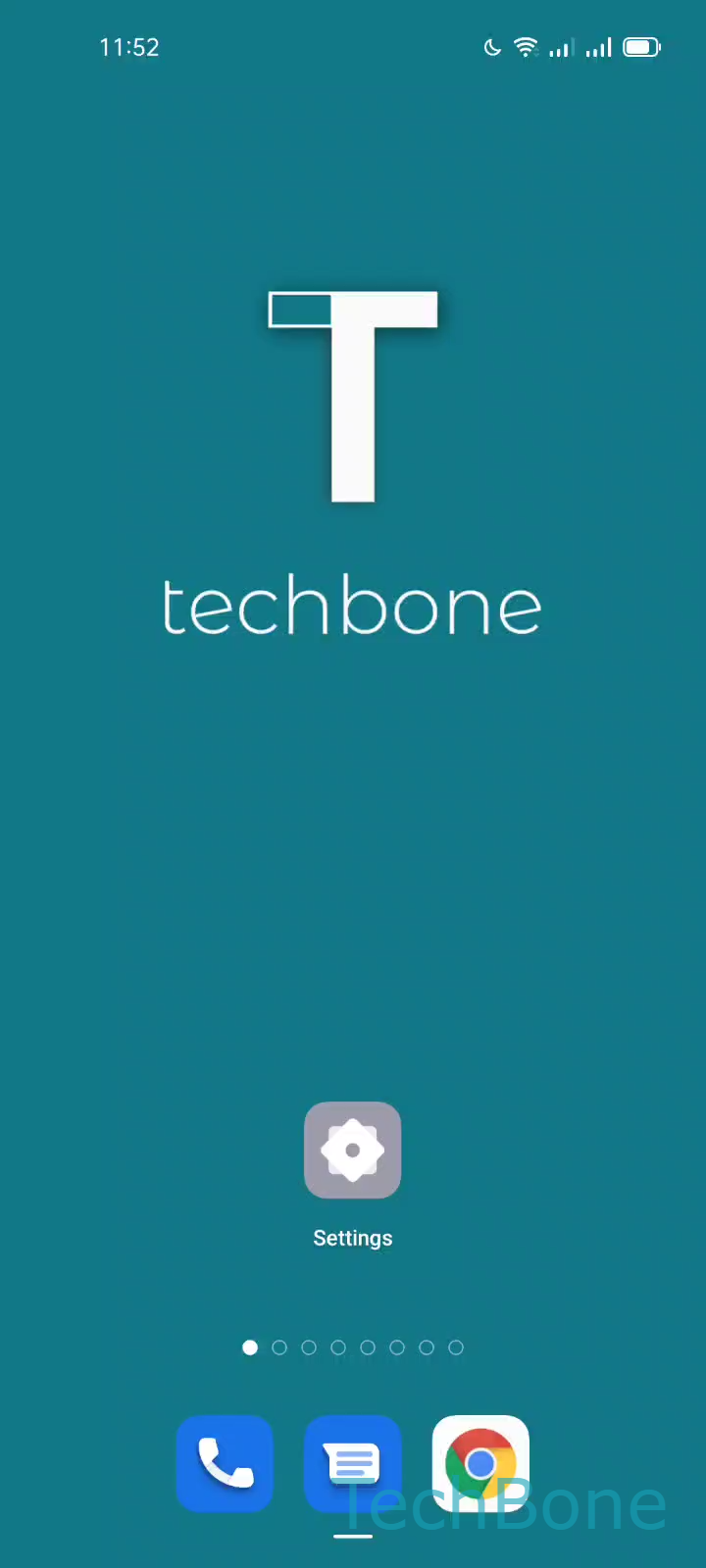
Step 1 of 3: Tap on **Settings**

1

Tap on Settings

Live simulator

Android 11 · Coloros 11
Turn Do Not Disturb On or Off – Coloros 11: step 1 – Tap on Settings
Tap on Settings
1 / 3

Scroll or use the buttons for the next step

Feedback

Was the guide correct?

Help others: confirm the path or report a problem.

83

Confirmations

Forum verified this path

Oppo

Turn Do Not Disturb On or Off auf Oppo

Do Not Disturb on Oppo phones running ColorOS mutes ringtones, notification sounds and vibration in one step. It is controlled from the same screen as your general sound settings, not from a separate quick toggle menu, which is why many users struggle to find it again after turning it off once.

The mode is useful when you need guaranteed silence, for example during meetings or at night, but it can also hide incoming calls and messages completely unless you configure exceptions. If you only want to mute a single app or contact instead of the whole phone, per-app notification settings are usually a better fix than the global Do Not Disturb switch.

Where to enable or disable it

Open Settings, then tap Sound & vibration. Inside this screen you find the option to enable or disable Do Not Disturb directly.

Turning it back off restores all sounds and vibrations immediately, including any calls or notifications that were hidden while it was active. If notifications still do not appear as expected after switching it off, check whether a schedule or an app-specific mute is overriding the setting.

Frequently asked questions

Yes. On the same screen where you toggle Do Not Disturb, ColorOS lets you add exceptions for certain calls or notifications so they still reach you while everything else stays muted. If you don't see this listed directly under Sound & vibration, check for a related exceptions entry on the same page.