Skip to content
TechBone
Oppo

Oppo: Unarchive a Conversation in Messages

If a chat suddenly disappears from the Messages home screen on your Oppo phone, it usually was not deleted but moved to the archive. Archived conversations stay hidden until you pull them back manually, so incoming texts from that contact can go unnoticed. This mostly happens after swiping a chat away or tidying up the inbox.

4 min5 steps
VersionAndroid 11 · Coloros 11

Step by step

1 / 5

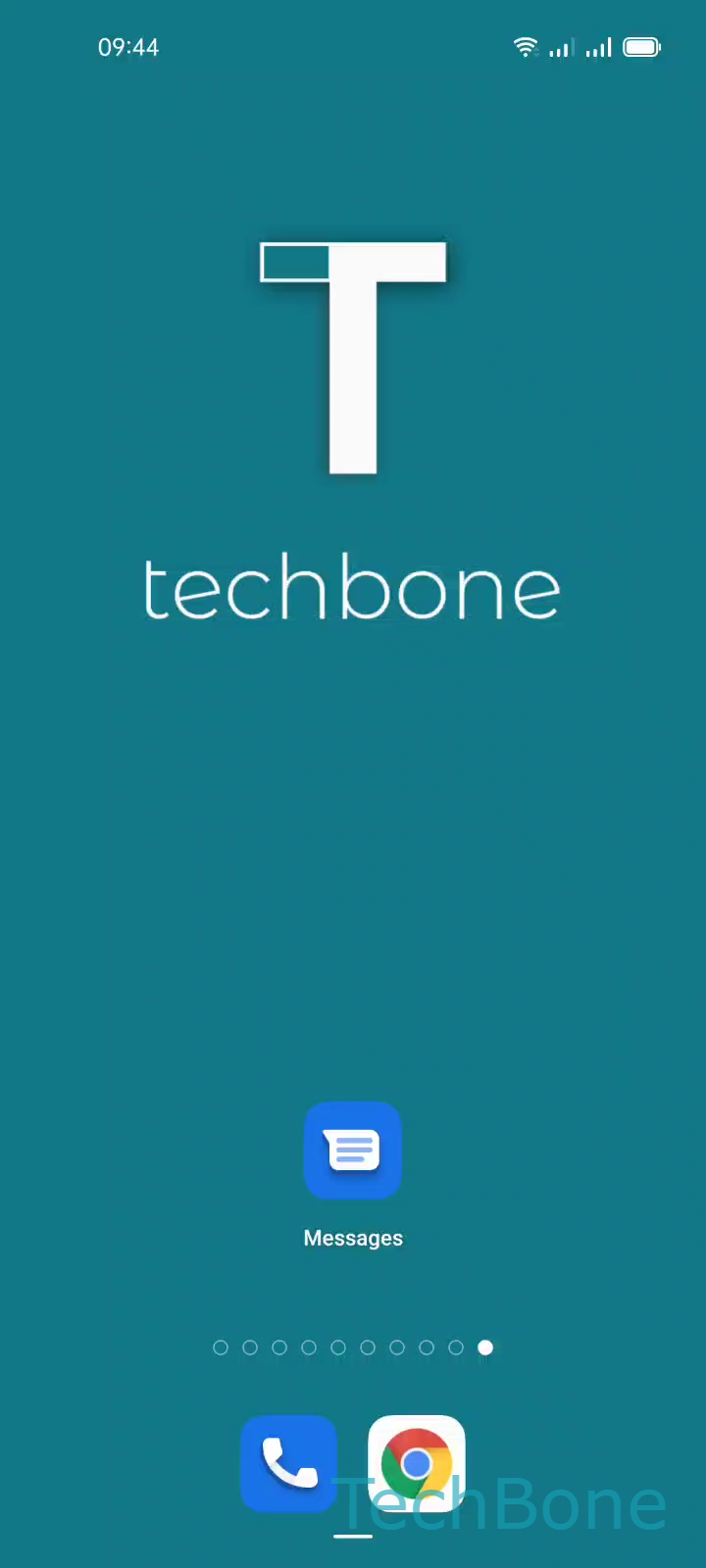
Step 1 of 5: Tap on **Messages**

1

Tap on Messages

Live simulator

Android 11 · Coloros 11
Unarchive a Conversation in Messages – Coloros 11: step 1 – Tap on Messages
Tap on Messages
1 / 5

Scroll or use the buttons for the next step

Feedback

Was the guide correct?

Help others: confirm the path or report a problem.

31

Confirmations

Forum verified this path

Oppo

Unarchive a Conversation in Messages auf Oppo

On Oppo phones running ColorOS, the Messages app moves conversations to a separate archive instead of deleting them. This happens when you swipe a chat away or archive it manually to clean up the inbox. The conversation and its history stay intact, but new messages from that contact will not show up on the main chat list until the thread is restored.

To bring a conversation back, open the archive from inside the Messages app.

Tap on MessagesOpen the MenuTap on ArchivedTap and hold a ConversationTap on Unarchive

Once unarchived, the chat reappears on the Messages home screen with its full message history and future texts will trigger normal notifications again.

If a conversation never shows up in the archive either, check whether it was deleted instead of archived, since deleted chats cannot be recovered through this menu.

Frequently asked questions

It was most likely moved to the archive rather than deleted. Open Tap on MessagesOpen the MenuTap on Archived to check if it is listed there.