
Skip to content
TechBone
Oppo

Oppo: Show World Clock Widget on Home Screen

Added several cities to the World Clock app but can't get them onto your home screen? On Oppo phones the World Clock only appears as a home screen widget once a specific system toggle is switched on, otherwise the app stays hidden from the widget drawer. If the widget refuses to show up, or you want to remove it without deleting your saved cities, one setting in Date & time decides that.

3 min4 steps
VersionAndroid 11 · Coloros 11

Step by step

1 / 4

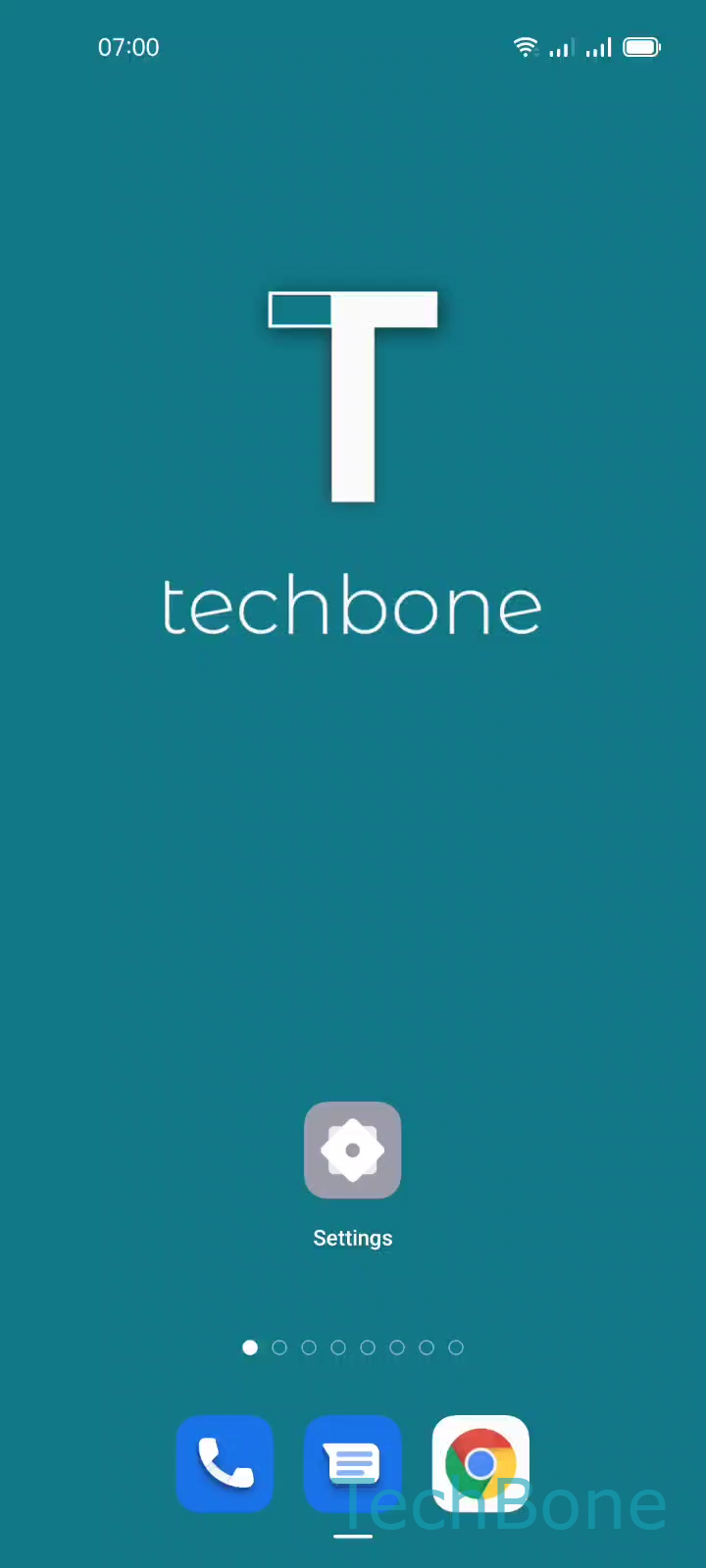
Step 1 of 4: Tap on **Settings**

1

Tap on Settings

Live simulator

Android 11 · Coloros 11
Show or Hide World Clock Widget on Home Screen – Coloros 11: step 1 – Tap on Settings
Tap on Settings
1 / 4

Scroll or use the buttons for the next step

Feedback

Was the guide correct?

Help others: confirm the path or report a problem.

80

Confirmations

Forum verified this path

Oppo

Show or Hide World Clock Widget on Home Screen auf Oppo

On Oppo phones running ColorOS, the World Clock widget does not show up automatically after you add cities inside the app. A separate switch decides whether the home screen version of the widget is even available for placement.

This toggle lives in the system date and time settings, not inside the World Clock app itself. That is why searching the widget drawer alone often does not solve the problem.

To turn it on or off:

Tap on SettingsTap on Additional settingsTap on Date & timeEnable or disable Home screen world clock

Once enabled, the widget appears in your widget list and can be dragged onto any home screen, resized, and repositioned like other widgets. Disabling the switch removes the widget from the home screen but keeps your added cities inside the World Clock app.

If the widget still does not appear after enabling the toggle, remove and re-add it manually from the widget drawer. This step is unnecessary if you only want to reorder existing widgets, since the toggle only controls visibility, not layout.

Frequently asked questions

No. Disabling Enable or disable Home screen world clock only removes the widget from your home screen. The cities you added stay saved inside the World Clock app.