Skip to content
TechBone
Oppo

Oppo: Send a Text Message via SMS

If your Oppo phone defaults to a chat app and you can't find a plain SMS option, the native Messages app is often overlooked once internet messengers take over daily chats. This leaves some users unsure where to start a new text conversation or how to reach a contact who does not use a messaging app. A quick look at the Messages app clears up where the SMS function actually lives on Coloros.

4 min5 steps
Version

Step by step

1 / 5

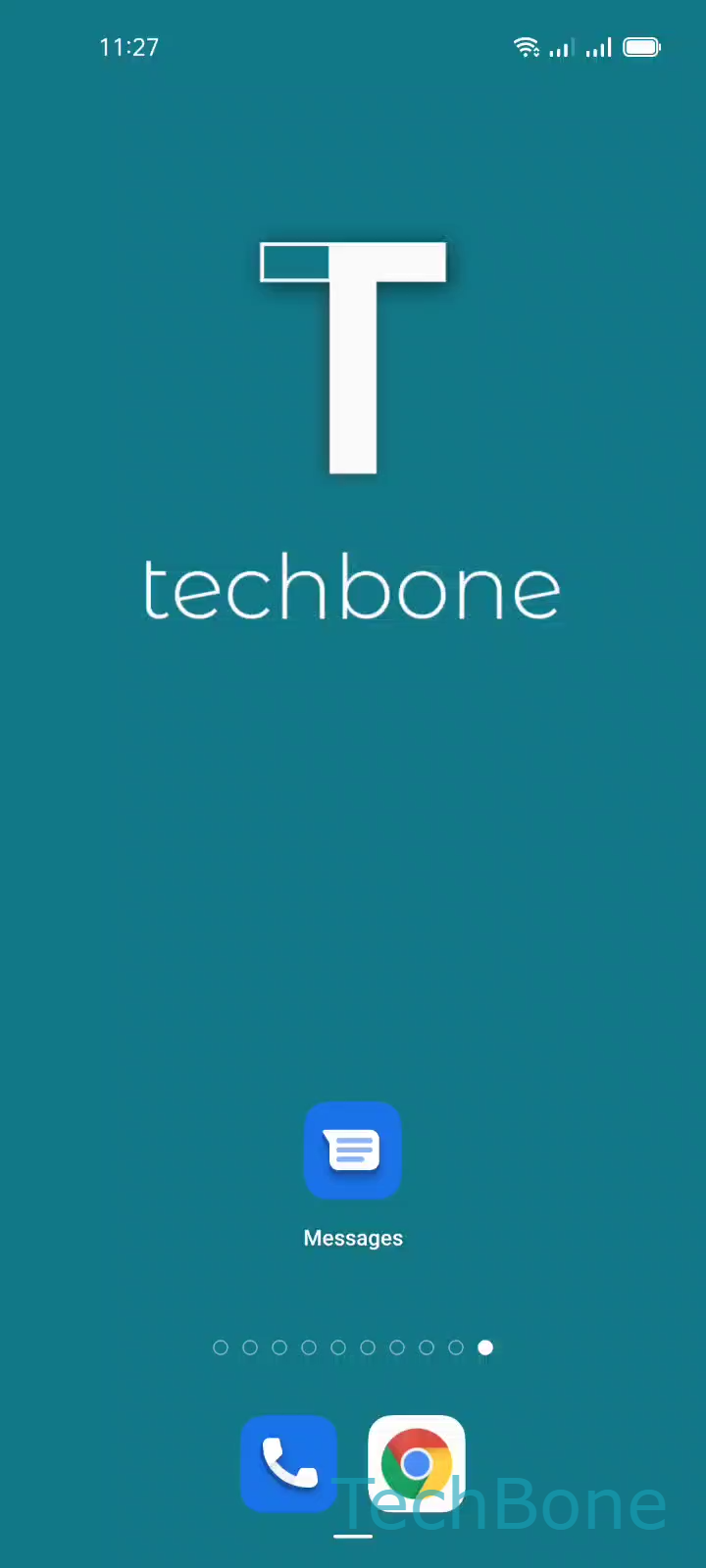
Step 1 of 5: Tap on **Messages**

1

Tap on Messages

Live simulator

Android 11 · Coloros 11
Send an SMS Text Message – Coloros 11: step 1 – Tap on Messages
Tap on Messages
1 / 5

Scroll or use the buttons for the next step

Feedback

Was the guide correct?

Help others: confirm the path or report a problem.

72

Confirmations

Forum verified this path

Oppo

Send an SMS Text Message auf Oppo

SMS still works as a fallback when a contact has no internet connection or does not use a chat app. On Oppo phones running Coloros, the function sits in the preinstalled Messages app, separate from any third-party messenger you might use daily.

To send a plain text message, open Messages ➔ tap Start chatChoose a Contact ➔ type your text ➔ tap Send. The message goes out as a standard SMS as long as no internet-based chat protocol is active for that contact.

If the app instead opens a chat thread using data instead of your SMS allowance, check whether a messaging service is linked to that contact. Some Oppo phones offer an integrated chat feature that blends SMS and internet messages in one thread, which can make a plain text message harder to spot at first.

Use SMS when you need delivery independent of Wi-Fi or mobile data, for short codes, verification texts, or contacts without a smartphone. For everyday chats with data-connected contacts, a dedicated messenger usually offers richer features like read receipts and media sharing.

Frequently asked questions

Your Oppo phone may route messages through an integrated chat service when both sides support it. Check the contact's message thread for a chat icon; if you need a standard SMS, disable that service for the conversation or select the contact's phone number directly instead of a linked chat account.