Skip to content
TechBone
Realme

Realme: Turn Background Data On or Off for Apps

If notifications from an app only show up after you open it, background data for that app is probably switched off. Realme UI blocks internet access for inactive apps in this state, so messages, mail or chat updates never reach you in real time. The setting sits inside the individual app entry, not in a general notification menu.

5 min6 steps
VersionAndroid 11 · Realme UI 2

Step by step

1 / 6

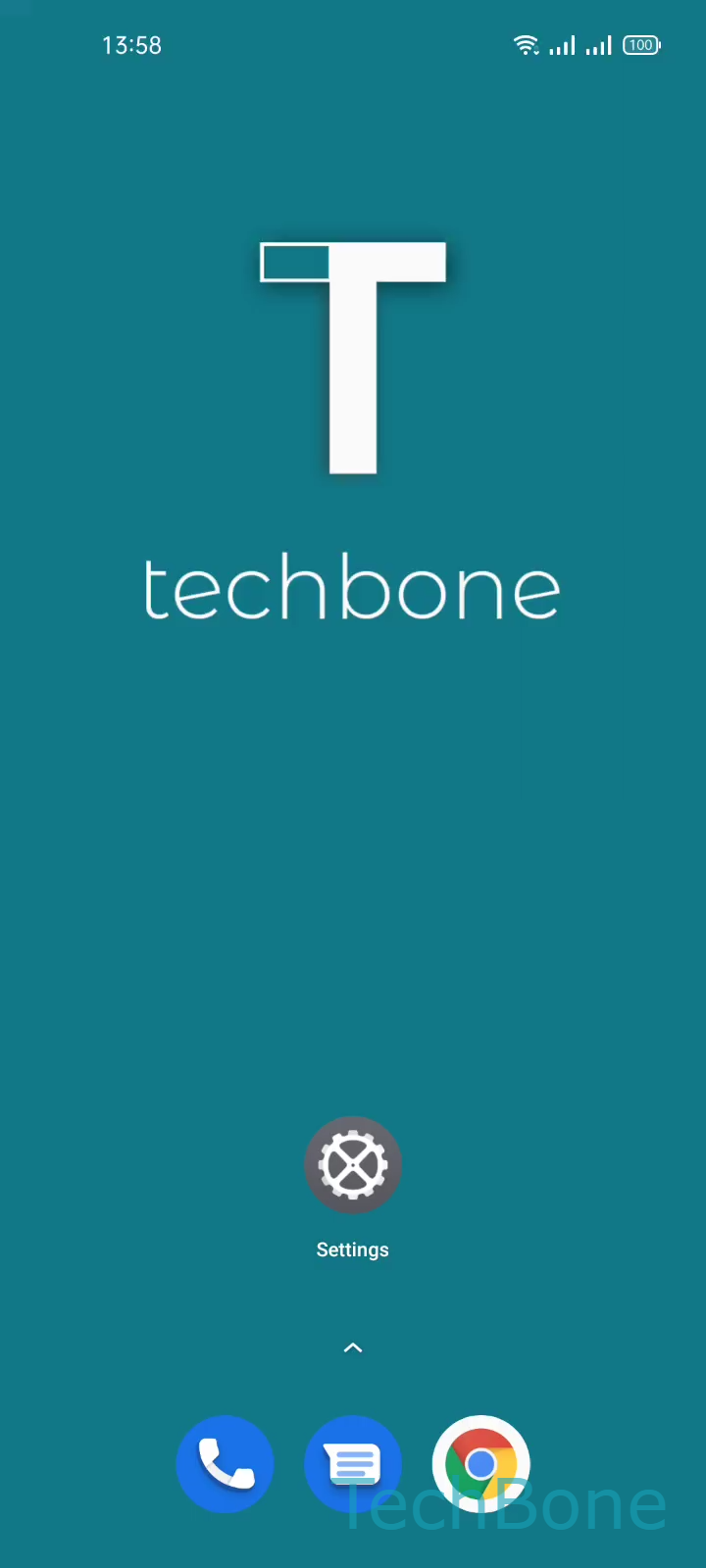
Step 1 of 6: Tap on **Settings**

1

Tap on Settings

Live simulator

Android 11 · Realme UI 2
Turn On/Off Background Data Usage of Apps – Realme UI 2: step 1 – Tap on Settings
Tap on Settings
1 / 6

Scroll or use the buttons for the next step

Feedback

Was the guide correct?

Help others: confirm the path or report a problem.

59

Confirmations

Forum verified this path

Realme

Turn On/Off Background Data Usage of Apps auf Realme

Background data lets an app reach the internet while you are not actively using it. On Realme phones this setting decides whether a chat app, mail client or news app can sync content and push notifications in the background.

By default, background data is enabled for most apps. If a specific app stopped sending notifications or stopped updating content on its own, check whether background data got disabled for that app, either by the system or by a battery optimization routine.

Where to change it

Open Tap on SettingsTap on App managementTap on App listChoose an AppTap on Data usage detailsEnable or disable Background data.

Toggling background data on restores internet access for that app while it runs in the background. Turning it off blocks all internet traffic until you open the app again.

Disabling background data can help reduce mobile data usage or battery drain for apps you rarely need updates from. It is the wrong fix if you actually want notifications, since the app then can not fetch new data until you launch it manually.

Frequently asked questions

System-level battery optimization can disable background data automatically for apps it marks as rarely used. Check Tap on SettingsTap on App managementTap on App listChoose an AppTap on Data usage details and re-enable Background data if it was switched off.