Skip to content
TechBone
Realme

Realme: Set a Monthly Mobile Data Limit

If your mobile data plan runs dry days before the billing cycle ends, you probably have no monthly limit configured on your Realme phone. Realme UI tracks consumption on its own, and that count can drift from what your carrier actually bills. Without a limit set, you only find out about overuse once your provider throttles speeds or adds extra charges.

6 min7 steps
VersionAndroid 11 · Realme UI 2

Step by step

1 / 7

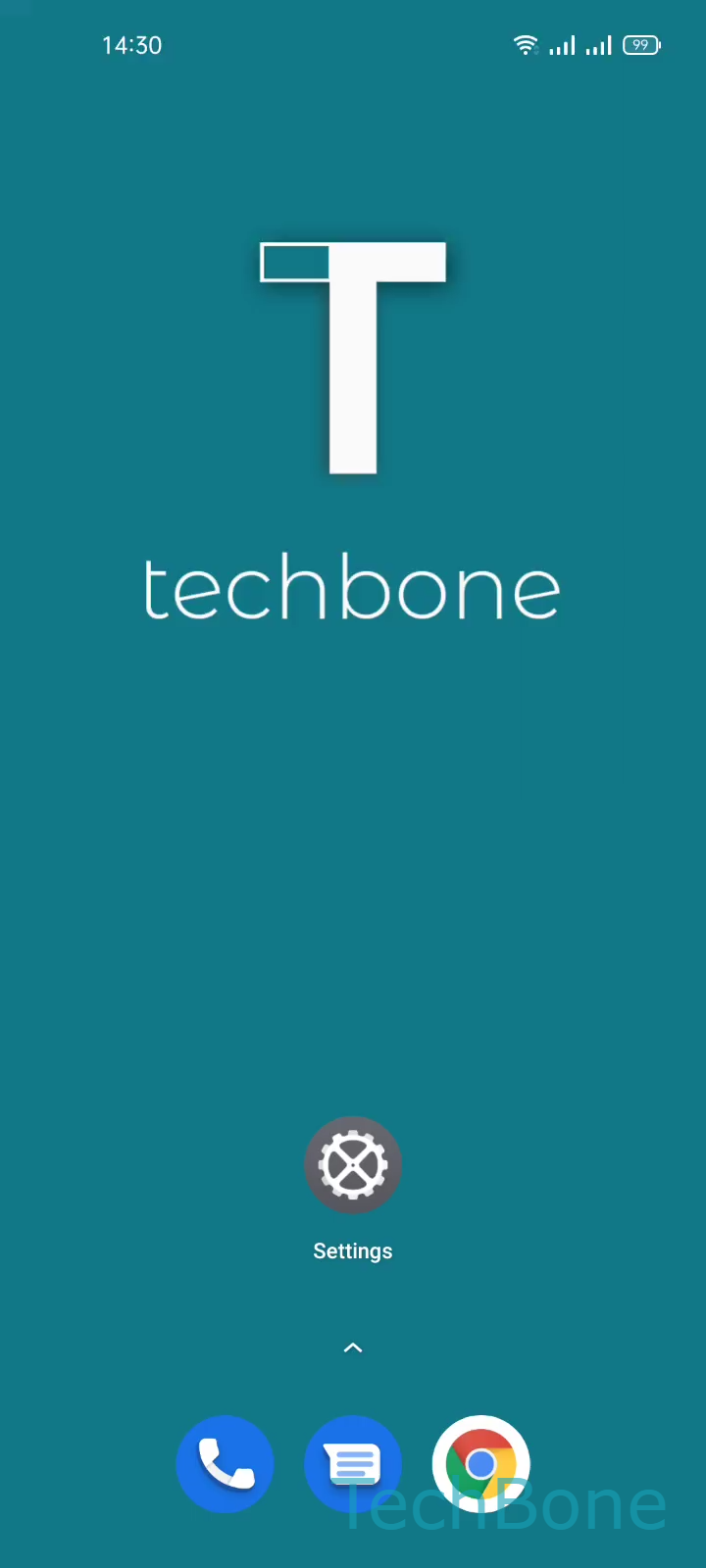
Step 1 of 7: Tap on **Settings**

1

Tap on Settings

Live simulator

Android 11 · Realme UI 2
Set a Monthly Mobile Data Limit – Realme UI 2: step 1 – Tap on Settings
Tap on Settings
1 / 7

Scroll or use the buttons for the next step

Feedback

Was the guide correct?

Help others: confirm the path or report a problem.

79

Confirmations

Forum verified this path

Realme

Set a Monthly Mobile Data Limit auf Realme

Realme UI includes its own data counter, separate from the one used by your mobile carrier for billing. Small differences between the two come from timing, background sync, and how each side rounds usage. A monthly data limit on the phone gives you a self-managed ceiling that resets automatically, so you get warned before your plan runs out rather than after.

To set it up, open SettingsSIM card & mobile dataData usageMobile data limit. Enable Set monthly data limit, then tap Data limit to enter the amount your plan allows. Confirm with Save to activate the tracking.

The limit only affects mobile data, not Wi-Fi traffic, and it does not automatically cut your connection once the value is reached. Instead, Realme UI shows a warning notification so you can throttle background usage manually. If you need the phone to actually restrict data at the limit, check whether your carrier offers a hard cap through its own app, since Realme UI is built for monitoring rather than enforcement.

Frequently asked questions

Your carrier and Realme UI count data independently, so small gaps are normal. The phone measures at the app and system level, while the carrier measures at the network level, and rounding or sync timing differences add up over the month.