Skip to content
TechBone
Realme

Realme: Turn On or Off Color Inversion

If your Realme screen suddenly shows a black background with white text where you expect white and black, Color inversion has been switched on somewhere in Accessibility. Photos, videos, and app icons look off too, since the whole display gets flipped, not just text and menus. Many people trigger this by accident while exploring accessibility options and then struggle to find the toggle again.

4 min5 steps
VersionAndroid 11 · Realme UI 2

Step by step

1 / 5

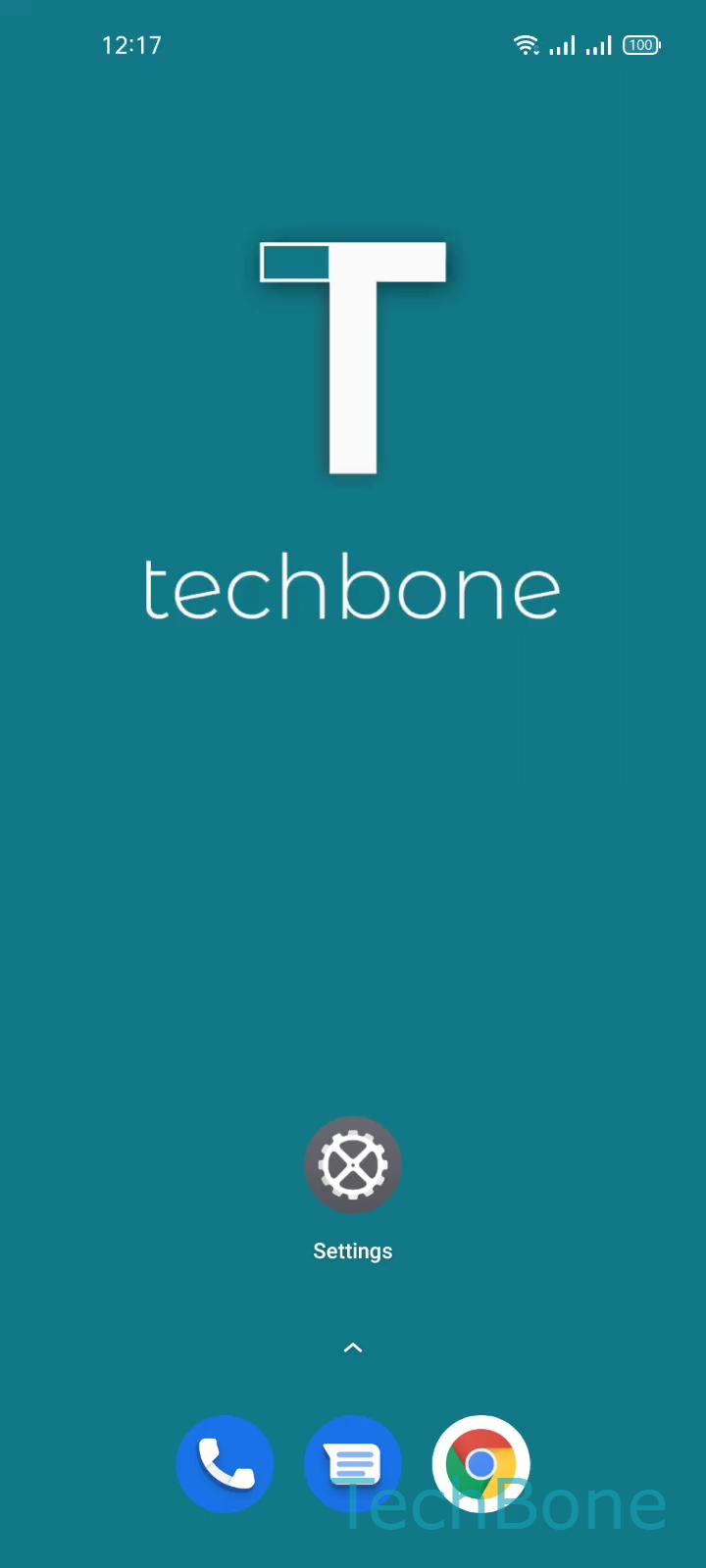
Step 1 of 5: Tap on **Settings**

1

Tap on Settings

Live simulator

Android 11 · Realme UI 2
Turn On/Off Color Inversion – Realme UI 2: step 1 – Tap on Settings
Tap on Settings
1 / 5

Scroll or use the buttons for the next step

Feedback

Was the guide correct?

Help others: confirm the path or report a problem.

73

Confirmations

Forum verified this path

Realme

Turn On/Off Color Inversion auf Realme

Color inversion is an accessibility function built for people who find a bright screen hard to look at or who need stronger contrast to read text.

Once it is active, the display flips brightness and color values system-wide. A white background becomes black, dark text turns white, and this applies to the home screen, apps, and system menus alike.

Photos and videos are affected too, since the inversion works on pixel colors, not on content type. This is why pictures can look like photo negatives and videos may lose their natural color tone until inversion is switched off again.

To enable or disable it, go to Tap on SettingsTap on Additional settingsTap on AccessibilityTap on Color inversionEnable or disable Color inversion.

If you only want a darker interface without flipping every color value, a dark theme is usually the better fit, since it keeps photos and videos looking normal while still reducing overall brightness.

Color inversion is best kept for short-term contrast needs, since permanently inverted colors can make some apps with fixed color schemes harder to read.

Frequently asked questions

Color inversion works on pixel level, so it affects the entire screen output. Photos, videos, icons, and system menus are all inverted at the same time, which is why images can look like negatives while the setting is active.