Skip to content
TechBone
Samsung

Samsung: Turn Adaptive Battery On or Off

If notifications from an app you rarely open arrive late or not at all, Adaptive battery is probably holding that app in a deeper sleep state in the background. The feature only limits background activity for apps you barely use and leaves apps you open daily untouched. It has no effect on screen brightness or overall device performance, so switching it off will not speed up your phone.

4 min5 steps
Version

Step by step

1 / 5

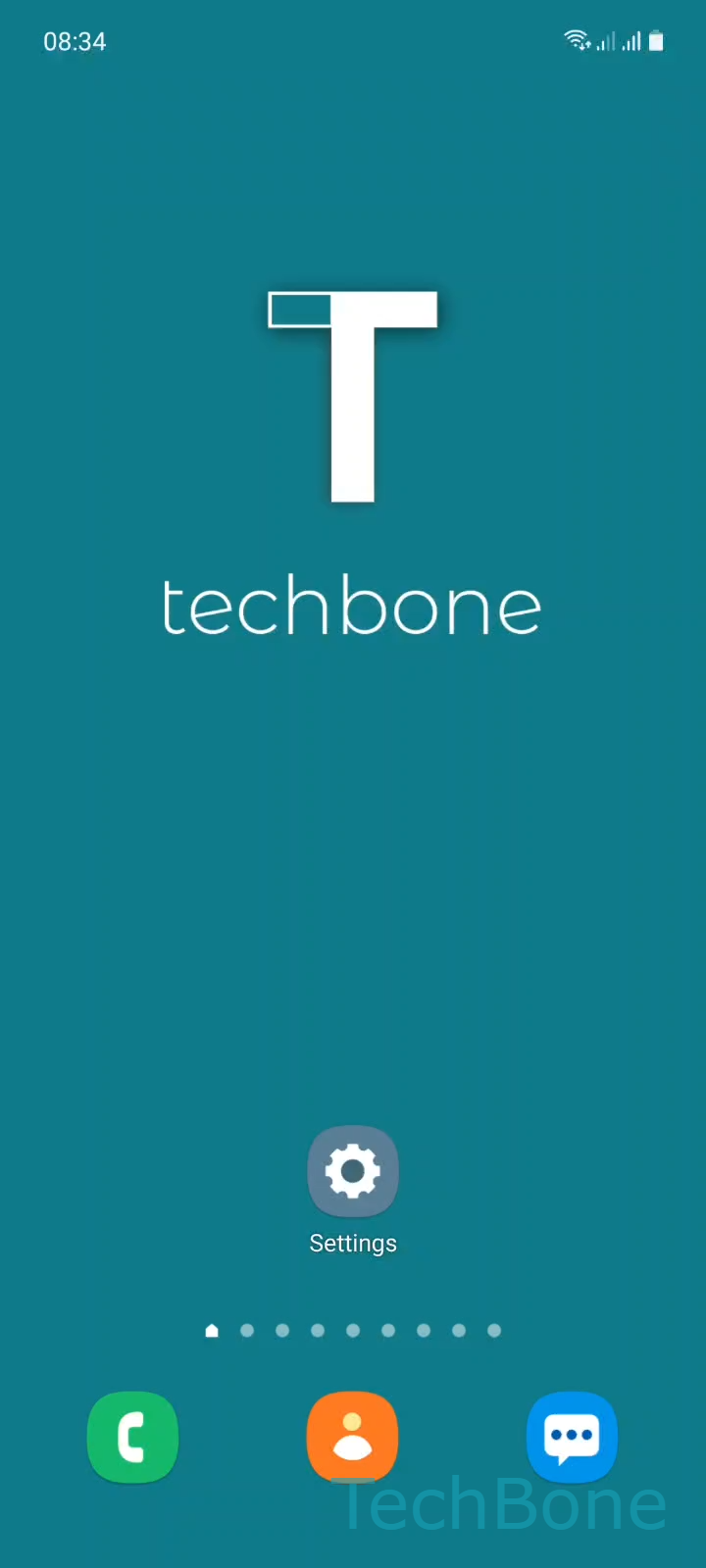
Step 1 of 5: Tap on **Settings**

1

Tap on Settings

Live simulator

Android 11 · One UI 3
Turn Adaptive Battery On or Off – One UI 3: step 1 – Tap on Settings
Tap on Settings
1 / 5

Scroll or use the buttons for the next step

Feedback

Was the guide correct?

Help others: confirm the path or report a problem.

23

Confirmations

Forum verified this path

Samsung

Turn Adaptive Battery On or Off auf Samsung

Adaptive battery watches which apps you open often and which ones you barely touch. Based on that pattern it decides how much background activity a rarely-used app is allowed, without changing screen brightness, refresh rate, or general system performance.

Apps you use every day keep running in the background as usual. Apps you rarely open get moved into a deeper sleep state, which can delay push notifications, background syncs, or location updates from those specific apps.

This makes Adaptive battery a good fit if your main goal is longer battery life and you do not depend on instant alerts from apps you open only occasionally. It is the wrong fix if a frequently used app still drains too much battery, since the setting barely restricts apps you actively use anyway.

Turning it off removes the background limits from all apps, which can noticeably shorten screen-off battery life since previously restricted apps resume full background activity.

To change the setting, go to SettingsBattery and device careBatteryMore battery settings, then enable or disable Adaptive battery.

Frequently asked questions

Disabling Adaptive battery removes background restrictions for every app on the phone, not just one. If only a single app is affected, check that app's own background permissions before turning the whole feature off.

Compatible devices

Tap your device — opens its hub with matching guides.

Android 11 · One UI 3

No compatible devices are listed for this version.