
Skip to content
TechBone
Samsung

Samsung: Turn Adaptive Power Saving On or Off

If apps you rarely open stop sending notifications or refuse to sync in the background, Adaptive power saving is likely throttling them without asking you first. This automation tracks how often you use each app and quietly cuts background access to the ones it decides you barely need. Turning it off hands manual control back to you for every app's power behavior.

4 min5 steps
Version

Step by step

1 / 5

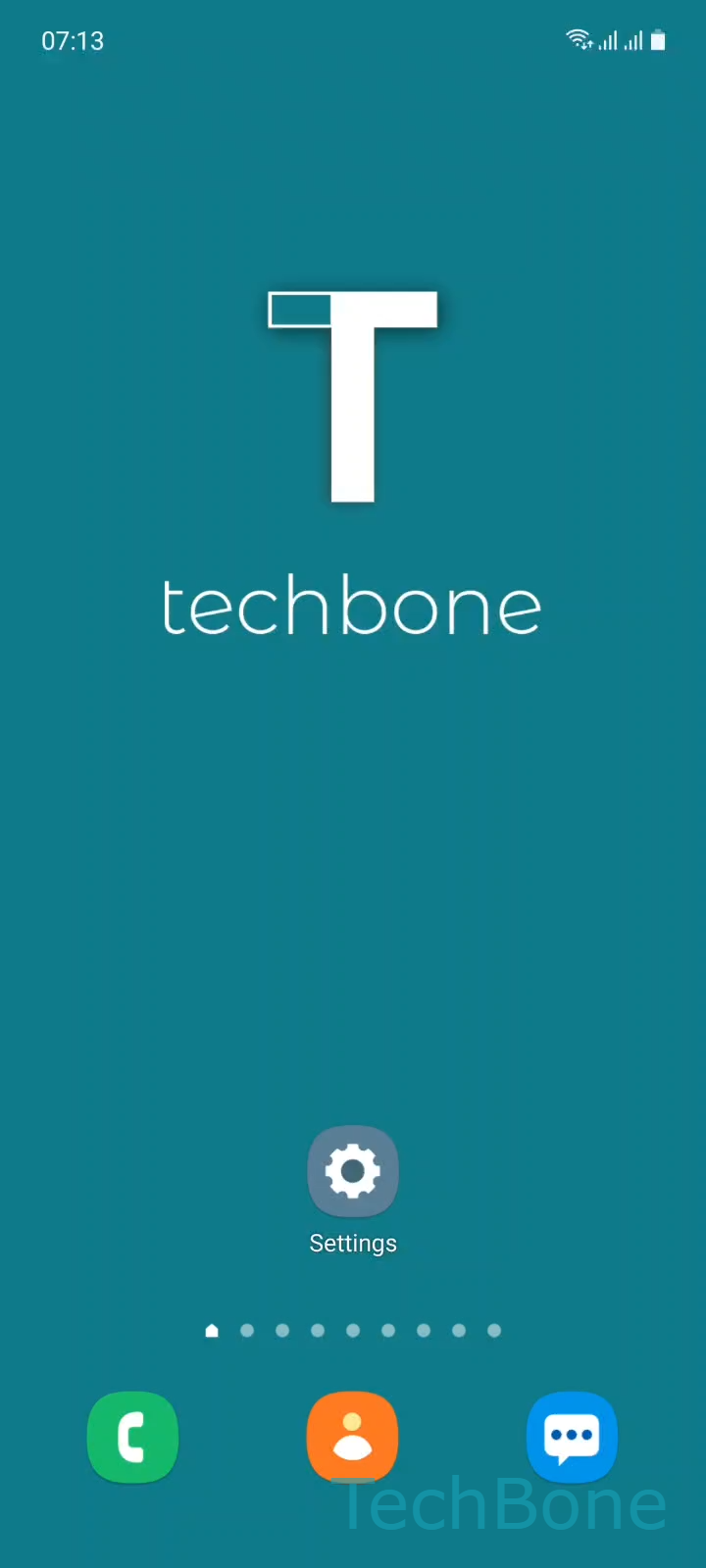
Step 1 of 5: Tap on **Settings**

1

Tap on Settings

Live simulator

Android 11 · One UI 3
Turn Adaptive Power Saving On or Off – One UI 3: step 1 – Tap on Settings
Tap on Settings
1 / 5

Scroll or use the buttons for the next step

Feedback

Was the guide correct?

Help others: confirm the path or report a problem.

26

Confirmations

Forum verified this path

Samsung

Turn Adaptive Power Saving On or Off auf Samsung

Adaptive power saving is a Samsung automation inside One UI that studies which apps you open often and which ones you barely touch.

Based on that pattern, it can throttle background activity for apps you use rarely, which explains delayed notifications, stalled syncs, or messaging apps that only refresh once you open them manually.

The feature adjusts over time, so its effect is not always visible right away and can vary between devices depending on your habits.

If you prefer to manage power behavior per app yourself instead of letting the system decide, turning this automation off removes that unpredictability.

Where to find the setting

Go to Tap on SettingsTap on Battery and device careOpen the MenuTap on AutomationEnable or disable Adaptive power saving.

Disabling it does not turn off power saving entirely. It only stops the system from adjusting app restrictions automatically based on your usage patterns.

Frequently asked questions

Turning it off removes the automatic background restrictions, so apps you rarely use may consume more battery than before. You can still limit them manually under SettingsApps ➔ the app ➔ Battery.

Compatible devices

Tap your device — opens its hub with matching guides.

Android 11 · One UI 3

No compatible devices are listed for this version.