Skip to content
TechBone
Samsung

Samsung: Add or Remove Edge Panels

The Edge panel on your Samsung phone comes with a handful of panels active out of the box, but not every panel you might want is enabled - and you might be stuck with ones you never touch, like the calendar or direct dial panel. Extra panels, including a calculator panel, are available for free through the Galaxy Store but stay invisible until you select them in the panel list. Swiping in from the edge and seeing the wrong panels, or too few of them, usually just means the panel selection needs an update.

4 min5 steps
Version

Step by step

1 / 5

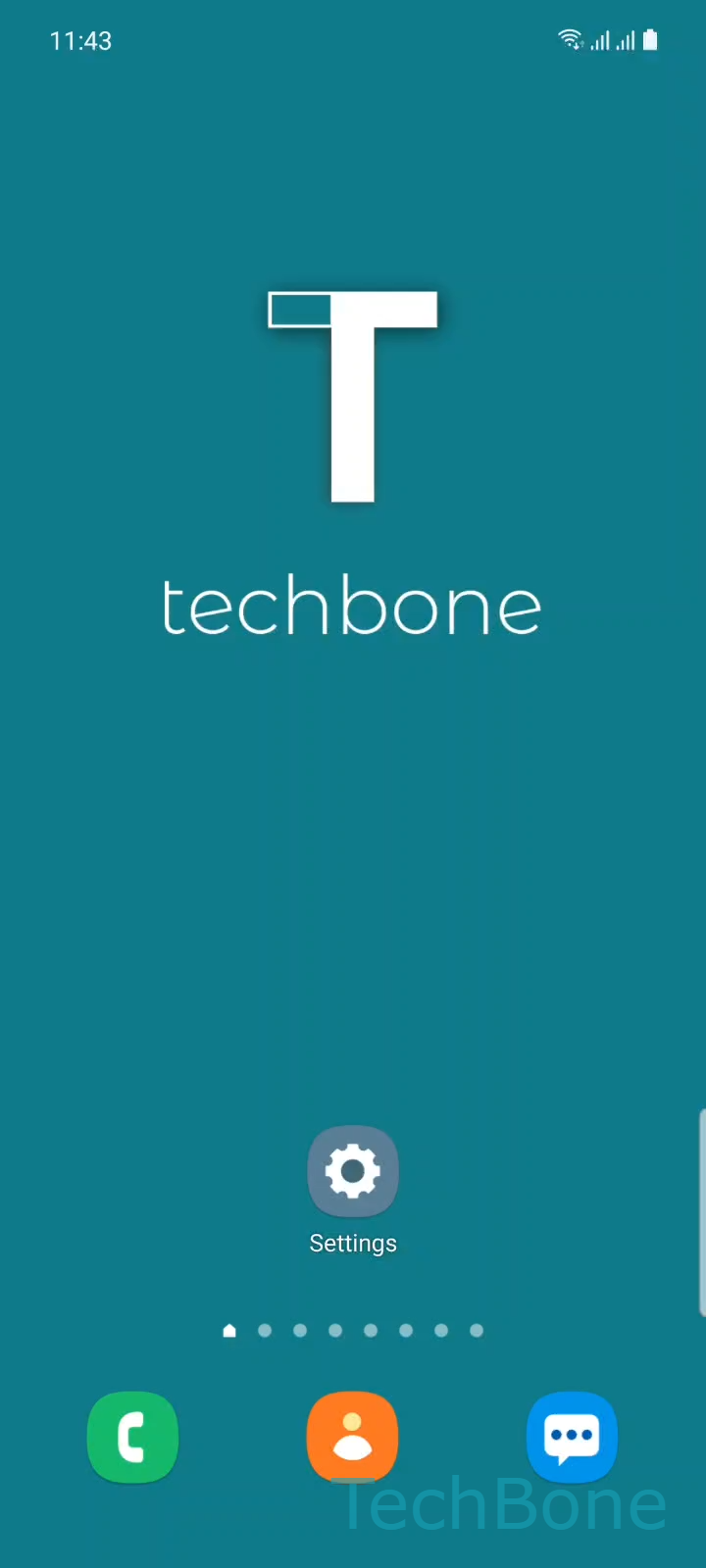
Step 1 of 5: Tap on **Settings**

1

Tap on Settings

Live simulator

Android 11 · One UI 3
Add or Remove Edge Panels – One UI 3: step 1 – Tap on Settings
Tap on Settings
1 / 5

Scroll or use the buttons for the next step

Feedback

Was the guide correct?

Help others: confirm the path or report a problem.

84

Confirmations

Forum verified this path

Samsung

Add or Remove Edge Panels auf Samsung

The Edge panel on Samsung phones ships with a default set of panels, but Samsung also lets you add more from the Galaxy Store or turn off the ones you never swipe to.

Panels like a calendar panel, direct dial panel or calculator panel only appear once you tick them in the panel list. If a panel is missing after installing it, or an unwanted panel keeps showing up on your Edge panel, its toggle is simply switched off in the settings.

To add or remove a panel, open SettingsDisplayEdge panelsPanels. From there, select or deselect the panels you want to control exactly which ones appear when you swipe in from the edge of the screen.

This works both for panels already on the device and for ones downloaded from the Galaxy Store afterward - once installed, new panels show up in the same Panels list ready to be enabled.

If Edge panel does not open at all when you swipe, the feature itself might be switched off higher up in the Edge panels menu, which is separate from choosing individual panels.

Frequently asked questions

Downloaded panels get added to the panel list but stay unchecked by default. Open SettingsDisplayEdge panelsPanels and tick the new panel to make it appear when you swipe in from the edge.

Compatible devices

Tap your device — opens its hub with matching guides.

Android 11 · One UI 3

No compatible devices are listed for this version.