
Skip to content
TechBone
Samsung

Samsung: Allow Both SIM Cards to Use Mobile Data During Calls

On a dual-SIM Samsung phone, taking a call on one SIM can cut off mobile data on the other, so messages stall and apps stop syncing until you hang up. This happens because only one SIM handles data by default while the second SIM pauses during the call. A hidden network toggle controls whether both SIMs can keep using data at the same time.

3 min4 steps
VersionAndroid 11 · One UI 3

Step by step

1 / 4

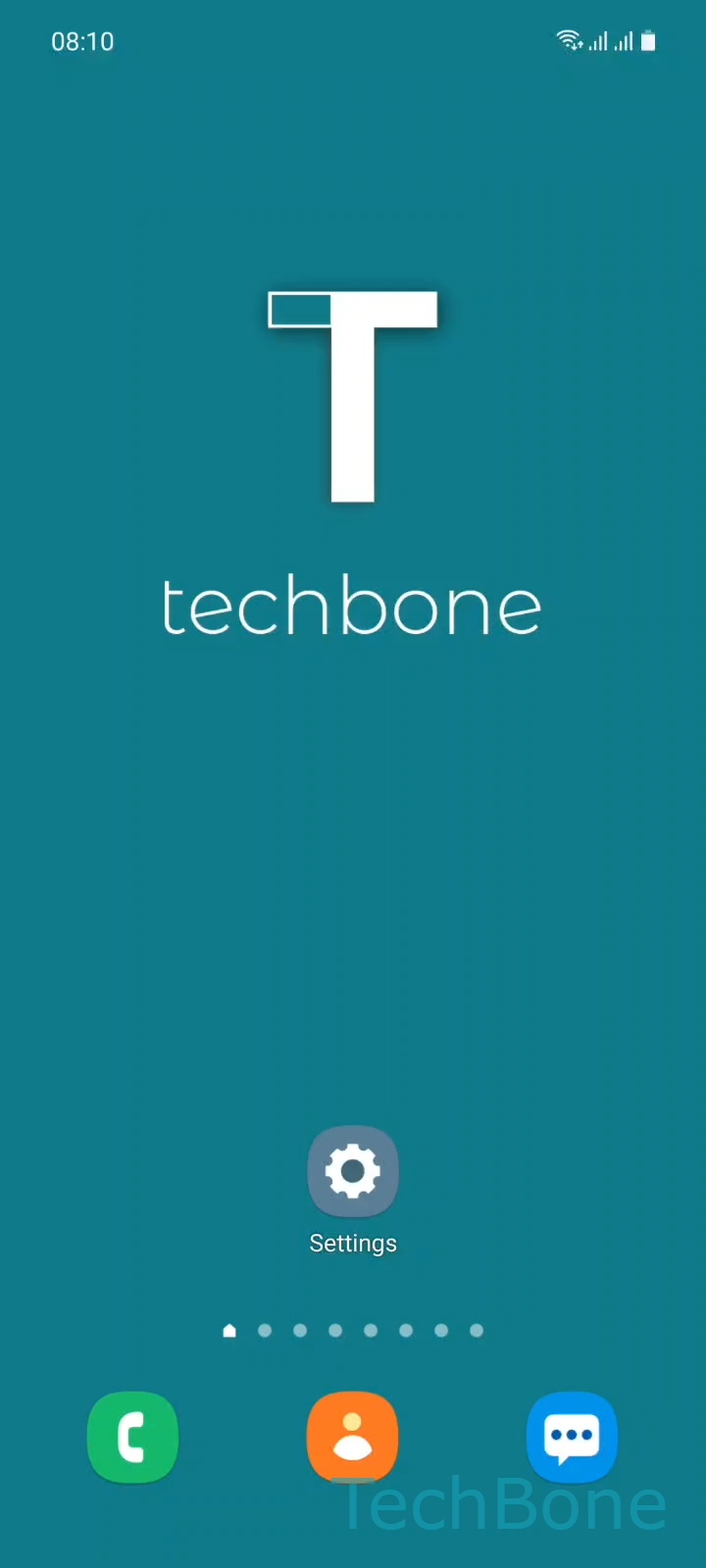
Step 1 of 4: Tap on **Settings**

1

Tap on Settings

Live simulator

Android 11 · One UI 3
Allow Both SIM Cards to Use Mobile Data During Calls – One UI 3: step 1 – Tap on Settings
Tap on Settings
1 / 4

Scroll or use the buttons for the next step

Feedback

Was the guide correct?

Help others: confirm the path or report a problem.

47

Confirmations

Forum verified this path

Samsung

Allow Both SIM Cards to Use Mobile Data During Calls auf Samsung

On Samsung dual-SIM phones, the data connection normally stays tied to whichever SIM you use for browsing and messaging. During a call, the second SIM's radio pauses to save battery and avoid network conflicts, which is why data traffic can stall until the call ends.

The Allow all SIMs to use data in calls toggle in the network settings tells the system to keep both SIMs active for data even while one of them is handling the call. This helps when you rely on background downloads, live location sharing, or chat apps that need a constant connection during a phone call.

To turn it on, open SettingsConnectionsMobile networks and switch on Allow all SIMs to use data in calls. Switch it off again once you notice faster battery drain, since keeping both radios awake at once uses more power.

This setting only affects Samsung devices with two active SIM slots. On a single-SIM setup, or when one slot holds an eSIM without its own data plan, the toggle has no effect.

Frequently asked questions

Some carriers restrict simultaneous voice and data on a specific network band, so the option under SettingsConnectionsMobile networks may have no effect until your carrier's plan or network type supports it.

Compatible devices

Tap your device — opens its hub with matching guides.

Android 11 · One UI 3

No compatible devices are listed for this version.