Skip to content
TechBone
Samsung

Samsung: Show Battery Percentage in Status Bar

If your Samsung phone only shows a battery icon in the status bar, you cannot tell your exact charge level at a glance. The icon shape gives a rough guess, but it never says if you are at 42% or 51%. Turning on the percentage display fixes that instantly.

4 min5 steps
Version

Step by step

1 / 5

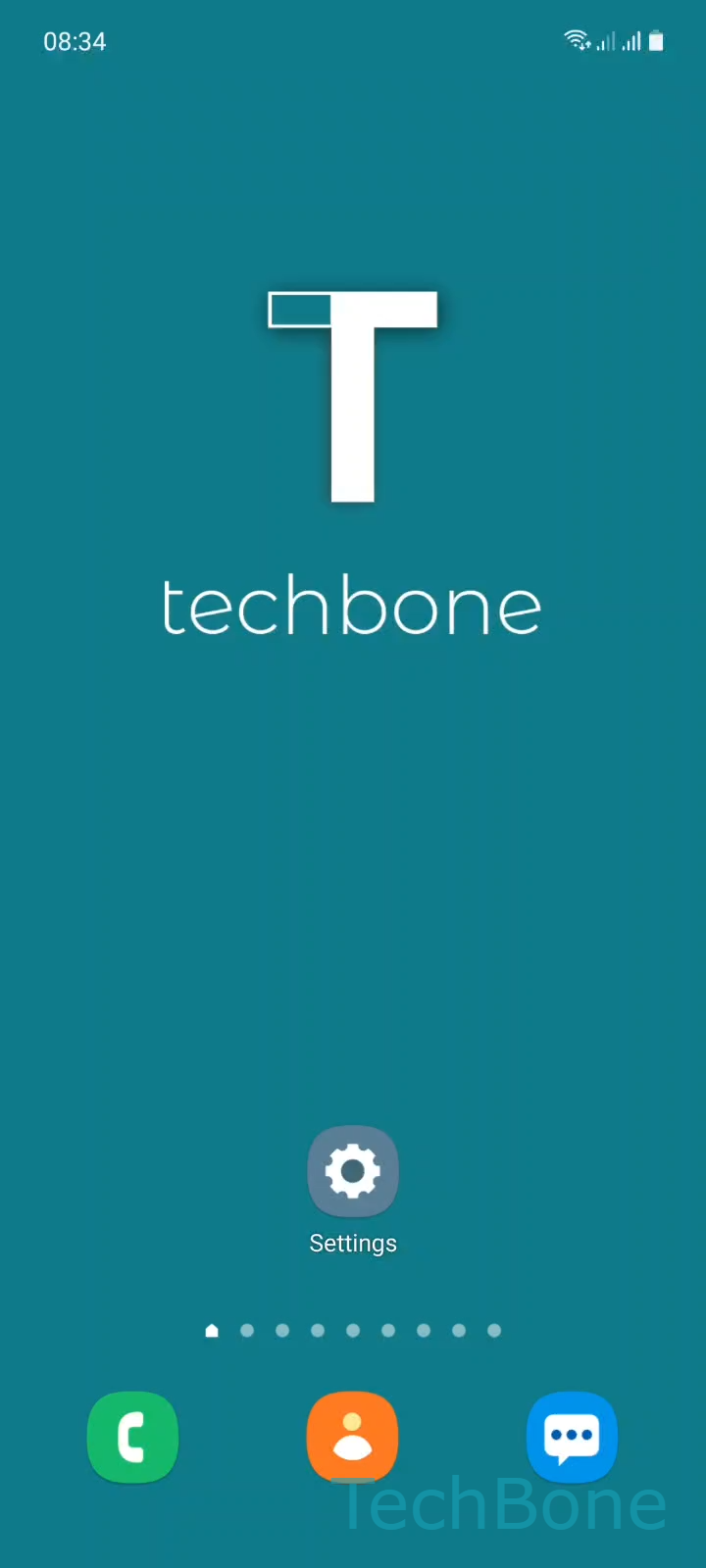
Step 1 of 5: Tap on **Settings**

1

Tap on Settings

Live simulator

Android 11 · One UI 3
Show Battery Percentage in Status Bar – One UI 3: step 1 – Tap on Settings
Tap on Settings
1 / 5

Scroll or use the buttons for the next step

Feedback

Was the guide correct?

Help others: confirm the path or report a problem.

58

Confirmations

Forum verified this path

Samsung

Show Battery Percentage in Status Bar auf Samsung

Samsung phones show battery status as an icon by default, not as a number. The icon shape gives a rough estimate, but it does not tell you the exact charge level, which makes it hard to judge how long the battery will last before your next charge.

The percentage display is controlled from the battery care menu, not from the general display settings. To turn it on, go to SettingsBattery and device careBatteryMore battery settings and enable Show battery percentage. The number appears next to the battery icon right away, no restart needed.

Turning the percentage off again works the same way, useful if you prefer a cleaner status bar or if a launcher already shows battery info elsewhere. On devices with a notch or punch-hole camera, the extra number can crowd the status bar icons, so disabling it frees up space for notification icons.

Frequently asked questions

The status bar usually updates instantly, but if it does not, lock and unlock the screen once. If it still does not show, recheck the toggle under SettingsBattery and device careBatteryMore battery settingsShow battery percentage.

Compatible devices

Tap your device — opens its hub with matching guides.

Android 11 · One UI 3

No compatible devices are listed for this version.