Skip to content
TechBone
Samsung

Samsung: Turn Call Forwarding On or Off

If calls keep landing on voicemail instead of reaching you on a second number, call forwarding on your Samsung phone might already be active or set up wrong. Voice calls and video calls each have their own forwarding rule, and the network often forwards calls automatically when you are busy, unavailable or do not answer. Leaving the wrong option enabled means callers never reach the number you actually want.

6 min8 steps
Version

Step by step

1 / 8

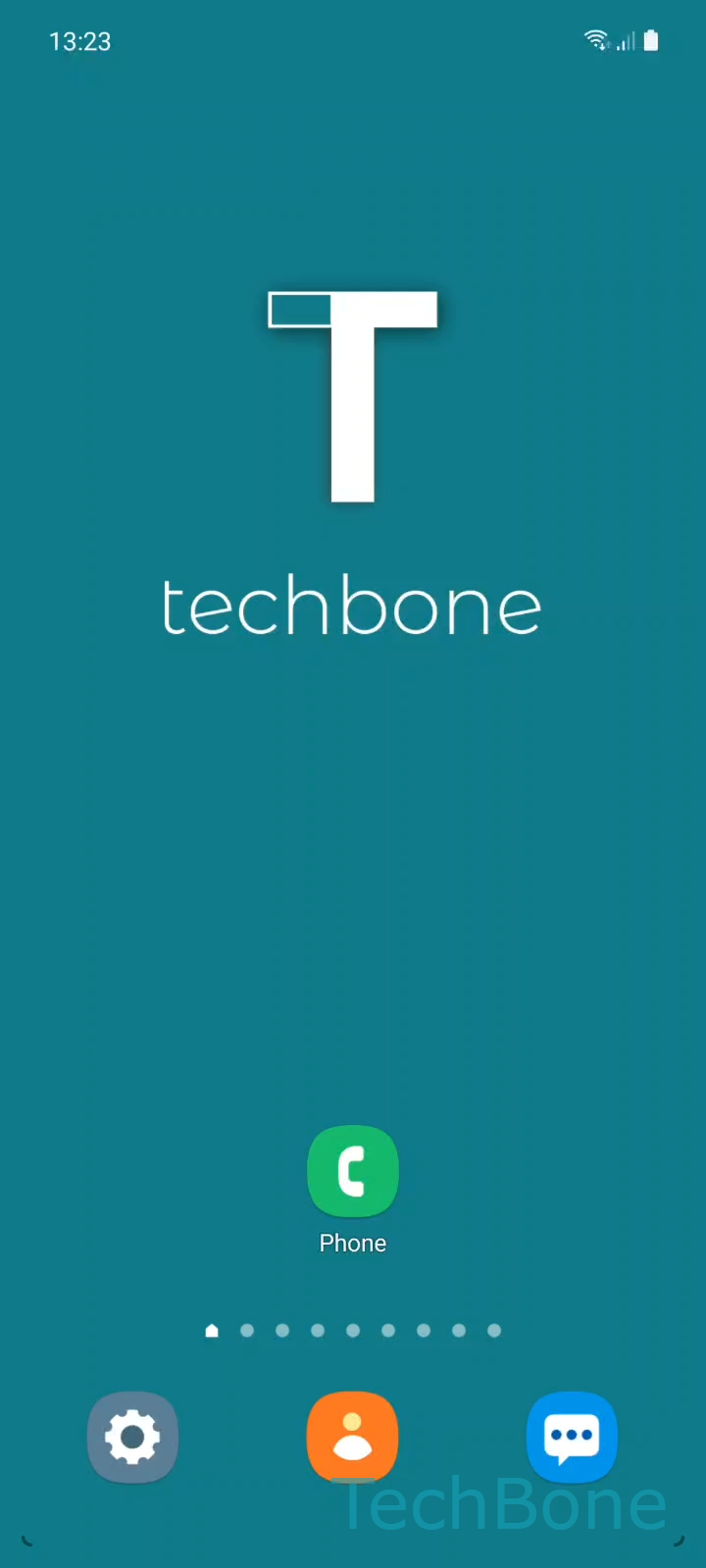
Step 1 of 8: Tap on **Phone**

1

Tap on Phone

Live simulator

Android 11 · One UI 3
Call Forwarding Setup – One UI 3: step 1 – Tap on Phone
Tap on Phone
1 / 8

Scroll or use the buttons for the next step

Feedback

Was the guide correct?

Help others: confirm the path or report a problem.

46

Confirmations

Forum verified this path

Samsung

Call Forwarding Setup auf Samsung

Call forwarding redirects an incoming call to another number instead of ringing your Samsung phone. Your carrier often enables a default rule that sends calls to voicemail when you are busy, do not answer, or your phone is unreachable. This setting exists separately for voice calls and video calls, so one type can forward while the other rings normally.

To check or change it, go to PhoneMenuSettingsSupplementary servicesCall forwarding. Choose Voice calls or Video calls, then pick a condition such as always forward, forward when busy, when unanswered, or when unreachable. Enter the target phone number to activate forwarding for that condition, or tap Turn Off to cancel it.

Leave forwarding on if you regularly miss calls on this device and want them to reach a second number or an assistant. Turn it off if you rely on your own voicemail or if you notice callers reaching a wrong number without you dialing anything. Some carriers apply forwarding server-side, so changes may take a moment to sync, and removing a SIM card can reset the setting to the network default.

Frequently asked questions

Many carriers activate forwarding to voicemail by default for the 'unanswered' or 'unreachable' condition. Check PhoneMenuSettingsSupplementary servicesCall forwardingVoice calls to see which condition is active.

Compatible devices

Tap your device — opens its hub with matching guides.

Android 11 · One UI 3

No compatible devices are listed for this version.