Skip to content
TechBone
Samsung

Samsung: Set a Custom Cover Image for a Gallery Album

Samsung Gallery replaces an album thumbnail with the newest photo or video every time you add something to that album, so the cover you actually want to see keeps changing. This makes albums with frequent uploads, like a shared family folder or a screenshot dump, hard to recognize at a glance. Locking in one specific cover image fixes that, but the option is buried a few taps deep in the album menu.

6 min7 steps
Version

Step by step

1 / 7

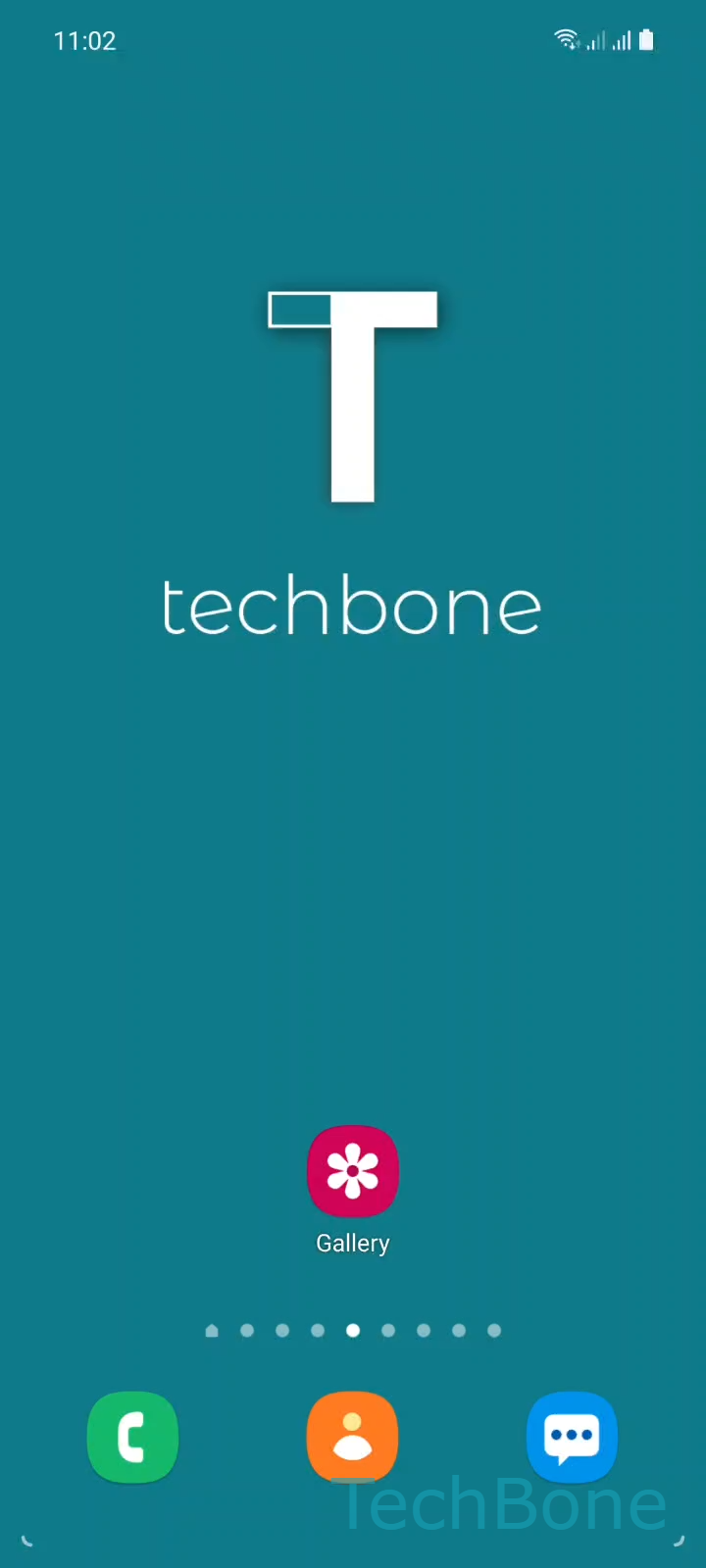
Step 1 of 7: Tap on **Gallery**

1

Tap on Gallery

Live simulator

Android 11 · One UI 3
Change Album Cover Image – One UI 3: step 1 – Tap on Gallery
Tap on Gallery
1 / 7

Scroll or use the buttons for the next step

Feedback

Was the guide correct?

Help others: confirm the path or report a problem.

70

Confirmations

Forum verified this path

Samsung

Change Album Cover Image auf Samsung

By default, Samsung Gallery treats every album cover as dynamic. Each time you add a new photo or video, the app replaces the thumbnail with that latest file, which is convenient for albums you never touch again but frustrating for anything you keep updating.

To lock in a specific cover, open GalleryAlbums, then tap and hold the album you want to change. Tap More, followed by Change cover image. Choose any photo or image from that album, adjust the crop as needed, and tap Apply to confirm.

What actually changes

Once you apply a custom cover, Gallery stops updating the thumbnail automatically for that album. New photos still get added to the album itself, only the cover tile stays fixed.

This setting lives per album, so you need to repeat the steps for each album where you want a fixed cover. There is no global toggle that applies the behavior everywhere at once.

If an album cover keeps looking wrong after you have set one, double check that you edited the correct album, since Samsung Gallery sometimes lists similarly named albums (device folder vs. synced folder) separately.

Frequently asked questions

There is no direct undo button. Open the same album, go to MoreChange cover image, and manually pick the most recent photo or video in that album. This mimics the automatic behavior but does not truly reset it to dynamic mode.

Compatible devices

Tap your device — opens its hub with matching guides.

Android 11 · One UI 3

No compatible devices are listed for this version.