
Skip to content
TechBone
Samsung

Samsung: Set the Default SIM Card for Text Messages

On a dual SIM Samsung phone, every text goes out through SIM 1 unless you change it, even if SIM 2 has cheaper rates or better signal where you live. Calls and mobile data can already be set to a different SIM while texts still leave through the wrong one. The fix sits inside the SIM Card Manager settings, separate from the other SIM defaults.

4 min5 steps
Version

Step by step

1 / 5

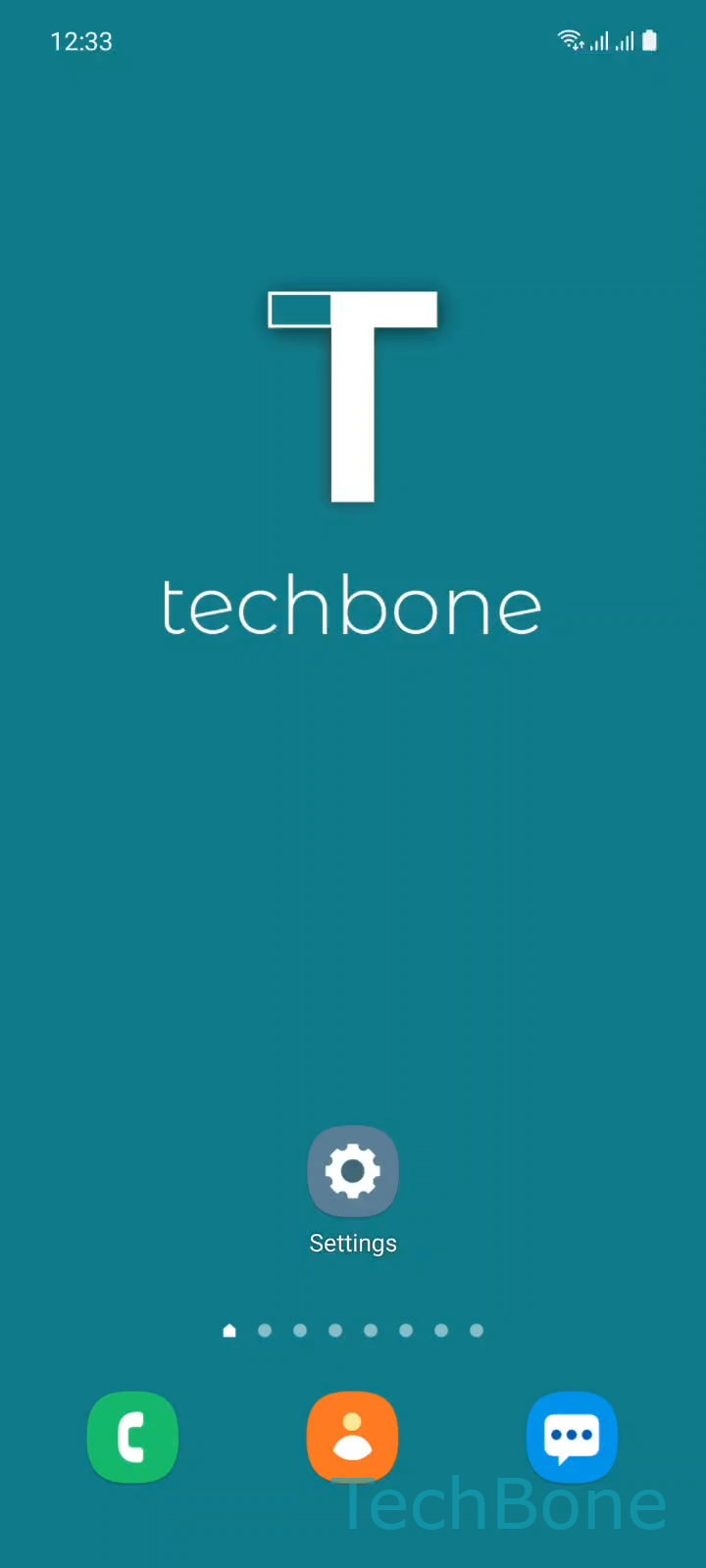
Step 1 of 5: Tap on **Settings**

1

Tap on Settings

Live simulator

Android 11 · One UI 3
Set Default SIM for Text Messages – One UI 3: step 1 – Tap on Settings
Tap on Settings
1 / 5

Scroll or use the buttons for the next step

Feedback

Was the guide correct?

Help others: confirm the path or report a problem.

35

Confirmations

Forum verified this path

Samsung

Set Default SIM for Text Messages auf Samsung

Samsung phones with two SIM slots default to SIM 1 for every outgoing text, even after you switch calls or mobile data to SIM 2. Messaging has its own default, separate from the SIM used for calls.

Open SettingsConnectionsSIM card managerMessages and choose SIM 1 or SIM 2. The change applies immediately to new texts sent from the Messages app.

This setting matters most if one SIM has a cheaper SMS plan, better reception at home, or is kept for business contacts only. Without adjusting it, texts keep leaving through whichever SIM you set up first, no matter which line you use for calls or data.

On some Samsung models, you can also switch the default SIM for texts from the status bar shortcut, without opening Settings at all. If Messages is missing from SIM card manager, check that both SIM slots are active and that neither one is disabled or restricted by roaming settings.

Switching the default only changes new outgoing texts. Messages already sent or received keep showing whichever SIM actually handled them at the time.

Frequently asked questions

No. Calls and mobile data have their own defaults inside SIM card manager. You need to set each one separately.

Compatible devices

Tap your device — opens its hub with matching guides.

Android 11 · One UI 3

No compatible devices are listed for this version.