Skip to content
TechBone
Samsung

Samsung: Set the Default Home Screen Launcher

Installing a new launcher from the Play Store does not always make it the active home screen on a Samsung phone. The device keeps falling back to its built-in interface every time you tap the Home button. This happens because the system default app for Home is still locked to the original launcher, not the one you just installed.

4 min5 steps
Version

Step by step

1 / 5

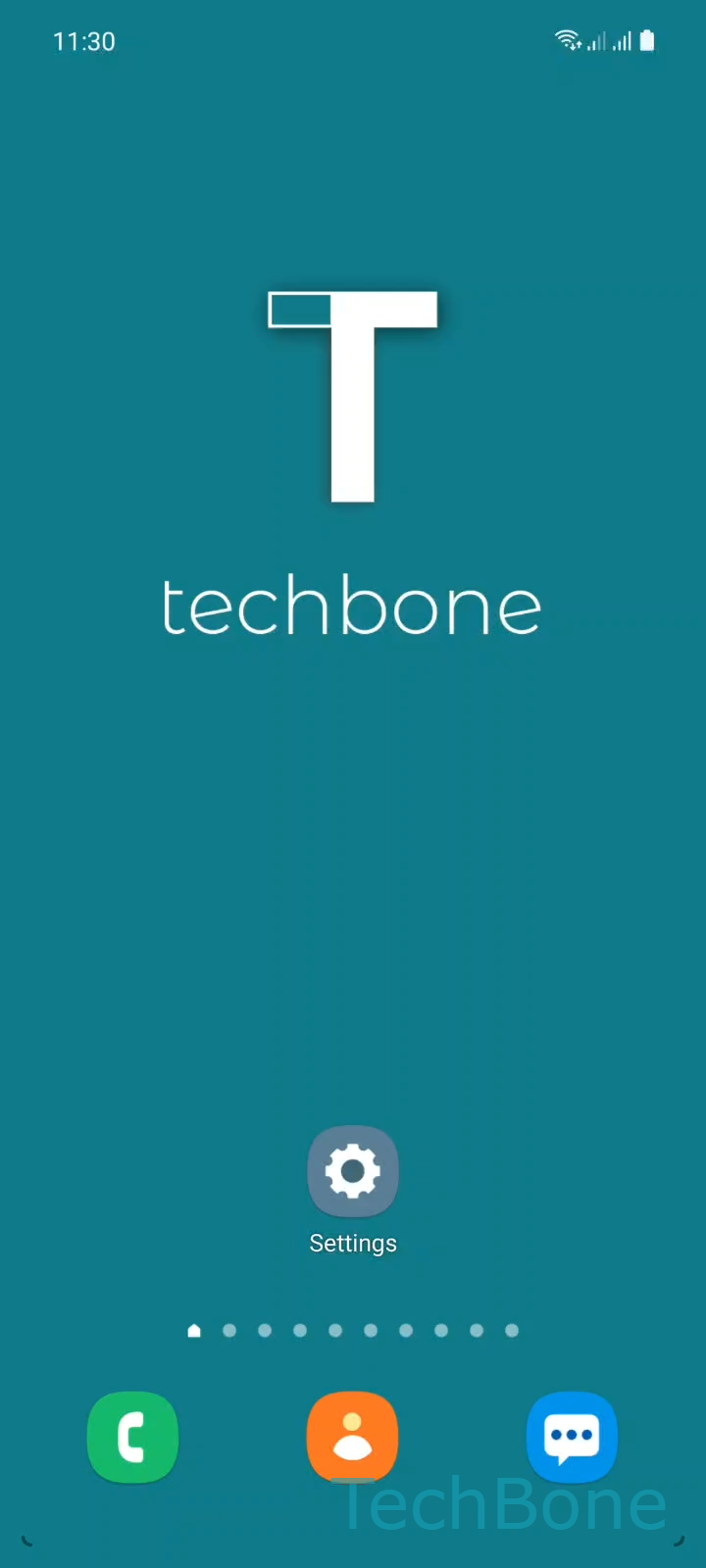
Step 1 of 5: Tap on **Settings**

1

Tap on Settings

Live simulator

Android 11 · One UI 3
Set Default Home Screen Launcher – One UI 3: step 1 – Tap on Settings
Tap on Settings
1 / 5

Scroll or use the buttons for the next step

Feedback

Was the guide correct?

Help others: confirm the path or report a problem.

74

Confirmations

Forum verified this path

Samsung

Set Default Home Screen Launcher auf Samsung

On Samsung phones, One UI acts as the default launcher and controls the Home screen, app drawer, and gestures. Installing another launcher from the Play Store adds it as an option, but Android does not switch automatically. The system keeps using whichever app is currently set as the default Home app, even after a new launcher is installed and opened once.

To change this, open SettingsAppsChoose default appsHome app. This screen lists every launcher installed on the device, including One UI and any third-party app. Tap the launcher you want to use and confirm it as the new default.

If the new launcher does not appear in this list, it usually needs an update or has been disabled in the app info. A missing entry is rarely caused by the Home app setting itself.

Switching back works the same way: open the same menu and select Samsung's own launcher again. No data, widgets, or icons from the previous launcher are deleted during the switch, they simply stop being displayed until you switch back.

Frequently asked questions

The installed launcher only becomes available as an option. Android still uses whatever is set under SettingsAppsChoose default appsHome app, so this needs to be changed manually to the new launcher.

Compatible devices

Tap your device — opens its hub with matching guides.

Android 11 · One UI 3

No compatible devices are listed for this version.