Skip to content
TechBone
Samsung

Samsung: Enable or Disable the Floating Shutter Button

Selfies get tricky when the on-screen shutter icon sits out of thumb reach on a big display. Samsung's Camera app has a separate floating shutter release that you can drag anywhere on the screen, but it stays hidden unless you switch it on in the shooting methods. Without it enabled, you're stuck reaching for the fixed shutter icon or the volume keys every time.

3 min4 steps
Version

Step by step

1 / 4

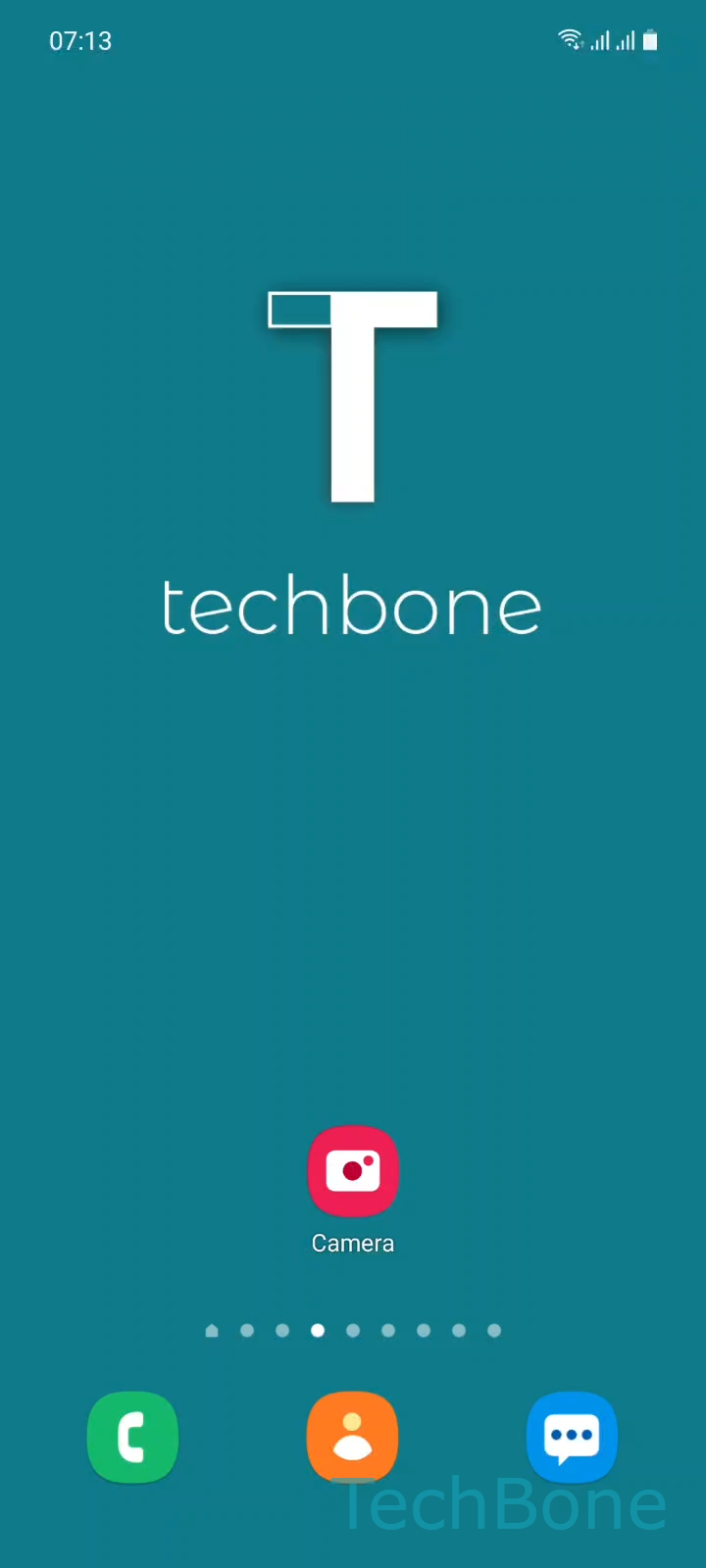
Step 1 of 4: Tap on **Camera**

1

Tap on Camera

Live simulator

Android 11 · One UI 3
Floating Shutter Button: Turn On or Off – One UI 3: step 1 – Tap on Camera
Tap on Camera
1 / 4

Scroll or use the buttons for the next step

Feedback

Was the guide correct?

Help others: confirm the path or report a problem.

49

Confirmations

Forum verified this path

Samsung

Floating Shutter Button: Turn On or Off auf Samsung

The floating shutter button is an extra, movable shutter release for the Samsung Camera app. Unlike the fixed shutter icon, you can drag it to any position on the screen, which helps a lot when you're holding the phone one-handed or shooting selfies where the standard button sits out of reach.

This option lives under the shooting methods, a section of the Camera settings that groups all the alternative ways to trigger a photo, including voice commands and gesture-based shots. It's turned off by default, so the extra button won't appear until you activate it.

How to turn it on or off

Open the Camera app and tap on Settings, then go to Shooting methods. From there you can enable or disable the Floating Shutter button with a single toggle.

Once enabled, a small round icon appears on top of the camera preview. Tap and hold it to drag it anywhere on screen, including corners that are easier to reach with your thumb.

If the floating button ends up covering part of your subject in the preview, just move it to an empty area or turn it off again and rely on the volume keys as a physical shutter instead.

Frequently asked questions

Open the Camera app, tap on Settings, then Shooting methods. The Floating Shutter button toggle is listed there together with the other alternative shutter options.

Compatible devices

Tap your device — opens its hub with matching guides.

Android 11 · One UI 3

No compatible devices are listed for this version.