Skip to content
TechBone
Samsung

Samsung: Switch the Keyboard Theme to Dark or Adaptive

The Samsung keyboard ships with a light design that can feel too bright when you type at night or in low light. Switching to a dark design keeps the letters legible without lighting up the whole screen. An adaptive theme goes further and matches the keyboard color to whatever app you have open.

4 min5 steps
Version

Step by step

1 / 5

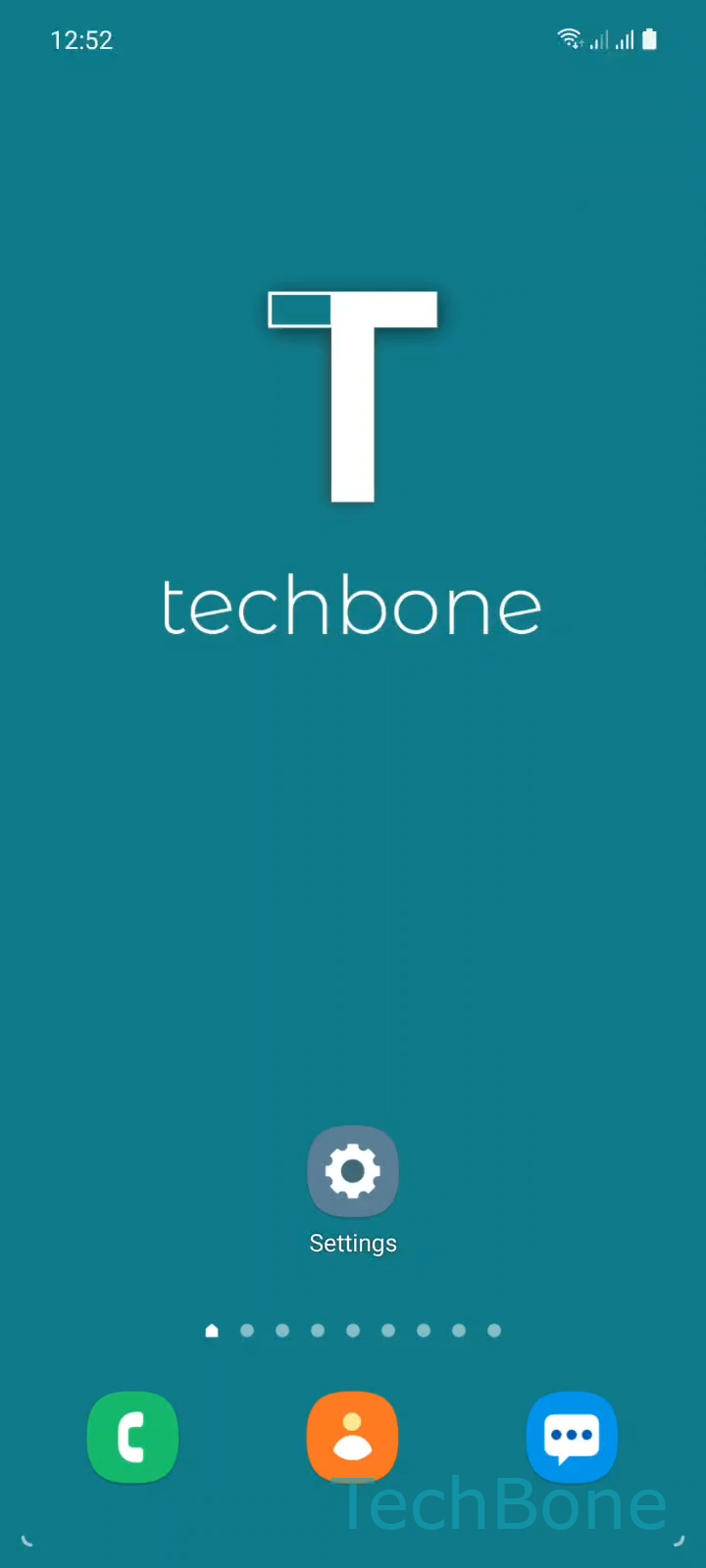
Step 1 of 5: Tap on **Settings**

1

Tap on Settings

Live simulator

Android 11 · One UI 3
Change Keyboard Theme – One UI 3: step 1 – Tap on Settings
Tap on Settings
1 / 5

Scroll or use the buttons for the next step

Feedback

Was the guide correct?

Help others: confirm the path or report a problem.

99

Confirmations

Forum verified this path

Samsung

Change Keyboard Theme auf Samsung

The Samsung keyboard starts in a light layout by default, which can look glaring in a dim room or at night. One UI stores the keyboard color scheme separately from the system dark mode, so switching your phone to a dark theme does not always change the keyboard automatically.

You can pick a fixed light or dark keyboard, or let Samsung Keyboard adjust itself with the Adaptive Theme option, which follows the color of the app currently in focus. This setting lives inside the keyboard's own settings, not in the general display menu, which is why many users miss it.

How to switch the theme

Open SettingsGeneral managementSamsung Keyboard settingsThemeChoose an option. Pick Light, Dark, or Adaptive Theme depending on how you want the keyboard to behave.

If the keyboard still looks wrong after changing this setting, check whether a separate keyboard theme pack is installed, since an installed pack can override the built-in Light, Dark, or Adaptive choice.

Frequently asked questions

The keyboard color is controlled on its own inside SettingsGeneral managementSamsung Keyboard settingsTheme. Pick Adaptive Theme there if you want it to follow the app you are using instead of staying fixed.

Compatible devices

Tap your device — opens its hub with matching guides.

Android 11 · One UI 3

No compatible devices are listed for this version.