Skip to content
TechBone
Samsung

Samsung: Back Up Your Phone Locally to SD Card

If your Samsung phone has no internet connection or you would rather skip Samsung Cloud and Google entirely, a local backup on the SD card or internal storage fills that gap. It runs on the External storage transfer function, which shares its engine with Smart Switch, so the file can later restore straight onto another Samsung device. This is worth doing before a factory reset, a SIM swap, or whenever cloud storage is full.

4 min5 steps
Version

Step by step

1 / 5

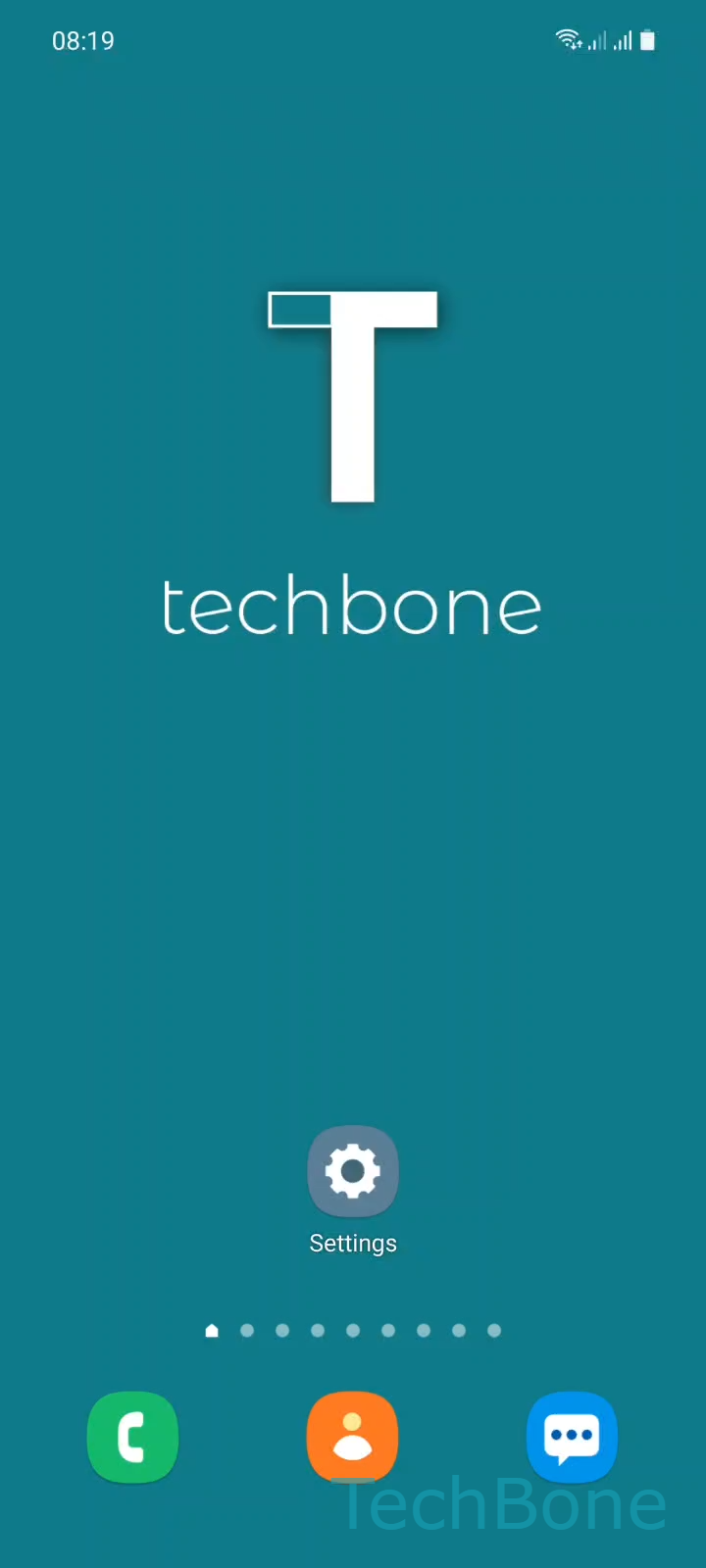
Step 1 of 5: Tap on **Settings**

1

Tap on Settings

Live simulator

Android 11 · One UI 3
Create a Local Backup to SD Card – One UI 3: step 1 – Tap on Settings
Tap on Settings
1 / 5

Scroll or use the buttons for the next step

Feedback

Was the guide correct?

Help others: confirm the path or report a problem.

87

Confirmations

Forum verified this path

Samsung

Create a Local Backup to SD Card auf Samsung

A local backup stores your data directly on the SD card or internal storage instead of Samsung Cloud or Google. It relies on the External storage transfer feature, which uses the same engine as Smart Switch, so the resulting file can be restored on another Samsung phone later.

To start it, open Tap on SettingsTap on Accounts and backupTap on External storage transferTap on SD cardTap on Back up. The phone scans installed apps, contacts, messages, photos and settings, then writes them into a single backup file on the selected storage.

This option helps when no stable internet connection is available, when Samsung Cloud storage is full, or before a factory reset when you want an offline copy ready. It does not replace a cloud backup for recovery after loss or theft of the device, since the file stays on the physical storage.

A microSD card needs enough free space, roughly matching the size of the app data and media selected for backup. Removing the card afterward keeps the backup safe even if the phone is reset or replaced.

Frequently asked questions

Yes. Since the backup uses External storage transfer, which runs on the same Smart Switch engine, you can insert the SD card into another Samsung phone and restore the backup through the same menu path.

Compatible devices

Tap your device — opens its hub with matching guides.

Android 11 · One UI 3

No compatible devices are listed for this version.