Skip to content
TechBone
Samsung

Samsung: Turn Predictive Text On or Off

Predictive text on the Samsung keyboard suggests words as you type, based on your past entries. If suggestions feel outdated, oddly personal, or simply distracting while you type, the keyboard's learning behavior is usually the cause. Turning predictive text off stops new suggestions and keeps the keyboard from adapting further to your typing history.

3 min4 steps
Version

Step by step

1 / 4

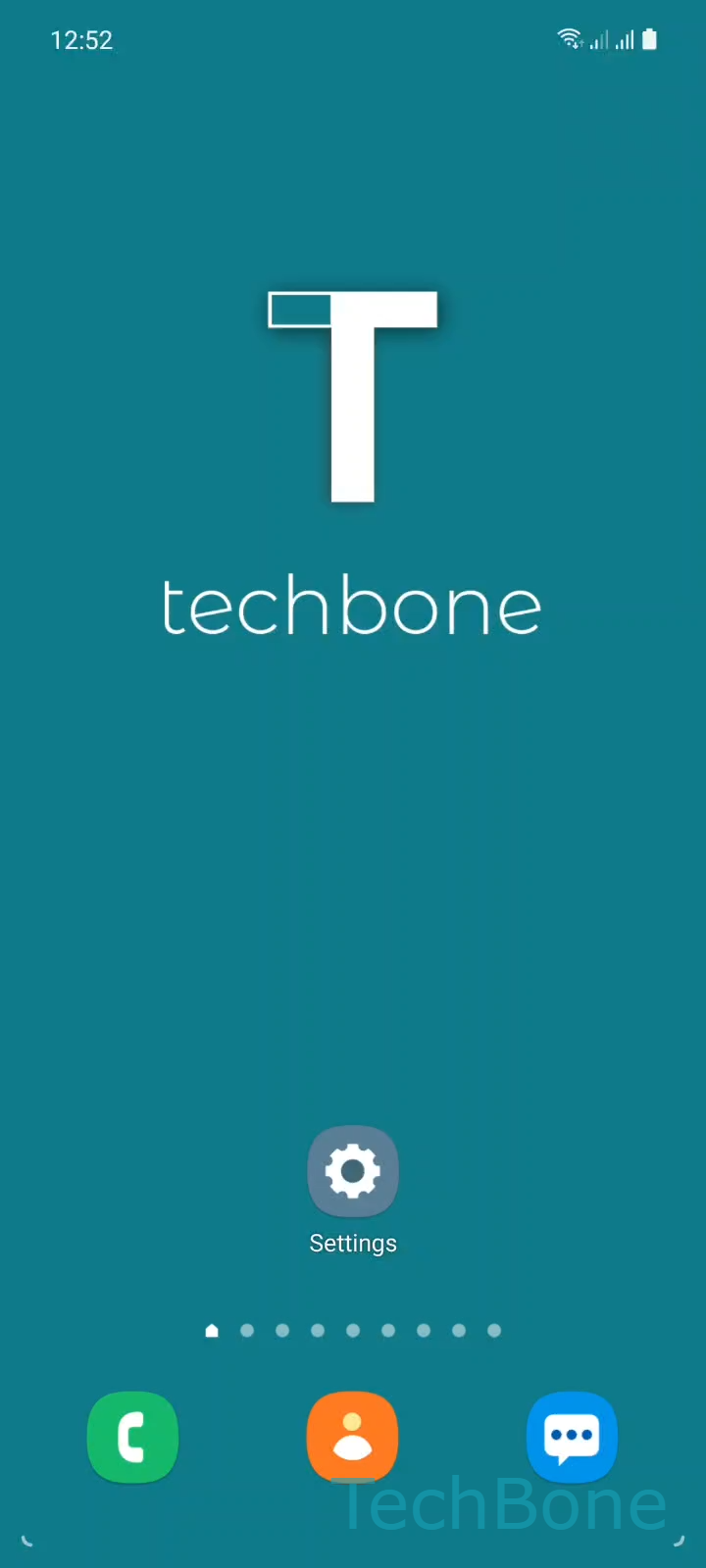
Step 1 of 4: Tap on **Settings**

1

Tap on Settings

Live simulator

Android 11 · One UI 3
Turn Predictive Text On or Off – One UI 3: step 1 – Tap on Settings
Tap on Settings
1 / 4

Scroll or use the buttons for the next step

Feedback

Was the guide correct?

Help others: confirm the path or report a problem.

47

Confirmations

Forum verified this path

Samsung

Turn Predictive Text On or Off auf Samsung

Predictive text on the Samsung keyboard analyzes what you type and suggests matching words above the keyboard row. The feature relies on your typing history, so suggestions can start to feel repetitive, outdated, or too personal once the keyboard has learned your habits for a while.

Samsung keeps this option inside the keyboard settings rather than the general input settings, which is why many users cannot find a switch to disable it. To reach the setting, go to Tap on SettingsTap on General managementTap on Samsung Keyboard settingsEnable or disable Predictive text.

Turning the toggle off stops new suggestions immediately, but it does not delete words the keyboard already learned. If you want a clean slate, clear the keyboard's personalized data separately instead of only disabling predictive text.

Leave predictive text enabled if you type long messages often and rely on quick word completion. Disable it if you share the device, type in multiple languages that confuse the suggestions, or prefer a keyboard that does not adapt to your input over time.

Frequently asked questions

No. Disabling Predictive text only stops new suggestions from appearing. Words and phrases the keyboard picked up earlier stay stored until you clear the keyboard's personalized data separately.

Compatible devices

Tap your device — opens its hub with matching guides.

Android 11 · One UI 3

No compatible devices are listed for this version.