Skip to content
TechBone
Samsung

Samsung: Remove an Account from Accounts and Backup

When you disconnect from a service like Facebook on your Samsung phone, the app itself often stays signed in because the account is still linked in the system settings. This happens because Samsung keeps every added account - email, cloud, social media - in one central list that also controls background sync. Removing it there is the only way to stop the syncing and fully disconnect the account from the device.

5 min6 steps
Version

Step by step

1 / 6

Step 1 of 6: Tap on **Settings**

1

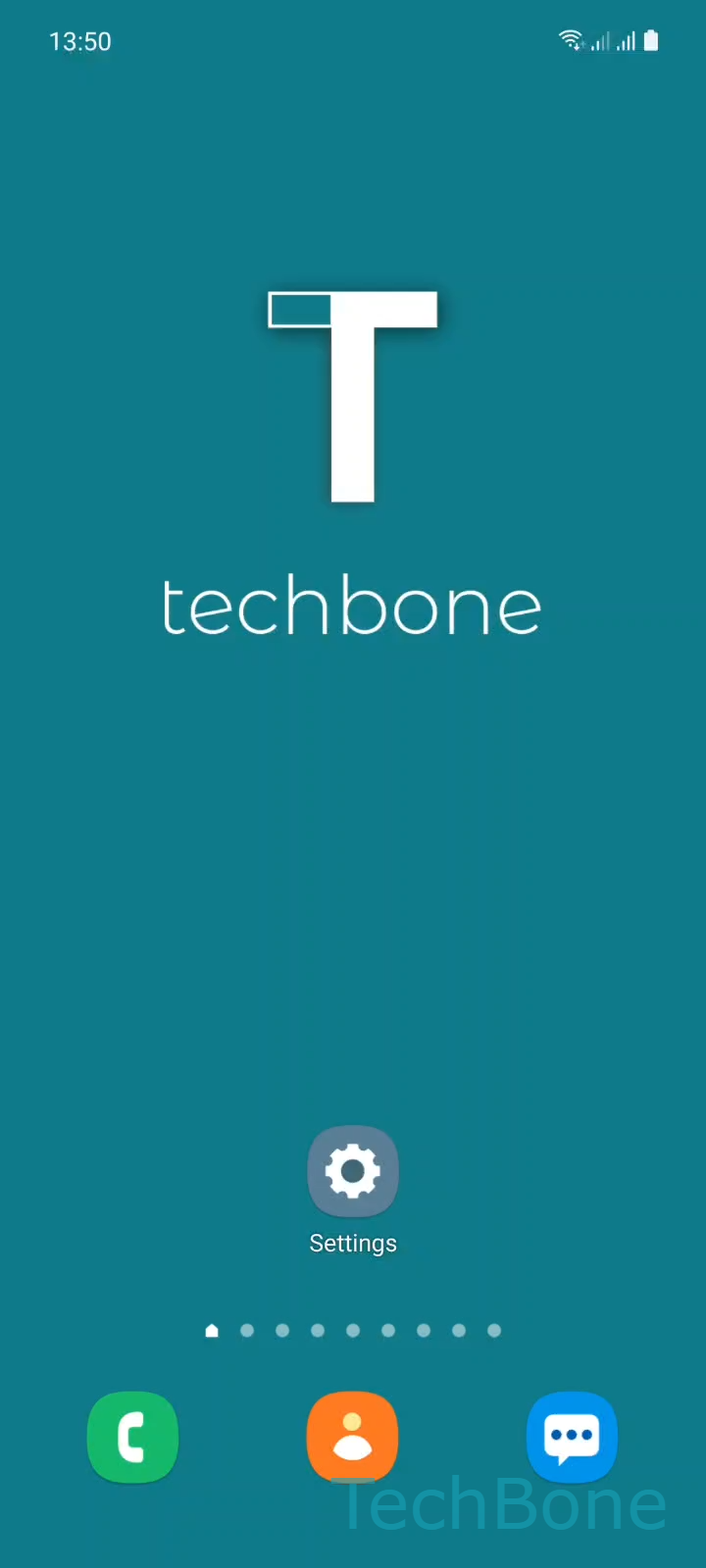
Tap on Settings

Live simulator

Android 11 · One UI 3
Remove a Synced Account – One UI 3: step 1 – Tap on Settings
Tap on Settings
1 / 6

Scroll or use the buttons for the next step

Feedback

Was the guide correct?

Help others: confirm the path or report a problem.

78

Confirmations

Forum verified this path

Samsung

Remove a Synced Account auf Samsung

Samsung collects every account you add - Google, Samsung account, email, social apps - in one place under Accounts and backup. Each entry controls what data gets synced in the background: contacts, calendar, photos, app logins.

Logging out of an app like Facebook or Instagram often only ends the session inside that app. The account itself stays registered on the phone, and background sync for contacts or calendar entries linked to it keeps running until you remove the account from the system list.

To remove an account completely, go to Tap on SettingsTap on Accounts and backupTap on Manage accountsChoose an AccountTap on Remove accountTap on Remove account to confirm.

This deletes the account and its sync settings from the device only. Nothing happens to the account itself online, so you can sign back in anytime. If you only want to pause syncing without removing the account, turn off the individual sync toggles inside that account instead of deleting it.

Frequently asked questions

No. Removing an account through Manage accounts only unlinks it from your Samsung phone. Data stored on the service itself, like your Facebook profile or Google Drive files, stays untouched.

Compatible devices

Tap your device — opens its hub with matching guides.

Android 11 · One UI 3

No compatible devices are listed for this version.