Skip to content
TechBone
Samsung

Samsung: Schedule the Eye Comfort Shield Automatically

Manually turning Eye comfort shield on and off every evening gets old fast, especially when sunset times shift throughout the year. If the blue light filter only ever runs when you remember to tap it, you are missing the automatic scheduling option built into the display settings. A fixed start and end time or a sunset-to-sunrise rule keeps the warm tint active exactly when you need it.

5 min6 steps
Version

Step by step

1 / 6

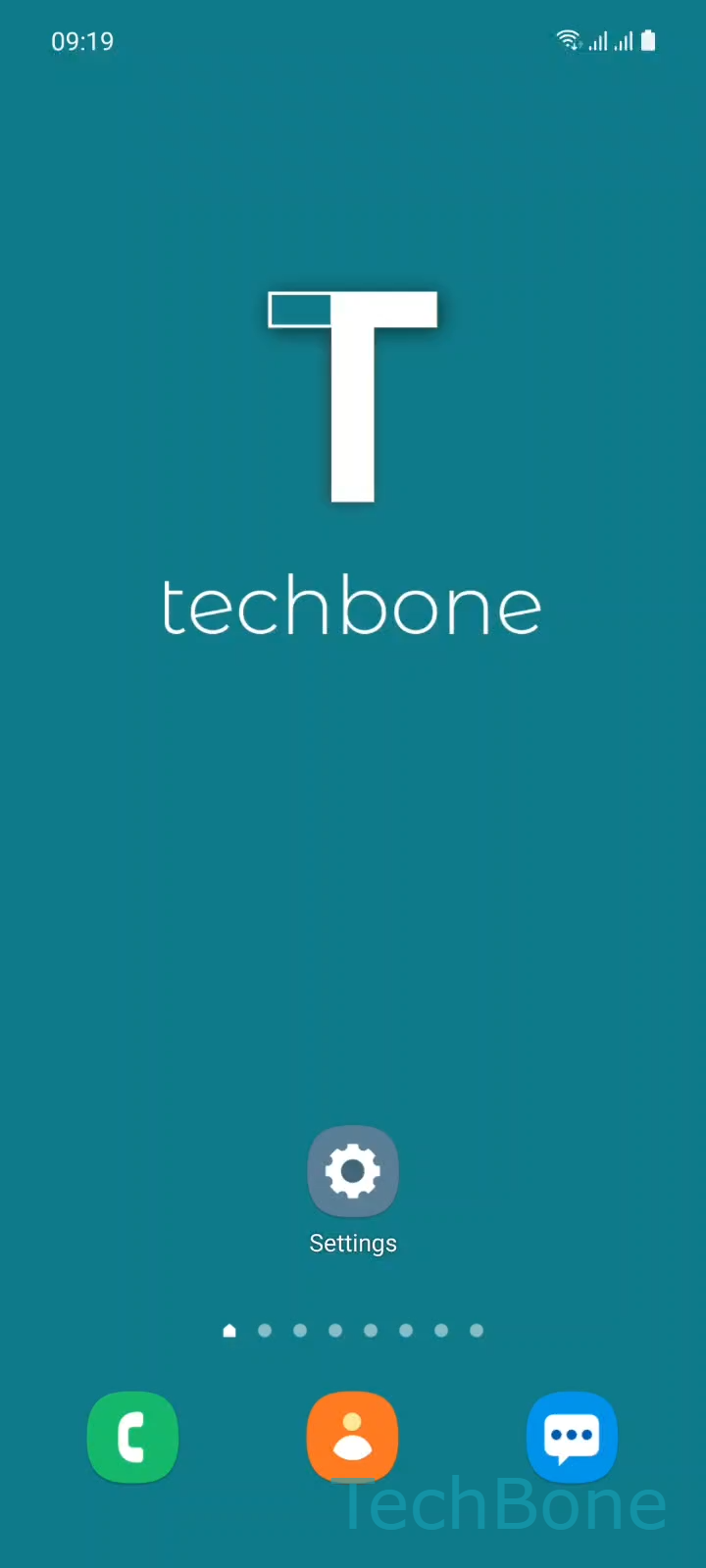
Step 1 of 6: Tap on **Settings**

1

Tap on Settings

Live simulator

Android 11 · One UI 3
Schedule Eye Comfort Shield (Blue Light Filter) – One UI 3: step 1 – Tap on Settings
Tap on Settings
1 / 6

Scroll or use the buttons for the next step

Feedback

Was the guide correct?

Help others: confirm the path or report a problem.

66

Confirmations

Forum verified this path

Samsung

Schedule Eye Comfort Shield (Blue Light Filter) auf Samsung

Eye comfort shield reduces blue light emission by shifting the display toward warmer tones. On Samsung phones running One UI, this filter can run on a fixed schedule instead of requiring a manual toggle every time.

Two schedule modes exist: Sunset to sunrise, which uses your location and time zone to detect local sunset and sunrise, and Custom, which lets you set your own start and end time regardless of daylight. Custom mode helps with night-shift work hours or rooms with blackout curtains, where actual daylight does not match your sleep pattern.

To set it up, open SettingsDisplayEye comfort shieldSet schedule. Choose Sunset to sunrise or Custom. For a custom schedule, set the Start and End time, then tap Done.

Once scheduled, the filter switches on and off on its own without further input. If it never activates at the expected time, check that location services are enabled when using Sunset to sunrise, since the calculation depends on it.

Frequently asked questions

The Sunset to sunrise mode relies on your location to calculate local sunset and sunrise times. If location services are turned off or the time zone is wrong, the schedule can fail silently. Check SettingsLocation and make sure it is enabled.

Compatible devices

Tap your device — opens its hub with matching guides.

Android 11 · One UI 3

No compatible devices are listed for this version.