
Skip to content
TechBone
Samsung

Samsung: Schedule Dark Mode Automatically

If Dark Mode stays on well past sunrise or never switches off before you go to bed, the automatic schedule on your Samsung phone probably is not set up yet. Samsung lets you tie Dark Mode to sunset and sunrise or to a fixed time you choose, but this option sits switched off by default, so most people end up toggling the display mode by hand every day.

5 min6 steps
Version

Step by step

1 / 6

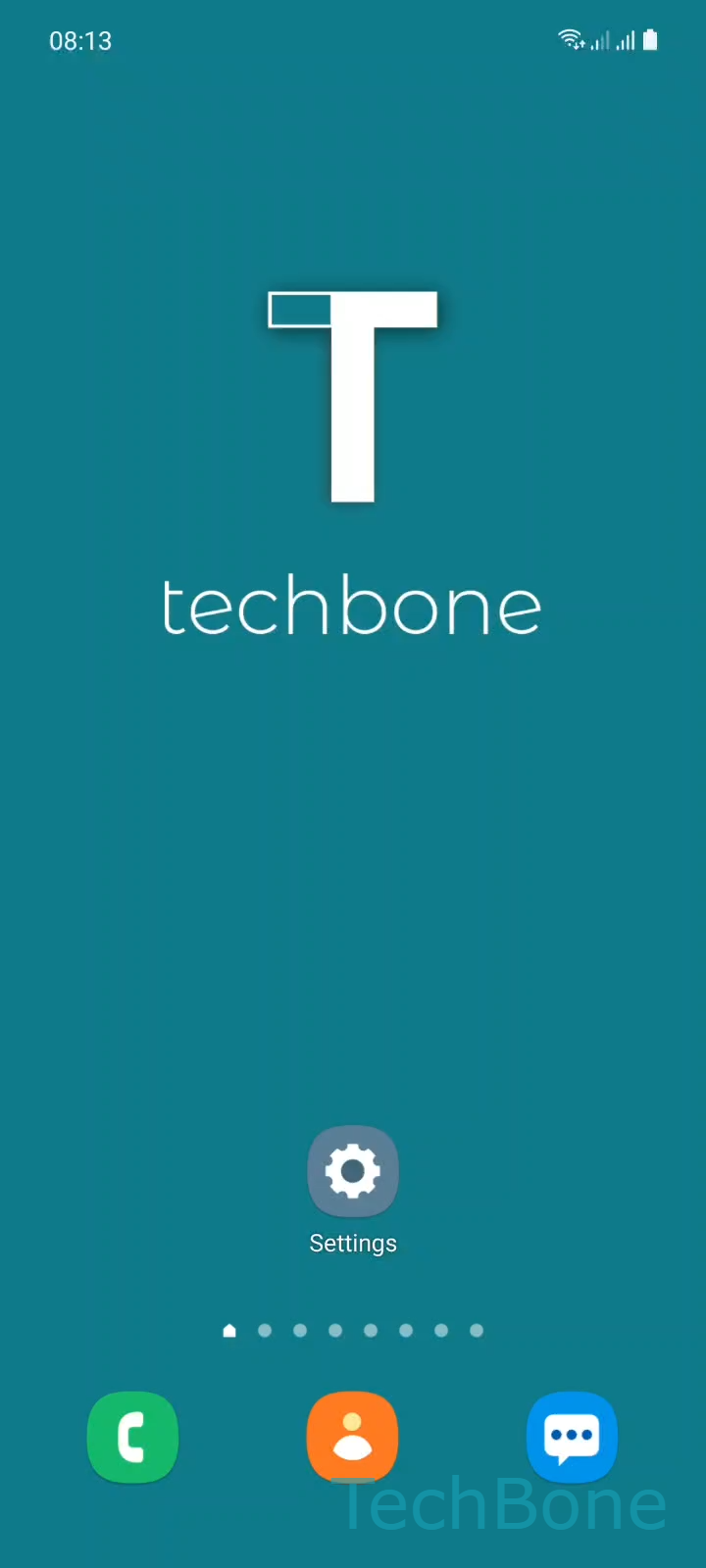
Step 1 of 6: Tap on **Settings**

1

Tap on Settings

Live simulator

Android 11 · One UI 3
Schedule Dark Mode – One UI 3: step 1 – Tap on Settings
Tap on Settings
1 / 6

Scroll or use the buttons for the next step

Feedback

Was the guide correct?

Help others: confirm the path or report a problem.

10

Confirmations

Forum verified this path

Samsung

Schedule Dark Mode auf Samsung

Dark Mode on Samsung phones does not turn itself on automatically until you enable a schedule. Without one, the display stays in whichever mode you last picked, even after sunset or in a dark room.

Samsung offers two automation options: a schedule that follows sunset and sunrise based on your location, or a custom schedule with times you set yourself. The custom option is useful if your sleep hours do not match daylight hours, for example on night shifts.

To set it up, go to Tap on SettingsTap on DisplayTap on Dark mode settingsEnable Turn on as scheduled. From there, choose Sunset to sunrise or Custom schedule. If you pick the custom option, set the Start/End time that matches when you want Dark Mode active.

Once scheduled, the phone switches modes on its own and you no longer need to toggle Dark Mode manually from the notification panel. If Dark Mode still does not switch as expected, check that location access is granted when using the sunset-to-sunrise setting, since the phone needs it to calculate local times.

Frequently asked questions

If you chose Sunset to sunrise, confirm that location access is allowed for the system, since the phone needs your position to calculate accurate sunset and sunrise times. Without location data, the schedule cannot trigger.

Compatible devices

Tap your device — opens its hub with matching guides.

Android 11 · One UI 3

No compatible devices are listed for this version.