Skip to content
TechBone
Samsung

Samsung: Set Up Screen Saver on the Display

If your Samsung screen saver never appears while charging, or the wrong image type keeps loading, the Screen saver settings usually need a second look. One UI lets you pick between a color change, a photo frame, a single photo, or a photo table, but the toggle for turning the feature on or off sits a few taps deep in Display settings. Getting the wrong option selected often means the screen saver either never triggers or shows content you did not choose.

3 min4 steps
Version

Step by step

1 / 4

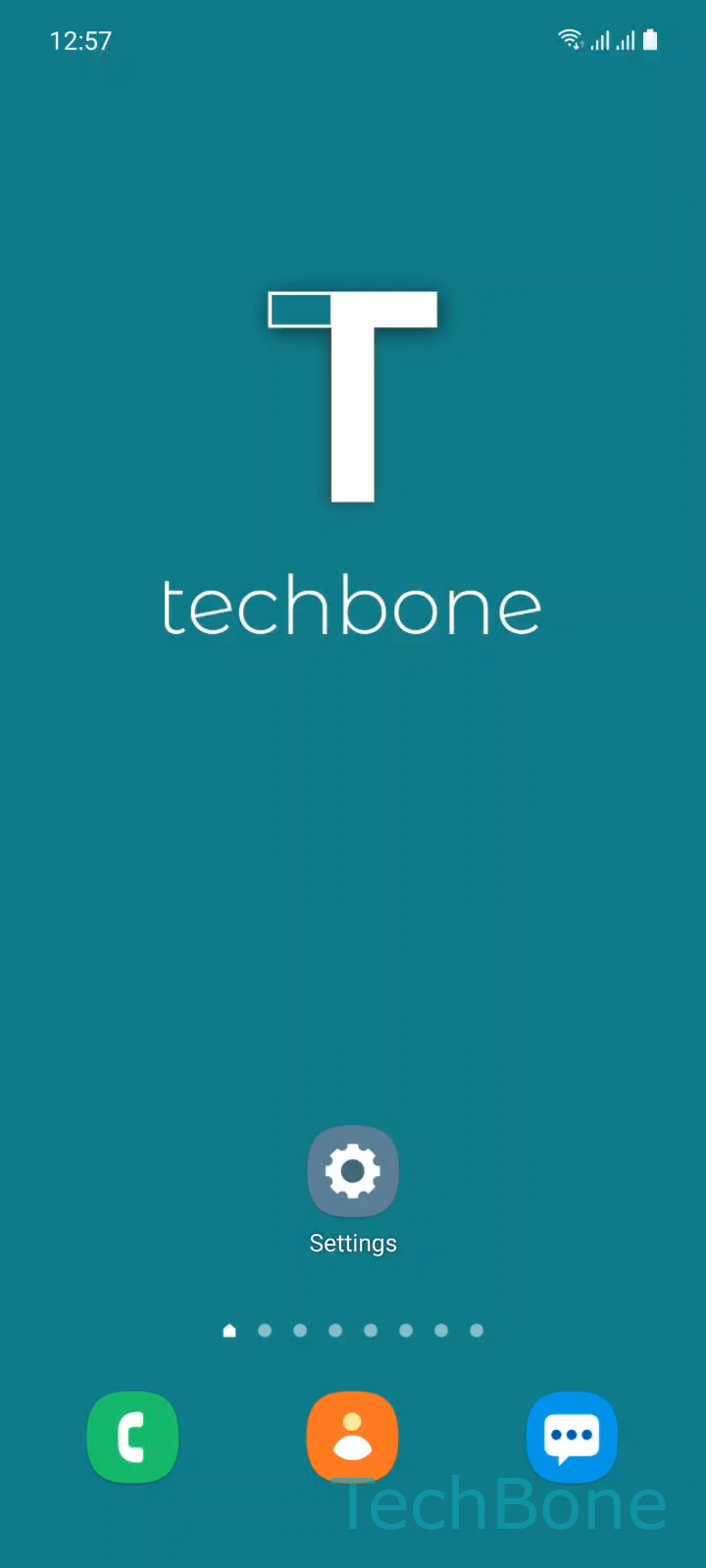
Step 1 of 4: Tap on **Settings**

1

Tap on Settings

Live simulator

Android 11 · One UI 3
Set Up Screen Saver – One UI 3: step 1 – Tap on Settings
Tap on Settings
1 / 4

Scroll or use the buttons for the next step

Feedback

Was the guide correct?

Help others: confirm the path or report a problem.

60

Confirmations

Forum verified this path

Samsung

Set Up Screen Saver auf Samsung

The screen saver on Samsung devices only activates while the phone is charging and the display enters its regular sleep state. If nothing shows up, the feature is either switched off or set to an option that needs extra content, like photos that have not been selected yet.

You manage this under SettingsDisplayScreen saverChoose an option. One UI offers a color change, a photo frame, a single photo, and a photo table. Each option has its own settings page, so selecting Photo table or Photo frame also requires picking an album or specific images, otherwise the screen stays blank when it should trigger.

Turning the screen saver off entirely is done from the same menu, using the switch at the top of the Screen saver page. This is useful if you charge your phone overnight and prefer a completely dark display instead of moving graphics or photos.

If Always On Display is also active, the two features can overlap visually once charging stops. Checking both settings together avoids a screen that looks different from what you configured.

Frequently asked questions

The screen saver only runs while the device is connected to power, so it does not draw from the battery itself. It can slightly increase warmth on the display during long charging sessions, especially with a photo table.

Compatible devices

Tap your device — opens its hub with matching guides.

Android 11 · One UI 3

No compatible devices are listed for this version.