Skip to content
TechBone
Samsung

Samsung: Change the Call Vibration Pattern

If every incoming call feels like the same long buzz, your Samsung phone is still set to the standard call vibration. One UI actually ships with several distinct patterns, including a heartbeat, a knocking rhythm and a waltz-style pulse, but most people never notice the option exists. Picking a different pattern helps you tell calls apart from notifications by feel alone, without looking at the screen.

3 min4 steps
Version

Step by step

1 / 4

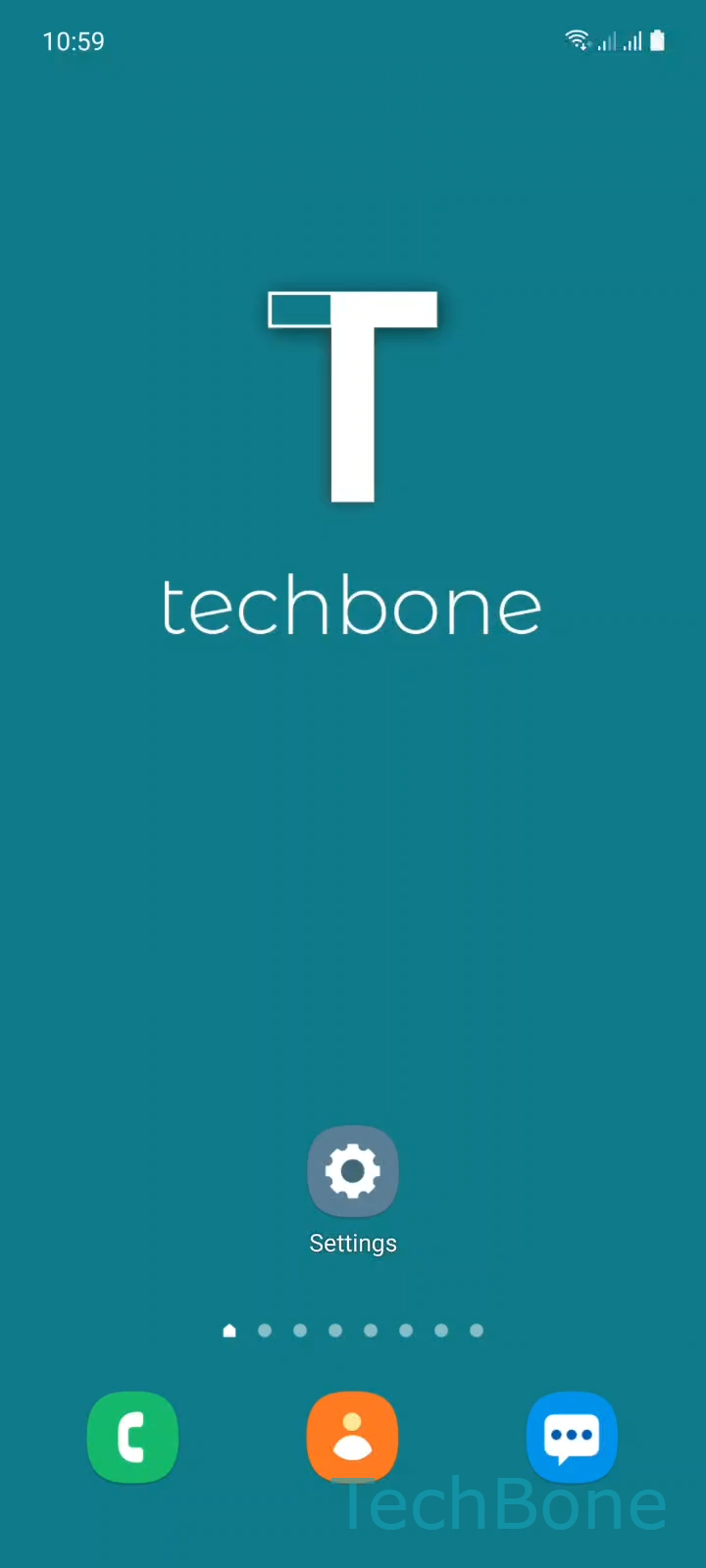
Step 1 of 4: Tap on **Settings**

1

Tap on Settings

Live simulator

Android 11 · One UI 3
Change Call Vibration Pattern – One UI 3: step 1 – Tap on Settings
Tap on Settings
1 / 4

Scroll or use the buttons for the next step

Feedback

Was the guide correct?

Help others: confirm the path or report a problem.

96

Confirmations

Forum verified this path

Samsung

Change Call Vibration Pattern auf Samsung

Samsung phones vibrate for calls using a single default pattern unless you change it manually. This setting sits apart from your ringtone and from notification vibrations, so adjusting one does not affect the other.

To pick a different pattern, go to Tap on SettingsTap on Sounds and vibrationTap on Call vibration patternSet the Call vibration pattern. You will see a short preview list including options like a heartbeat rhythm, a knocking pattern and a waltz-style pulse. Tapping any option triggers an instant vibration preview, so you can compare them before confirming.

When this setting does not help

If your phone does not vibrate at all during calls, check that vibration is enabled globally in the same Sounds and vibration menu, since a disabled toggle overrides any pattern choice.

Also confirm that Do Not Disturb or a Focus mode is not silencing calls entirely, as these features can suppress both sound and vibration regardless of the pattern selected.

Frequently asked questions

Samsung ties custom vibration patterns to individual contacts through the contact's own settings, separate from the general Call vibration pattern menu. Open the contact, look for a vibration or ringtone option there, and assign a pattern just for that person.

Compatible devices

Tap your device — opens its hub with matching guides.

Android 11 · One UI 3

No compatible devices are listed for this version.