
Xiaomi
Switch Keyboard Language While Typing auf Xiaomi
When you type in more than one language, MIUI keeps whichever keyboard language you used last, even in a new app. This is why messages sometimes start with the wrong autocorrect and suggestions until you switch manually.
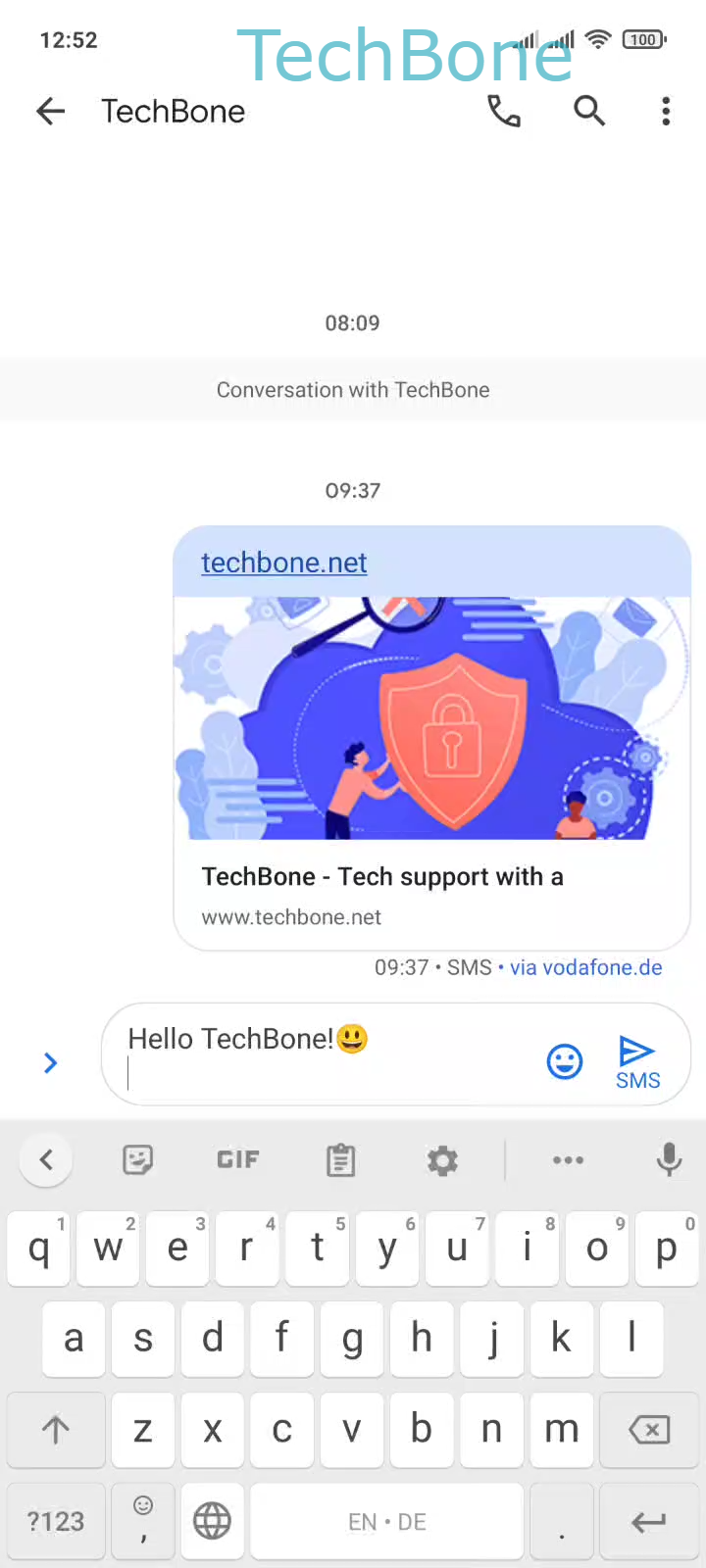
Every MIUI keyboard shows a language switch key, the globe icon, next to the space bar once more than one keyboard language is installed. Tapping it cycles through your installed languages one by one.
If you need to jump straight to a specific language instead of cycling through all of them, tap and hold the space bar. This opens a small language picker directly above the keyboard.
Use Tap the Language switch key or tap and hold the Space bar ➔ Choose a Keyboard language to select the language you need for the message you are writing right now.
This switch only affects the current text field. The next app you open still uses your default keyboard language, so you do not need to switch back manually.
If the globe icon is missing or the picker only shows one entry, the keyboard app has just a single language installed. In that case, add a second language in the keyboard settings before this shortcut becomes available.