
Skip to content
TechBone
Xiaomi

Xiaomi: Delete a Contact from Calls and Messages

Contacts opened from Calls or Messages on a Xiaomi phone are the same entries stored in the Contacts app, so removing one wipes it out everywhere at once. Syncing with your Google Account does not stop the local delete from going through, and once it is confirmed there is no built-in way to bring the entry back.

4 min5 steps
Version

Step by step

1 / 5

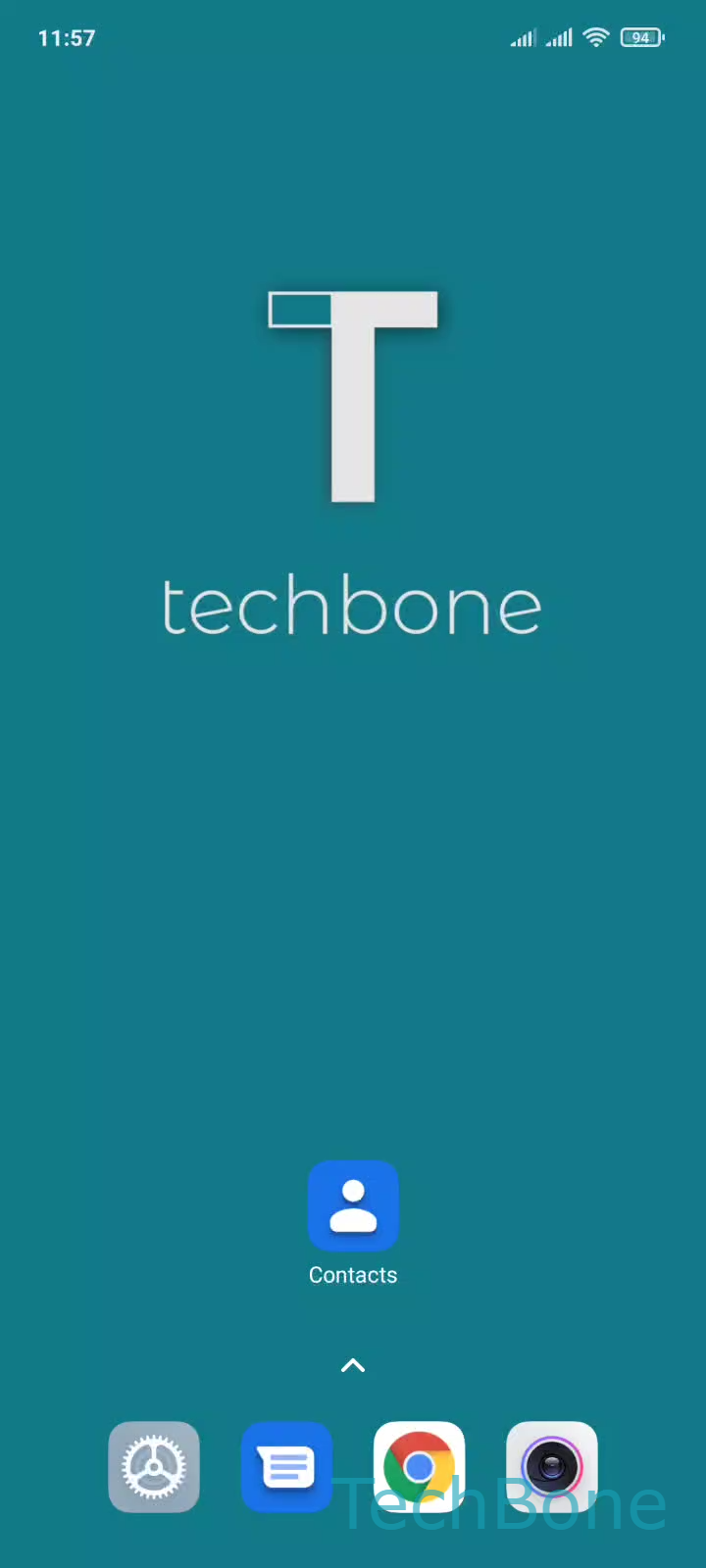
Step 1 of 5: Tap on **Contacts**

1

Tap on Contacts

Live simulator

Android 11 · MIUI
Delete a Contact – MIUI: step 1 – Tap on Contacts
Tap on Contacts
1 / 5

Scroll or use the buttons for the next step

Feedback

Was the guide correct?

Help others: confirm the path or report a problem.

41

Confirmations

Forum verified this path

Xiaomi

Delete a Contact auf Xiaomi

A contact reached from Calls or Messages on a Xiaomi phone is not a separate copy. It is the same entry stored in the Contacts app, so deleting it there removes the number from calls, messages, and the contact list in one step.

What happens when you delete a contact

MIUI treats this as a permanent local action. Even if the contact was originally synced from your Google Account, the phone still lets you remove it, and the deletion cannot be undone from the device afterward. If you might need the number again, save it in your Google Contacts app before removing it here.

Steps to delete a contact

Open Tap on Contacts and go to Choose a Contact to select the entry you want to remove. Inside the contact, use Open the Menu to reveal the available actions, then select Tap on Delete. A confirmation prompt appears, and you confirm with Tap on Delete again to complete the removal.

Once confirmed, the contact disappears from Calls, Messages, and the Contacts app at the same time.

Frequently asked questions

The delete action described here removes the contact locally on the phone, even when that same entry is stored in your Google Account. Because the change cannot be reversed from the device, back the number up in your Google Contacts app first if you are unsure.