

Android
Add Contact to a Label auf Android
A label on Android only works as a grouping tool once contacts are actually placed inside it. If you created a label such as Family or Work but calls still use the default ringtone, the contact was likely never assigned to that label.
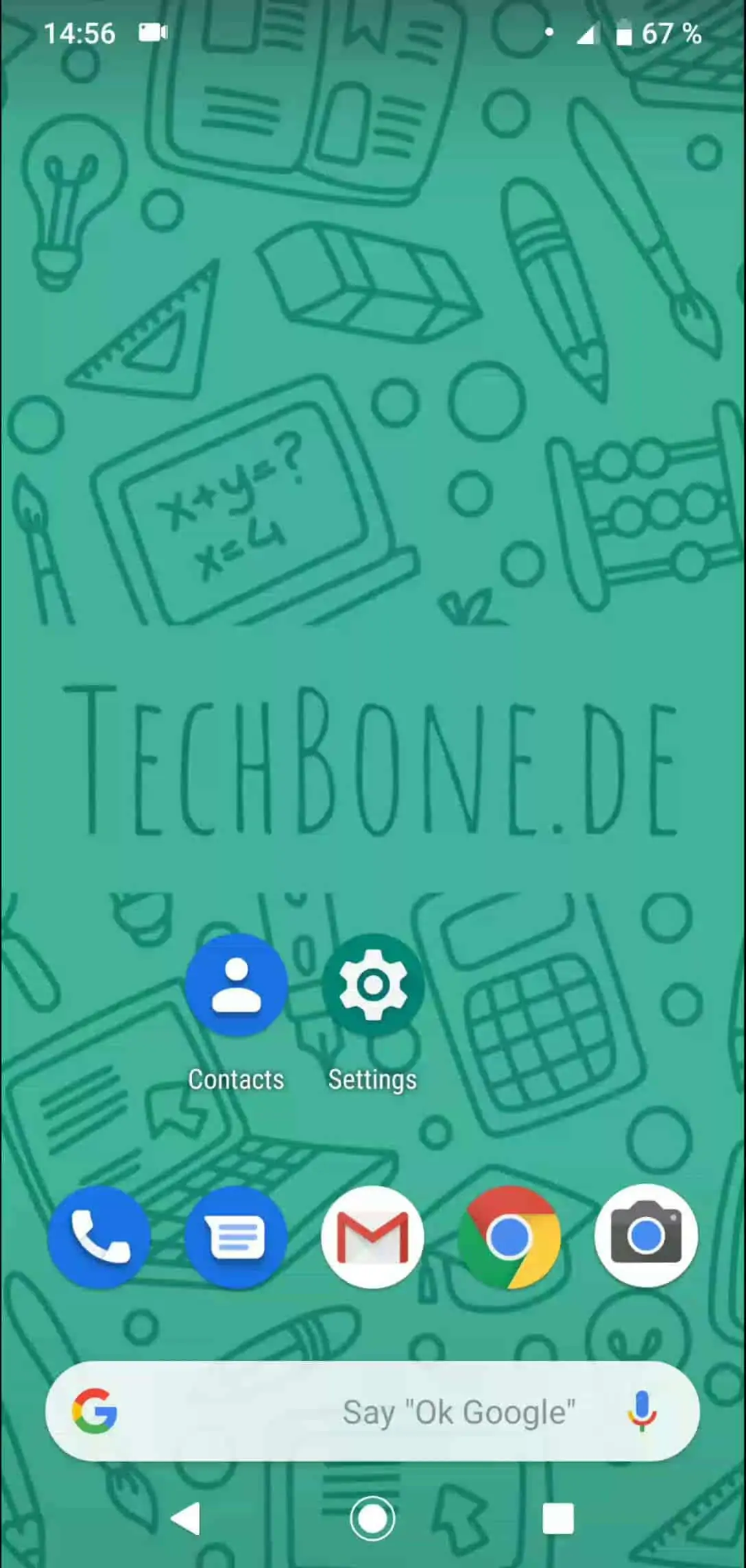
Open Contacts and tap Open the menu. From there, select Choose a label to pick the group you want to edit.
Inside the label, tap Tap on Add a contact, then Choose the contact you want to add from your list. The contact now belongs to that label and inherits any custom ringtone or photo you set for the group.
You can repeat this process to add multiple people to the same label, or add one contact to several labels at once. If a contact still rings with the default tone after being added, check that the label itself has a custom ringtone assigned, since the label membership alone does not create one automatically.