Skip to content
TechBone
Android

Android: Turn On Automatic Network Selection

If your phone keeps showing Searching... or won't drop a roaming icon after travel, automatic network selection might be switched off. Android normally hands you over to your carrier's tower on its own, but a manual pick or a failed handover can lock the phone to one operator. This setting applies per SIM, so dual-SIM phones need it checked on both lines.

4 min5 steps
Version

Step by step

1 / 5

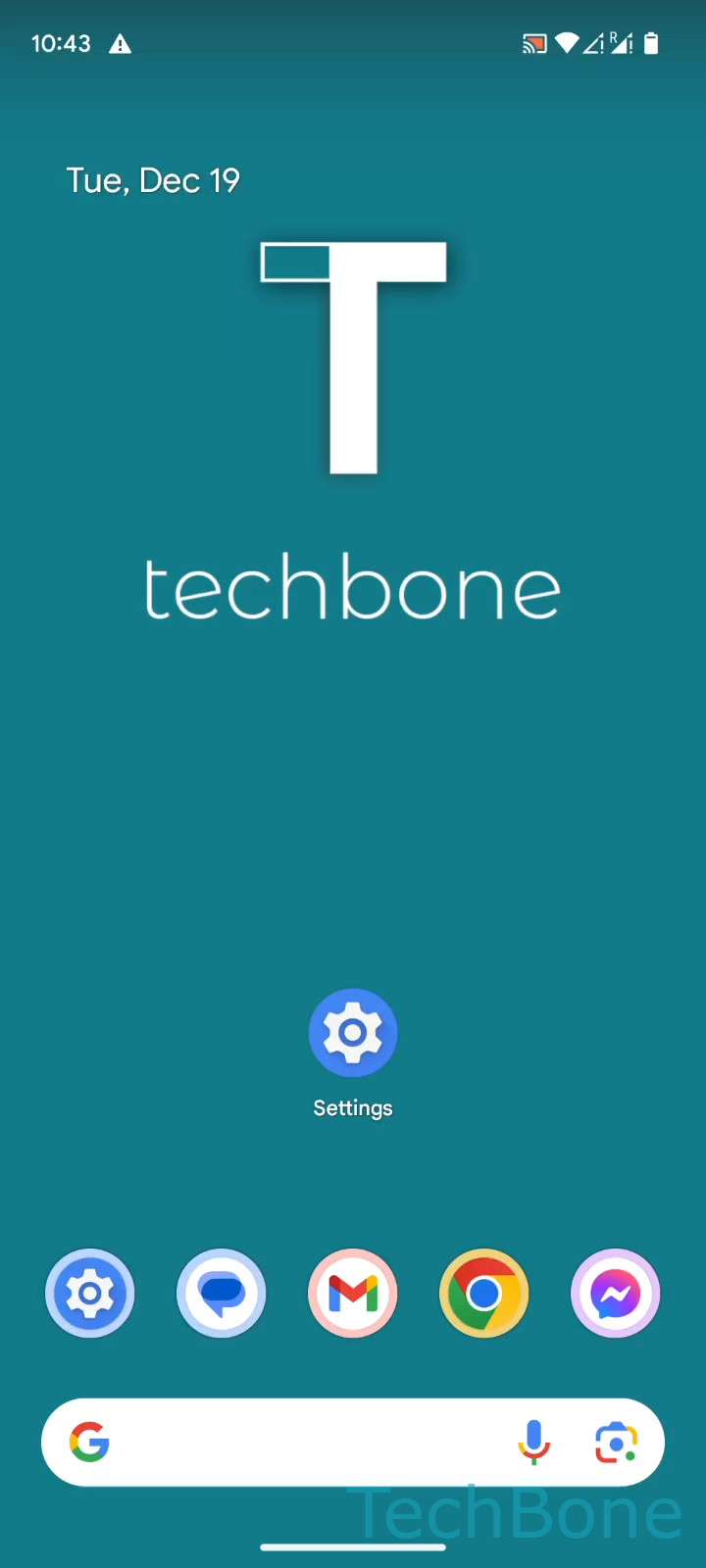
Step 1 of 5: Tap on **Settings**

1

Tap on Settings

Live simulator

Android 14 · Android 14
Turn On Automatic Network Selection – Android 14: step 1 – Tap on Settings
Tap on Settings
1 / 5

Scroll or use the buttons for the next step

Feedback

Was the guide correct?

Help others: confirm the path or report a problem.

28

Confirmations

Forum verified this path

Android

Turn On Automatic Network Selection auf Android

When automatic network selection is off, Android stops handing your connection over to your carrier's tower by itself. This usually happens after someone manually picked a network abroad, or after a failed handover left the phone locked to one operator. The result shows up as a Searching... status, missing signal where coverage should exist, or a roaming icon that never clears.

The setting lives per SIM. On dual-SIM phones, you have to repeat the steps for each card, otherwise one line keeps searching manually while the other reconnects automatically.

To turn it back on, go to SettingsNetwork & internetSIMs, pick the line under Choose a SIM card (Dual SIM) if you have two, and switch on Automatically select network.

Leave the toggle on for daily use. Only switch it off temporarily if you need to force a connection to one specific operator, for example when your default carrier has an outage and a partner network is reachable instead.

Frequently asked questions

Searching usually clears within a minute after you enable Automatically select network, since Android needs time to scan nearby towers. If it stays stuck longer, toggle airplane mode on and off to force a fresh scan.