
Skip to content
TechBone
Android

Android: Manage Battery Optimization for Individual Apps

If a messaging app misses notifications until you open it, or a background app drains your battery overnight, the per-app battery setting is usually behind it. Android lets you set each app to Unrestricted, Optimized or Restricted, and the wrong choice either kills useful background activity or lets a rarely used app run unchecked. Picking the right mode for the right app matters more than tweaking system-wide power settings.

5 min6 steps
Version

Step by step

1 / 6

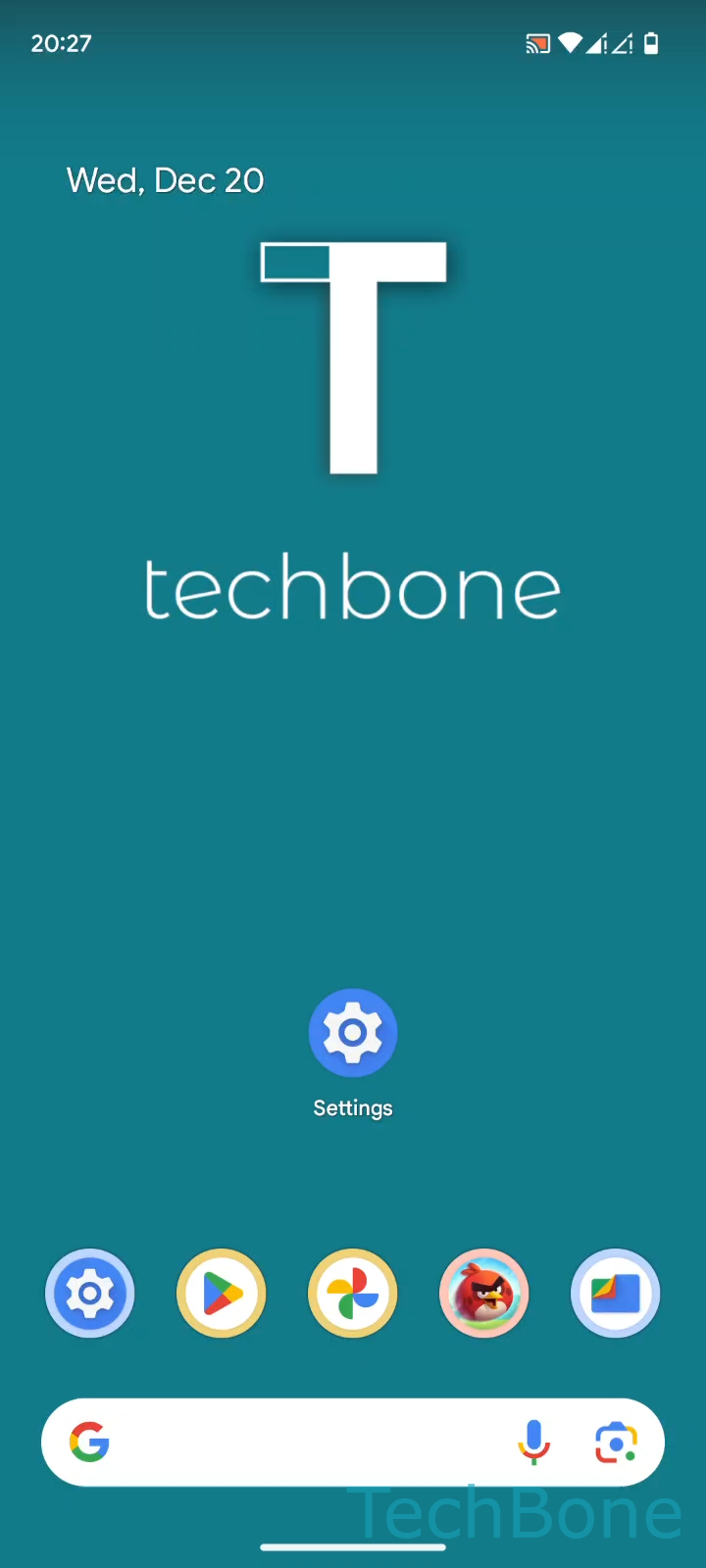
Step 1 of 6: Tap on **Settings**

1

Tap on Settings

Live simulator

Android 14 · Android 14
Battery Optimization for Individual Apps – Android 14: step 1 – Tap on Settings
Tap on Settings
1 / 6

Scroll or use the buttons for the next step

Feedback

Was the guide correct?

Help others: confirm the path or report a problem.

48

Confirmations

Forum verified this path

Android

Battery Optimization for Individual Apps auf Android

Android tracks how much battery each app uses in the background and assigns a battery mode automatically. This mode decides how freely an app can run when you are not actively using it.

There are three options. Unrestricted lets an app run and receive data in the background without limits, which is needed for messaging or calling apps that must deliver notifications instantly. Optimized is the default: Android decides when to slow down or pause background activity based on your usage patterns. Restricted blocks most background activity and can delay or block notifications entirely, which helps rescue battery life from apps you barely open.

To change the setting for one app:

Tap on SettingsTap on AppsTap on See all appsChoose an AppTap on App battery usageSelect Unrestricted, Optimized or Restricted

Set apps you rely on for real-time alerts to Unrestricted. Leave most apps on Optimized. Only use Restricted for apps that drain battery in the background but do not need instant updates, since it can break push notifications completely.

Frequently asked questions

Apps that must deliver alerts immediately, like messaging, calling or navigation apps, belong on Unrestricted. Anything else can usually stay on Optimized without issues.